Understanding Linksys Router Access Point Mode
In today's interconnected world, a reliable and seamless Wi-Fi connection is essential for streaming, gaming, and other online activities. To achieve this, many router manufacturers offer multiple modes for their devices, including Access Point Mode. In this article, we will explore the Linksys Router Access Point Mode, its benefits, and how to set it up.
What is Access Point Mode on a Linksys Router?
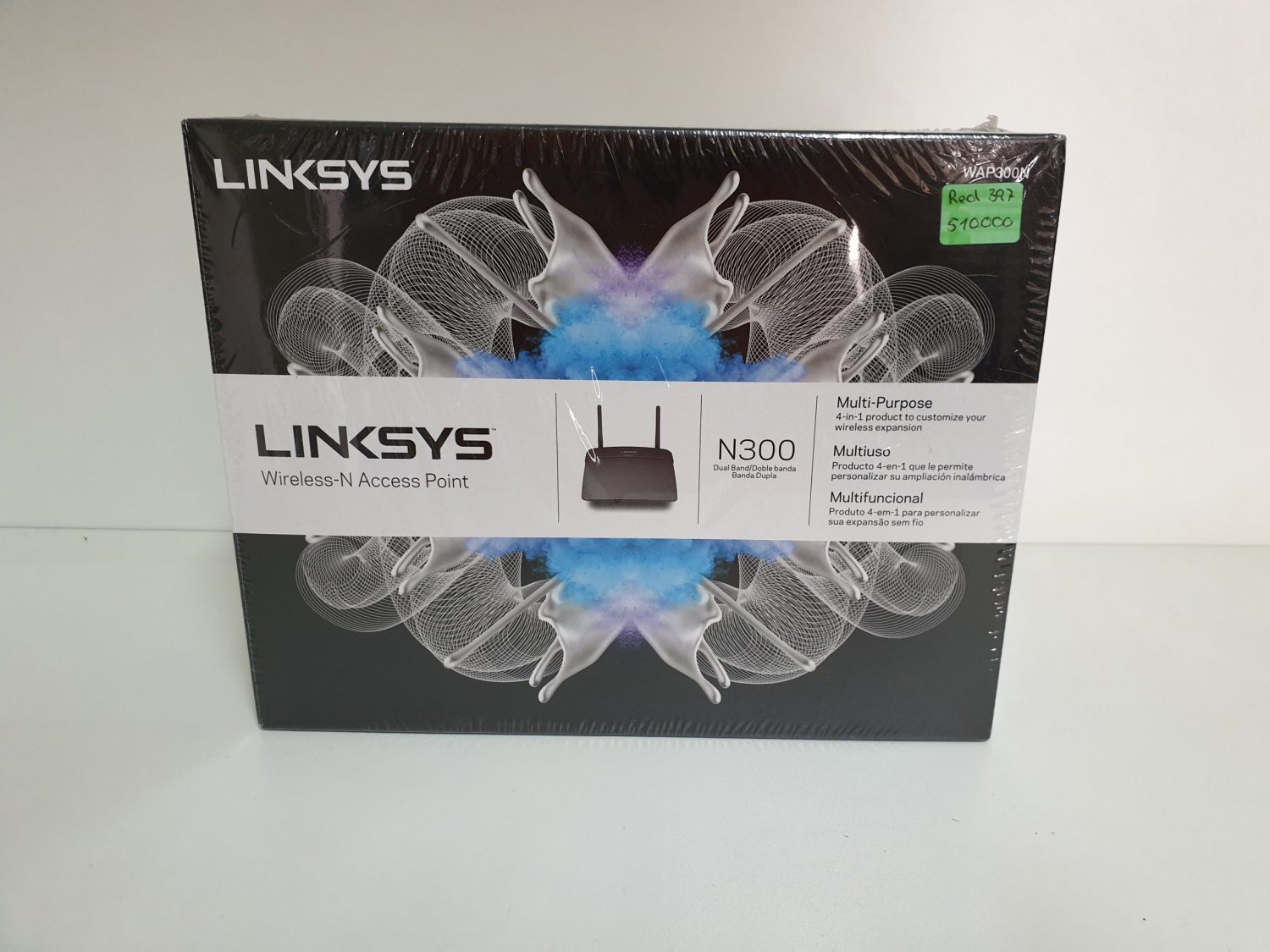
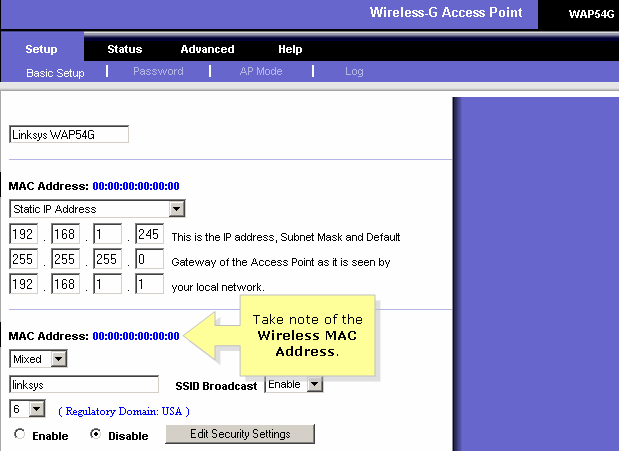
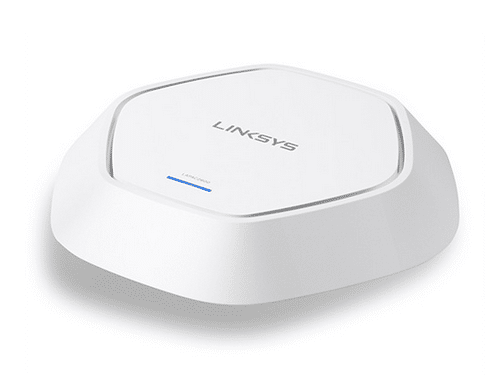
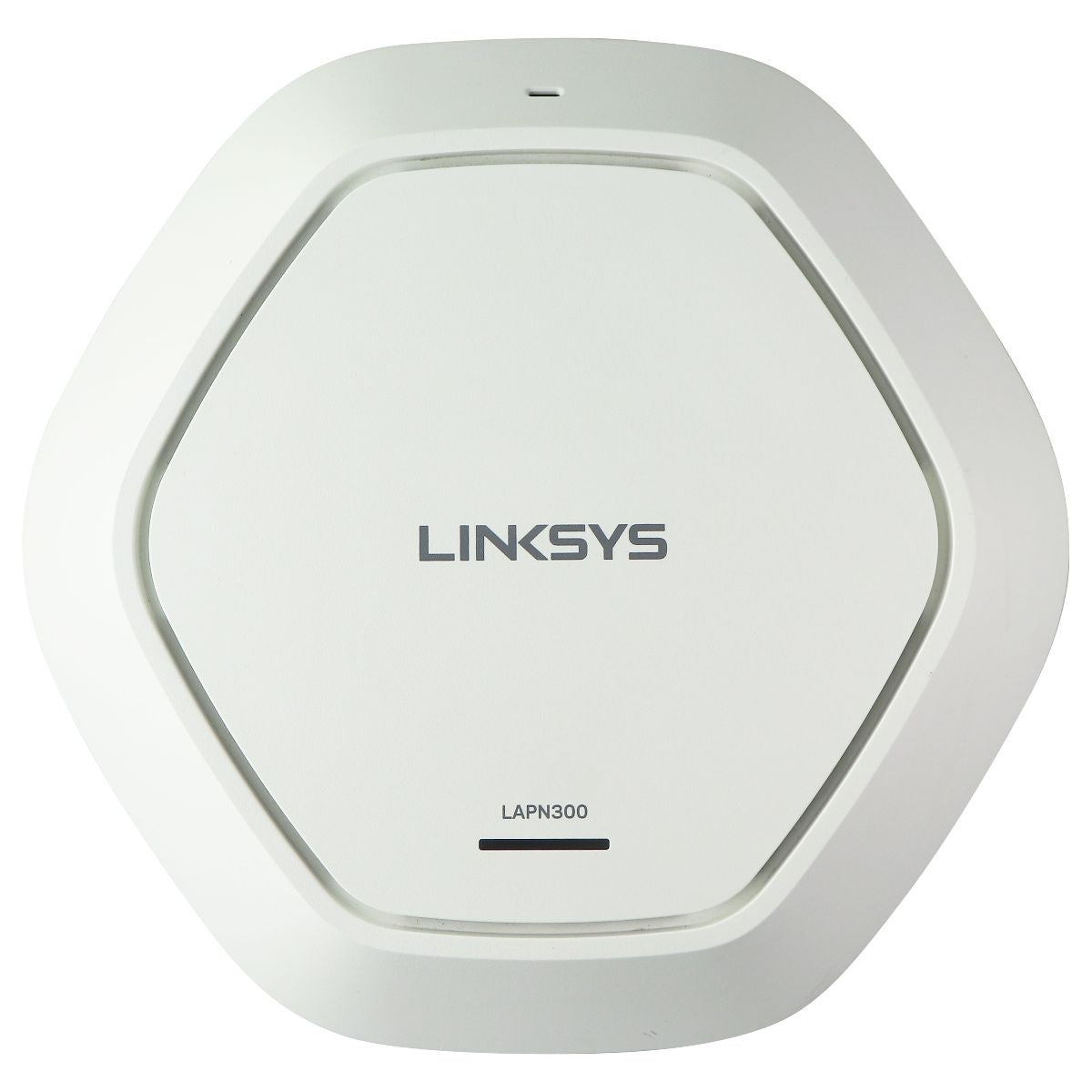
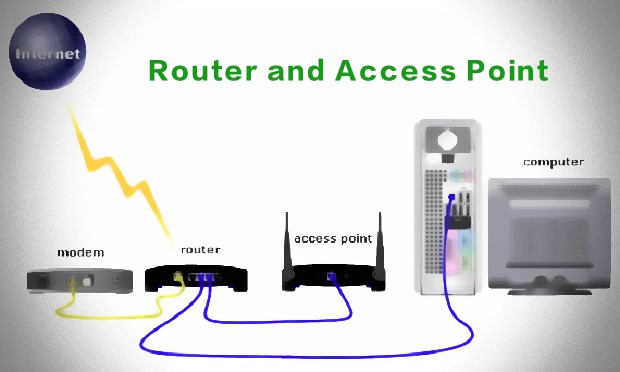
Access Point Mode, also known as AP Mode, is a feature offered by Linksys router range extenders that allows you to expand your Wi-Fi network by connecting it to your router or switch through a cable. This setup enables minimal loss of performance or dropping connections, making it an ideal choice for better Wi-Fi speeds.

Benefits of Using Access Point Mode on a Linksys Router
- Improved Wi-Fi Speeds: By selecting Access Point Mode, you can achieve faster and more reliable Wi-Fi speeds, ensuring seamless online experiences.
- Minimal Loss of Performance: Unlike other range extender modes, Access Point Mode minimizes performance loss and dropped connections, providing a more stable network.
- Easy Setup: Configuring your Linksys router range extender in Access Point Mode is a straightforward process, even for those who are not tech-savvy.