Ergonomic Tips for Back Pain: Creating a Healthy and Comfortable Workspace
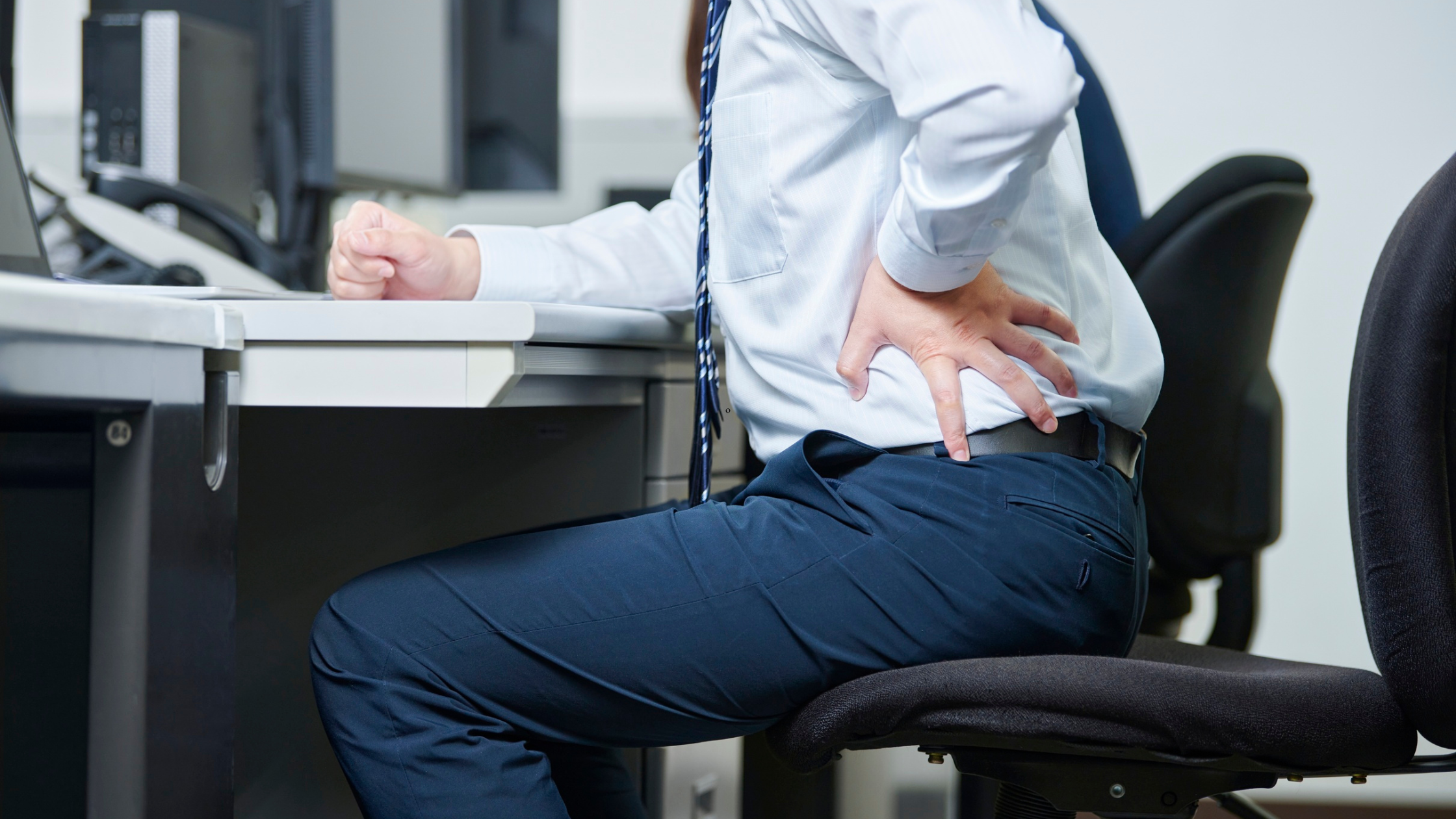
Back pain is a common complaint among office workers, and it's often caused by poor posture, inadequate ergonomic setup, or prolonged sitting. However, there are simple and effective ways to prevent back pain and maintain a healthy spine. In this article, we'll explore some essential ergonomic tips for back pain, helping you to create a comfortable and safe workspace.
Why Ergonomics Matter for Spinal Health
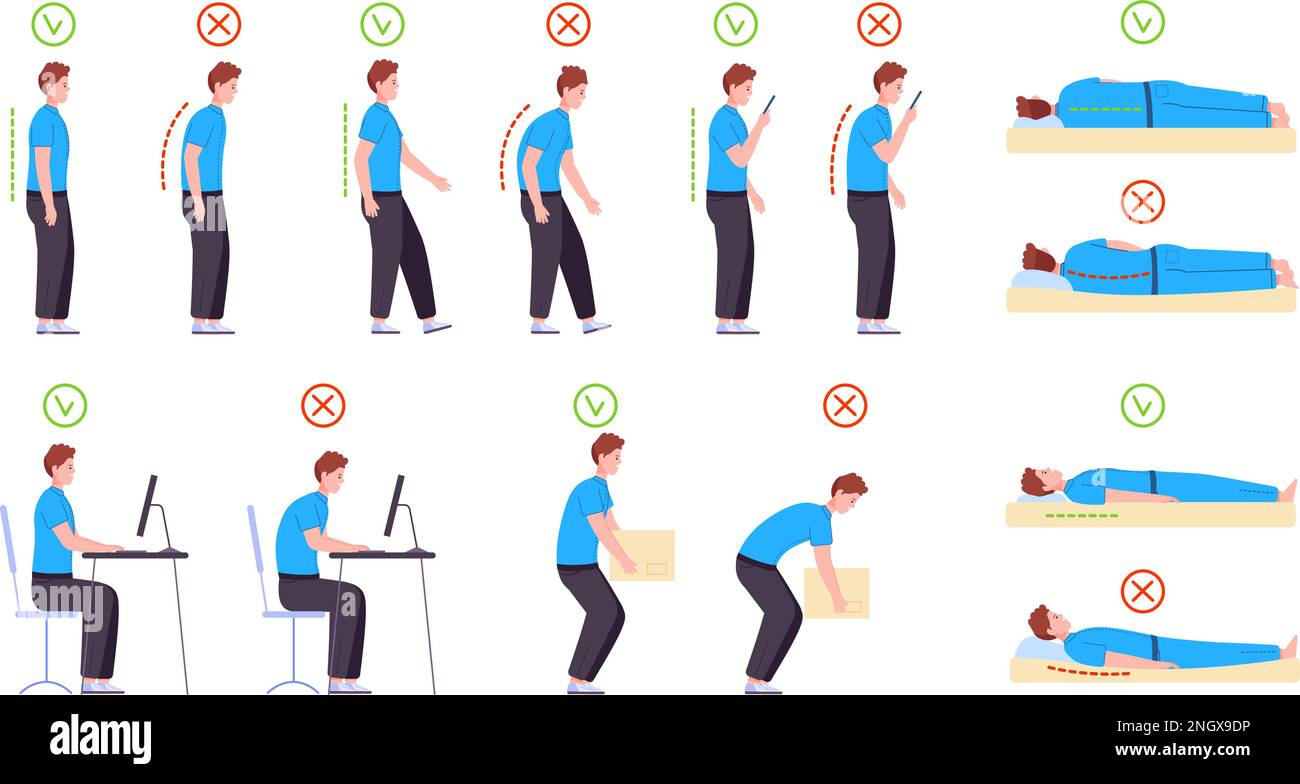
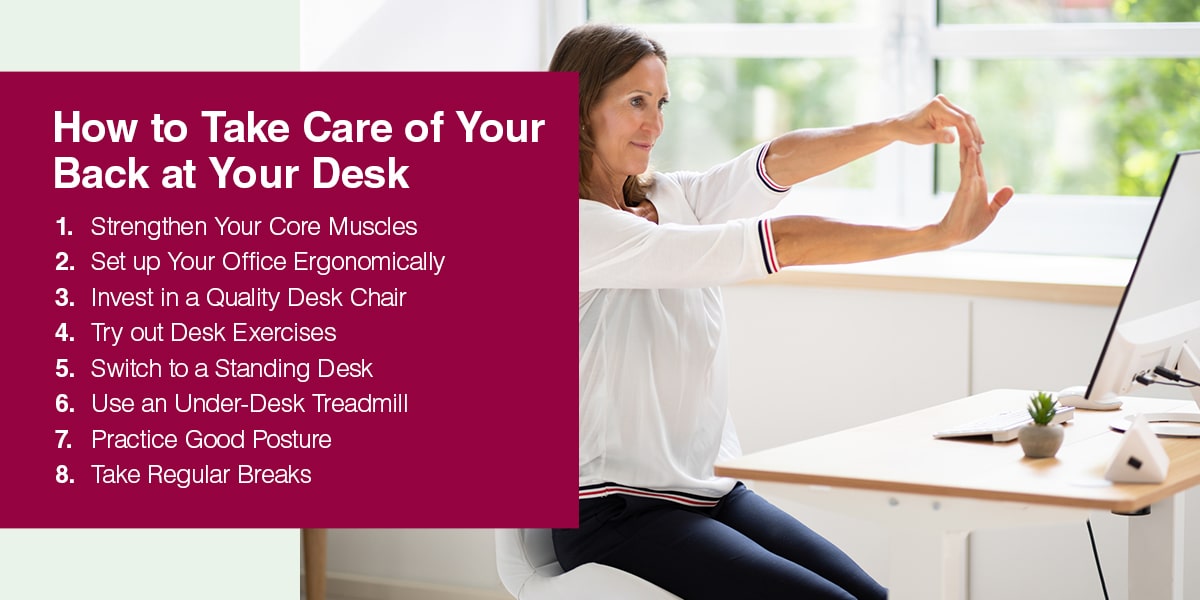
Back pain and musculoskeletal disorders are common among desk workers due to poor workplace ergonomics. Understanding the connection between ergonomics and spinal health is crucial for preventing discomfort and long-term injury. When your workspace is designed with ergonomics in mind, you're more likely to experience reduced stress, better posture, and improved overall well-being.
Improving Ergonomic Setup: Chair Height, Equipment Spacing, and Monitor Placement
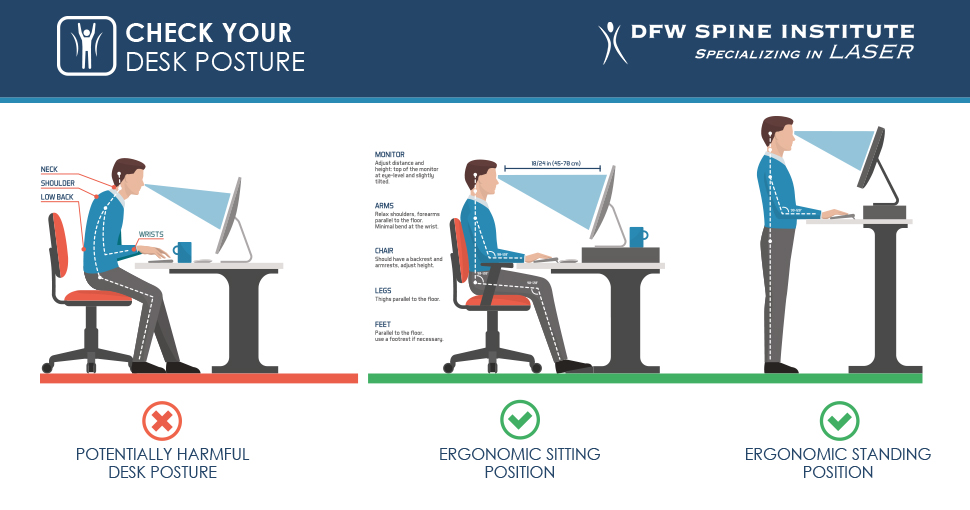
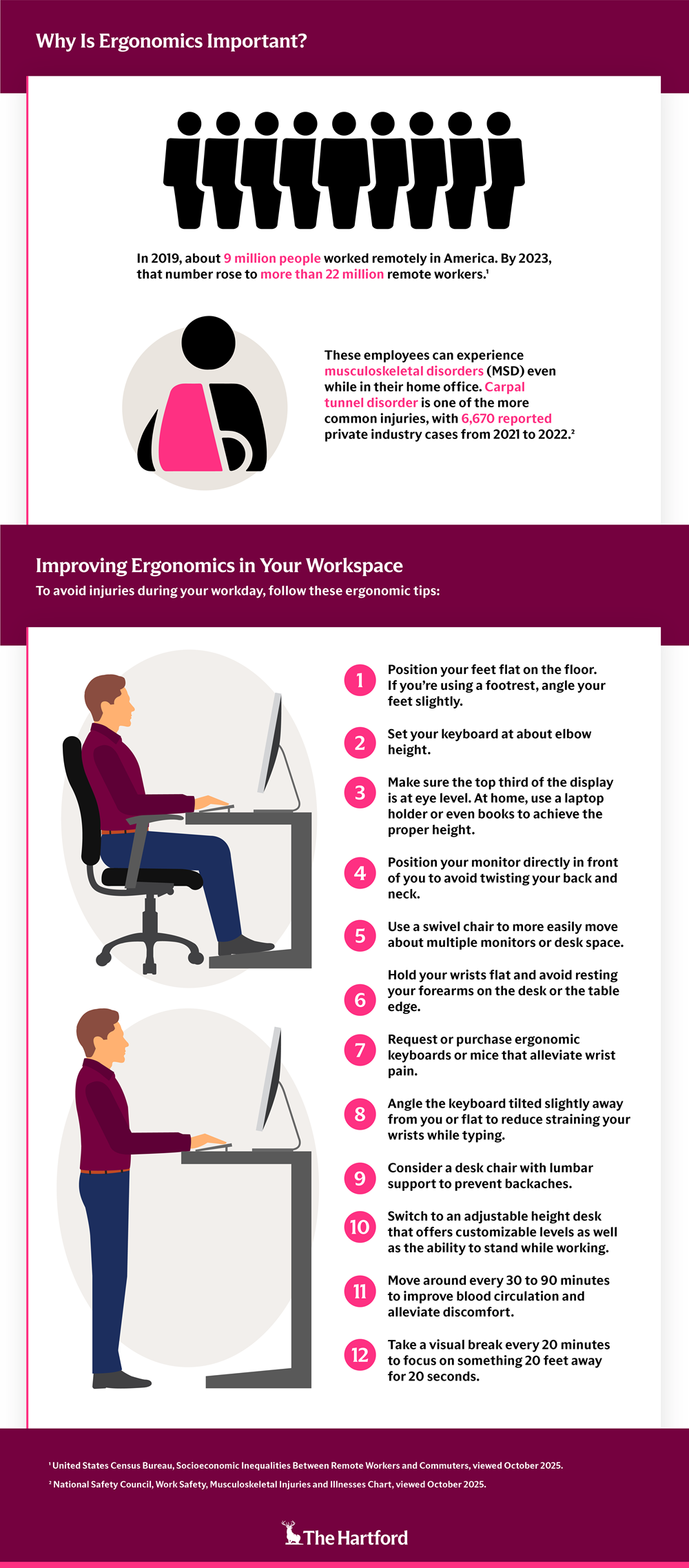
When it comes to preventing back pain, proper office ergonomics are essential. Adjusting your chair height, equipment spacing, and monitor placement can significantly reduce discomfort and stress on your spine. Here are some key considerations for an ergonomic setup:
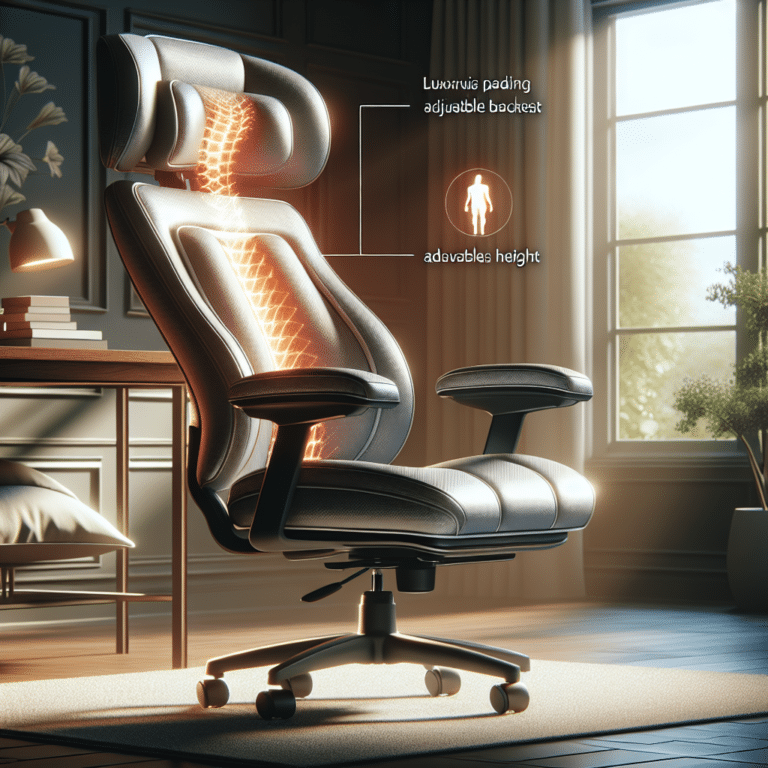
- Chair Height: Adjust your chair to a height that allows your feet to rest flat on the floor or a footrest, with your knees at or below hip level.
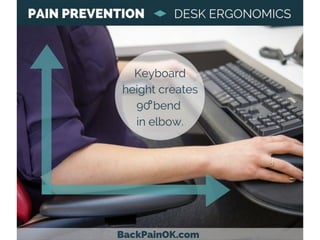
- Equipment Spacing: Ensure that your keyboard, mouse, and monitor are at comfortable distances to avoid straining your neck and back.
- Monitor Placement: Place your monitor directly in front of you, at a distance of about 20-25 inches, and at a height that allows you to gaze slightly downward.