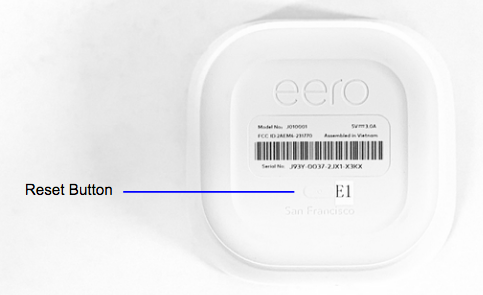
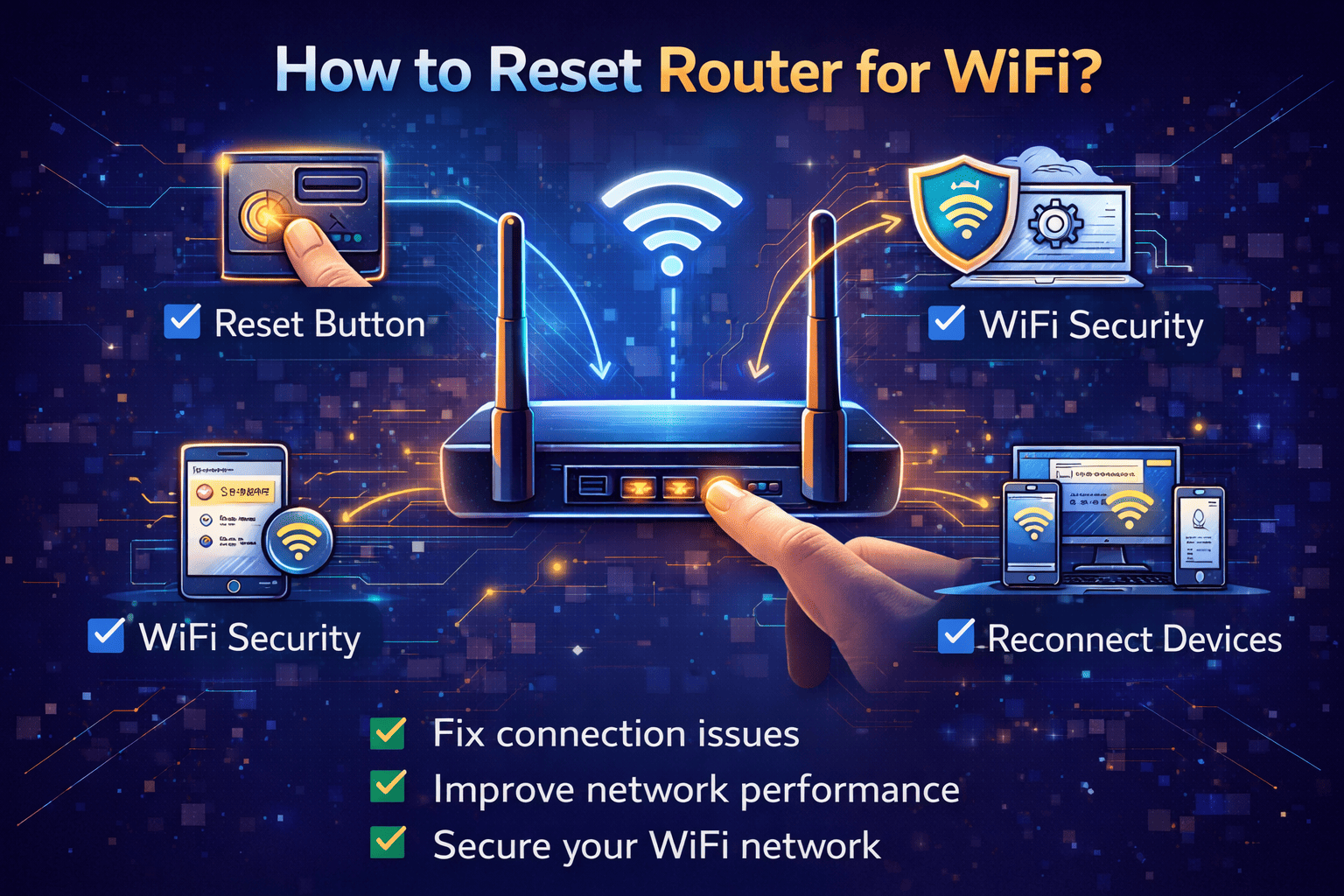
Reset Your Google Wi-Fi Network with a Hard Factory Reset
Are you struggling with a slow or unresponsive Wi-Fi network? Have you tried restarting your router and modem, but to no avail? If so, it's time to try something more drastic: a hard factory reset of your Google Wi-Fi network. In this comprehensive guide, we'll walk you through the process of resetting your Google Wi-Fi network to its factory settings, ensuring you maintain a strong and stable connection.
What is a Hard Factory Reset?
A hard factory reset is a process that restores your Wi-Fi network to its default settings, erasing all current settings and data. This means that any custom settings, network names (SSID), and passwords will be deleted. After a hard factory reset, you'll need to set up your router and any connected devices again.

Why Should I Perform a Hard Factory Reset?
A hard factory reset is useful for several reasons:
- Fixes connectivity issues: A hard factory reset can resolve connectivity problems, such as dropped connections or slow data transfer speeds.
- Restores performance: By resetting your network to its default settings, you can restore its original performance and stability.
- Bypasses software issues: A hard factory reset can bypass any software glitches or bugs that may be causing problems with your network.