How to Setup Your Internet Connection: A Step-by-Step Guide
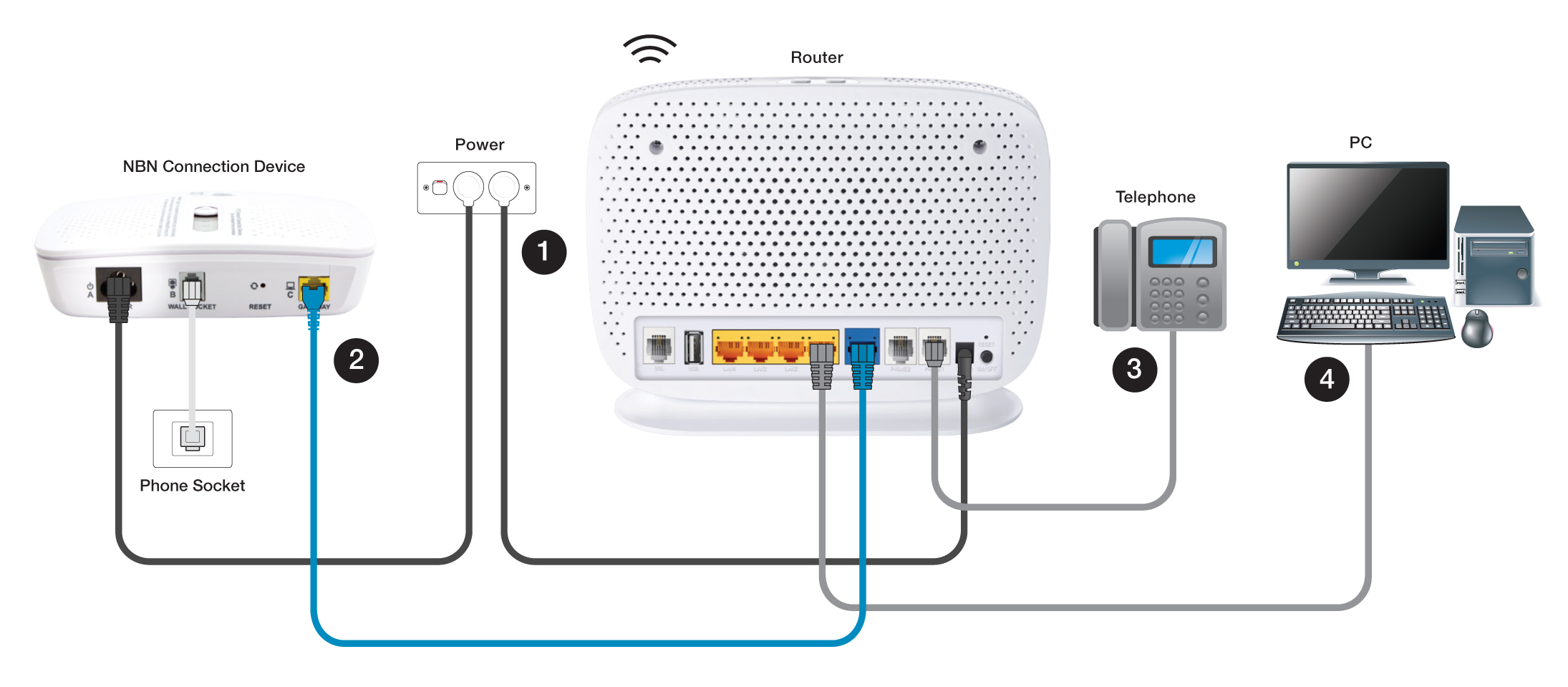
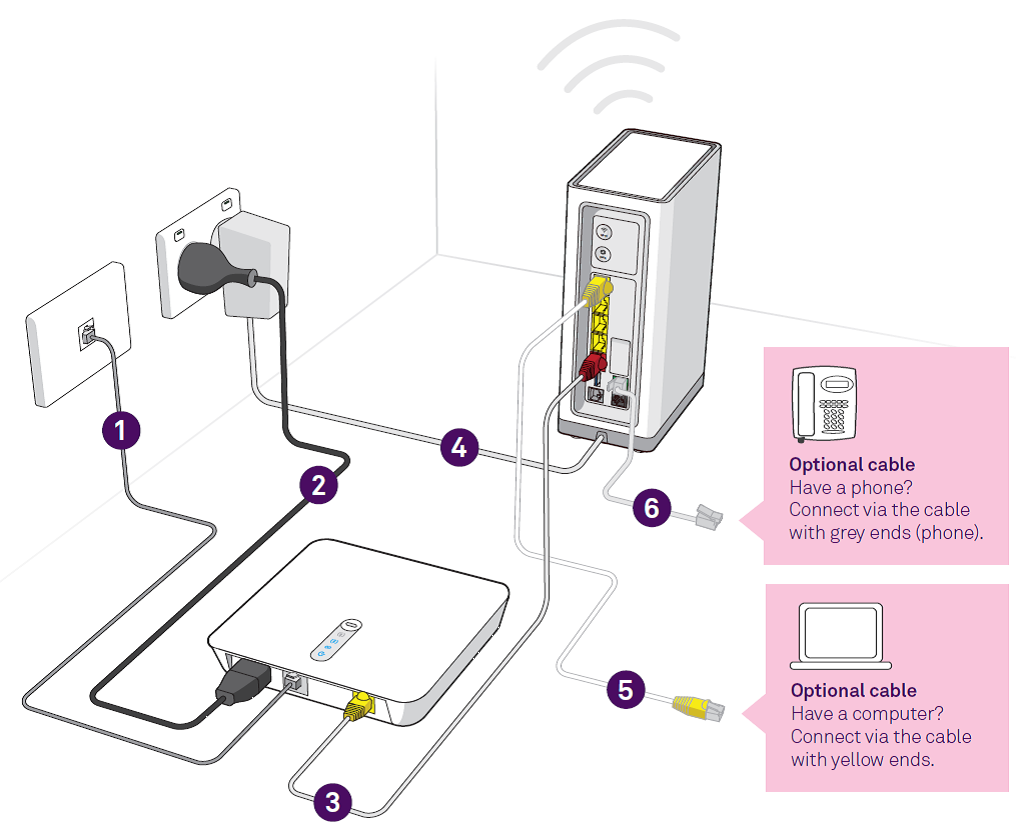
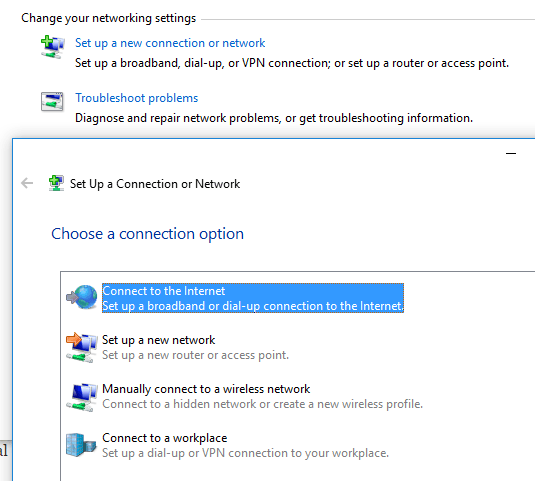
Are you setting up internet access in your home for the first time? Perhaps you're moving into a new home or office and need to establish a reliable internet connection. Whether you're looking to setup a broadband, DSL, or satellite internet connection, our comprehensive guide will walk you through the process of getting your PC, Mac, phones, and tablets connected to the internet.
Requirement for Setting Up Internet Connection
Before we dive into the step-by-step instructions, it's essential to have the necessary requirements:
- A reliable internet service provider (ISP)
- An active internet plan
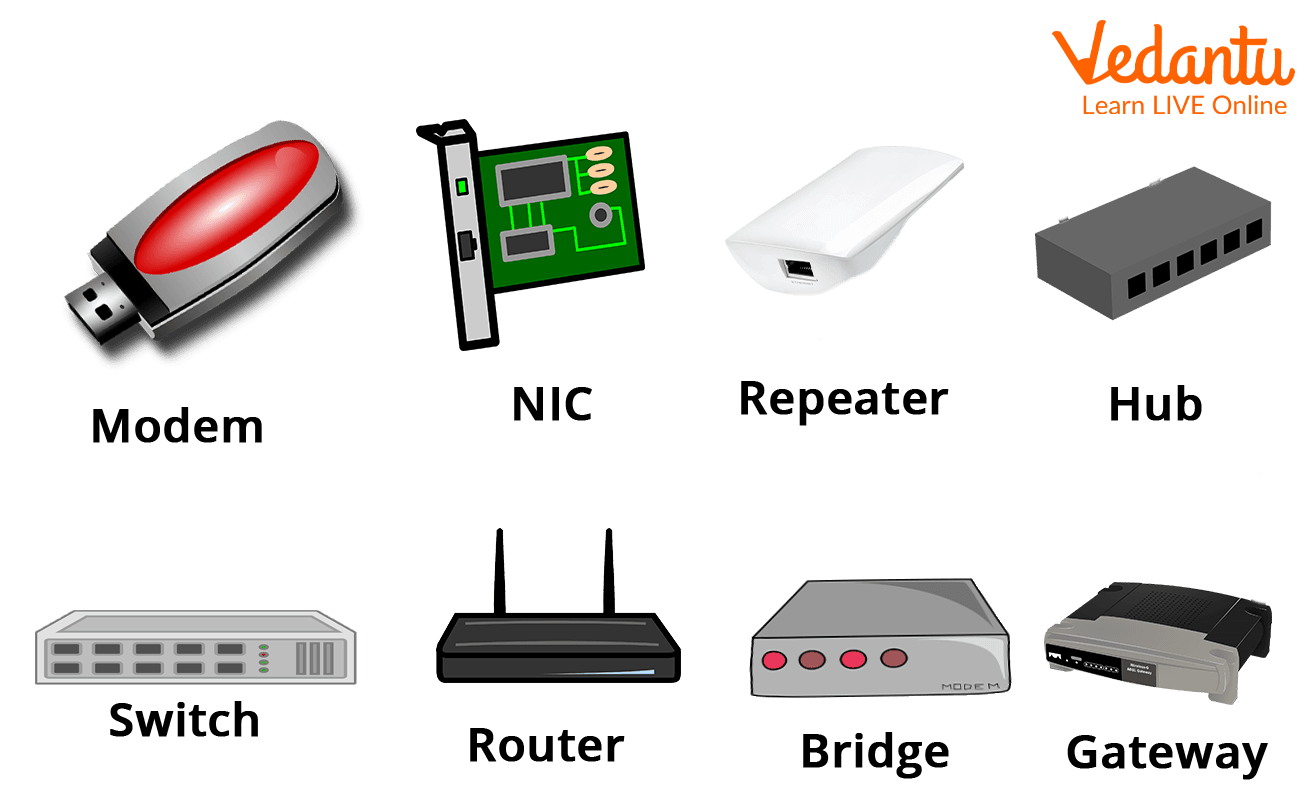
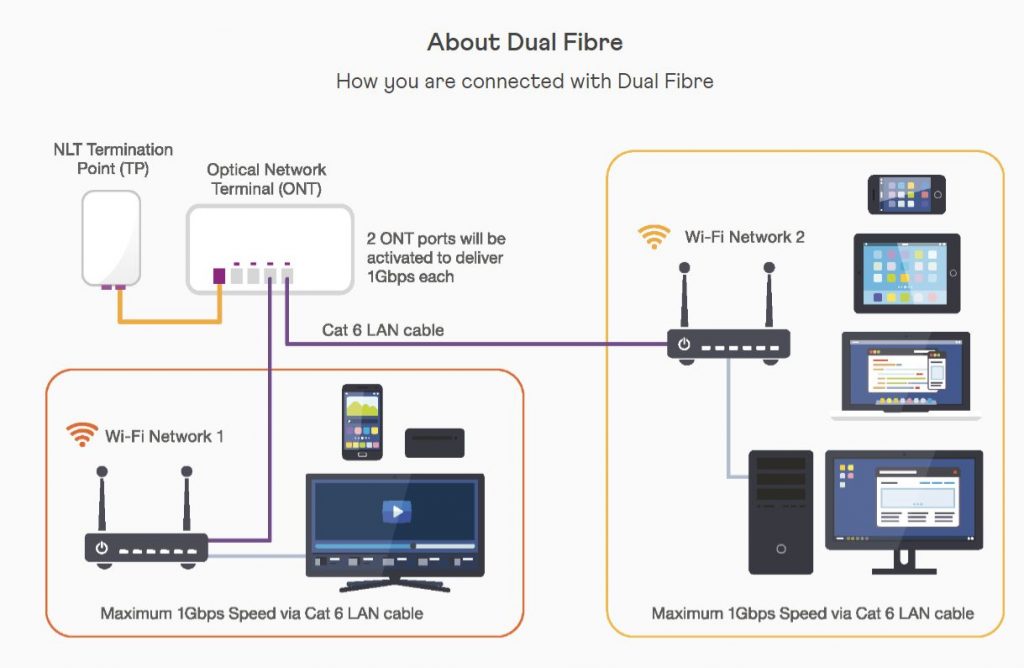
- A modem and router (in most cases)
- A device to connect to the internet (e.g., PC, Mac, phone, or tablet)
Step 1: Choose Your Internet Service Provider (ISP)

Step one in our internet connection setup guide is to choose the right internet service provider (ISP) that meets your needs. Consider factors such as speed, data caps, and cost when selecting a provider. Some popular options include:
- Verizon
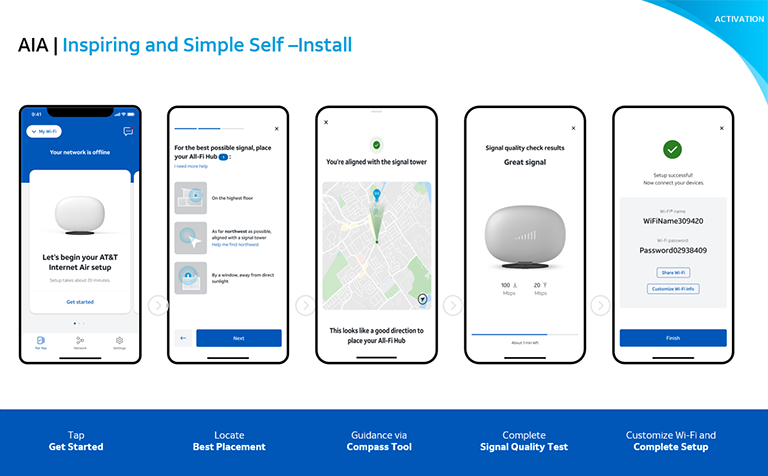
- AT&T
- Comcast
- Spectrum
- Xfinity
Step 2: Purchase or Activate Your Internet Service
Once you've chosen your ISP, the next step is to purchase or activate your internet service. This typically involves setting up an account with your chosen provider, choosing a plan, and agreeing to the terms and conditions.