Router Configuration Guide for Beginners: A Step-by-Step Guide to Setting Up Your Home Network
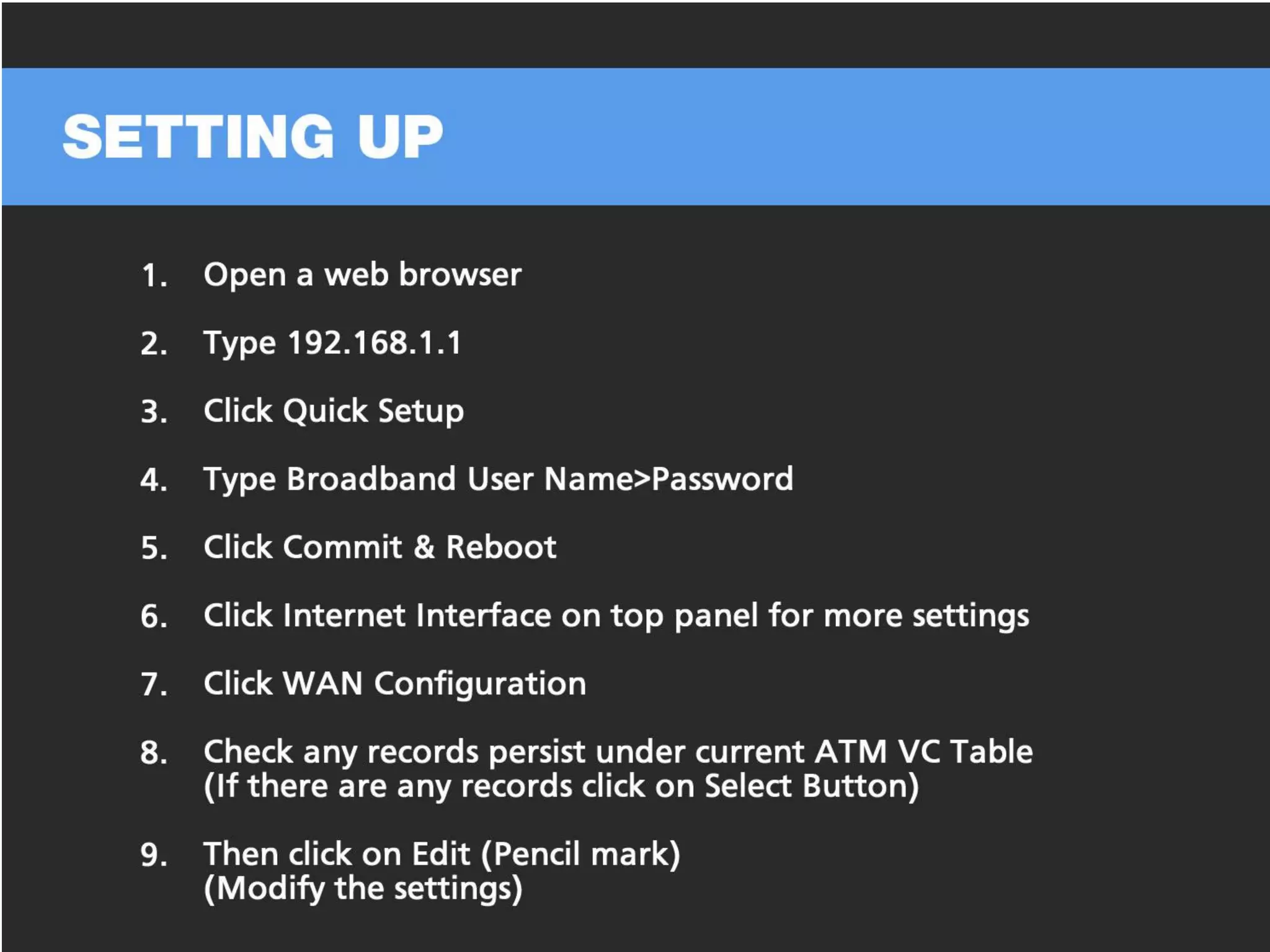
In this article, we will guide you through the process of configuring a router so that you can set up a secure and fast home network. Each router is slightly different, but the basics are pretty much the same. If you have a question, just drop a comment below.
Step 1: Explaining the Router Ports
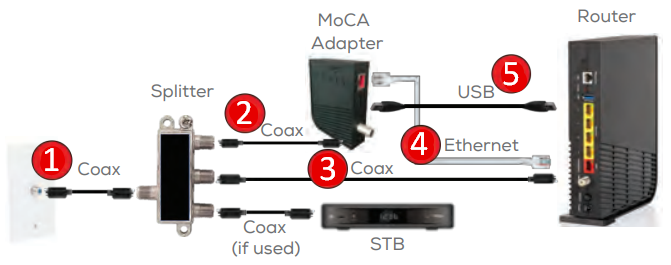
The first set is to connect the router. Your ISP (Internet Service Provider) supplied you with either a modem or a router. You'll need to connect the router to the modem using an Ethernet cable. This will guide you through the process of setting up the router, hoping to minimize any technical difficulties you might encounter along the line.

Step 2: Choosing the Best Location for Your Router
Learn how to set up your router stress-free by choosing the best location, testing connections, and securing it with a strong password. Choosing the best location for your router is crucial to ensure that you get a strong and stable Wi-Fi signal throughout your home. Avoid placing the router in a corner or behind a wall as this can weaken the signal.