Setting Up a Reliable Wi-Fi Network for Multiple Devices
When it comes to setting up a Wi-Fi network that can support multiple devices, there are several key considerations to keep in mind. A reliable Wi-Fi network can ensure that all devices connected to it can browse, stream, and work seamlessly without any interruptions. In this article, we will cover the essential steps to set up a Wi-Fi network that can support multiple devices and provide some valuable tips to optimize its performance.
Understanding Your Wi-Fi Network Setup

Before we dive into the setup process, it's essential to understand your home or office environment and the devices that will be connected to the Wi-Fi network. Consider the following factors:
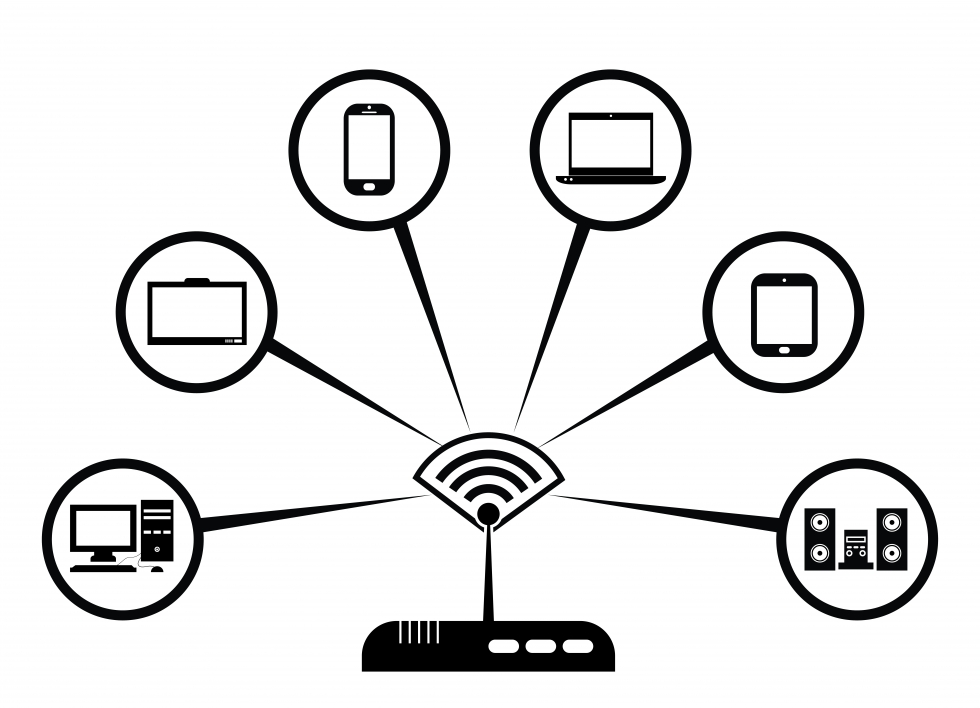
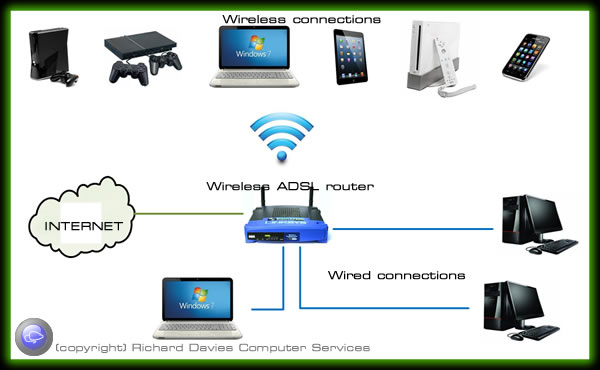
- Number of devices: Calculate the number of devices that will be connected to the network, including smartphones, laptops, tablets, smart home appliances, and gaming consoles.
- Device types: Note the types of devices that will be connected to the network, as different devices have different Wi-Fi requirements.
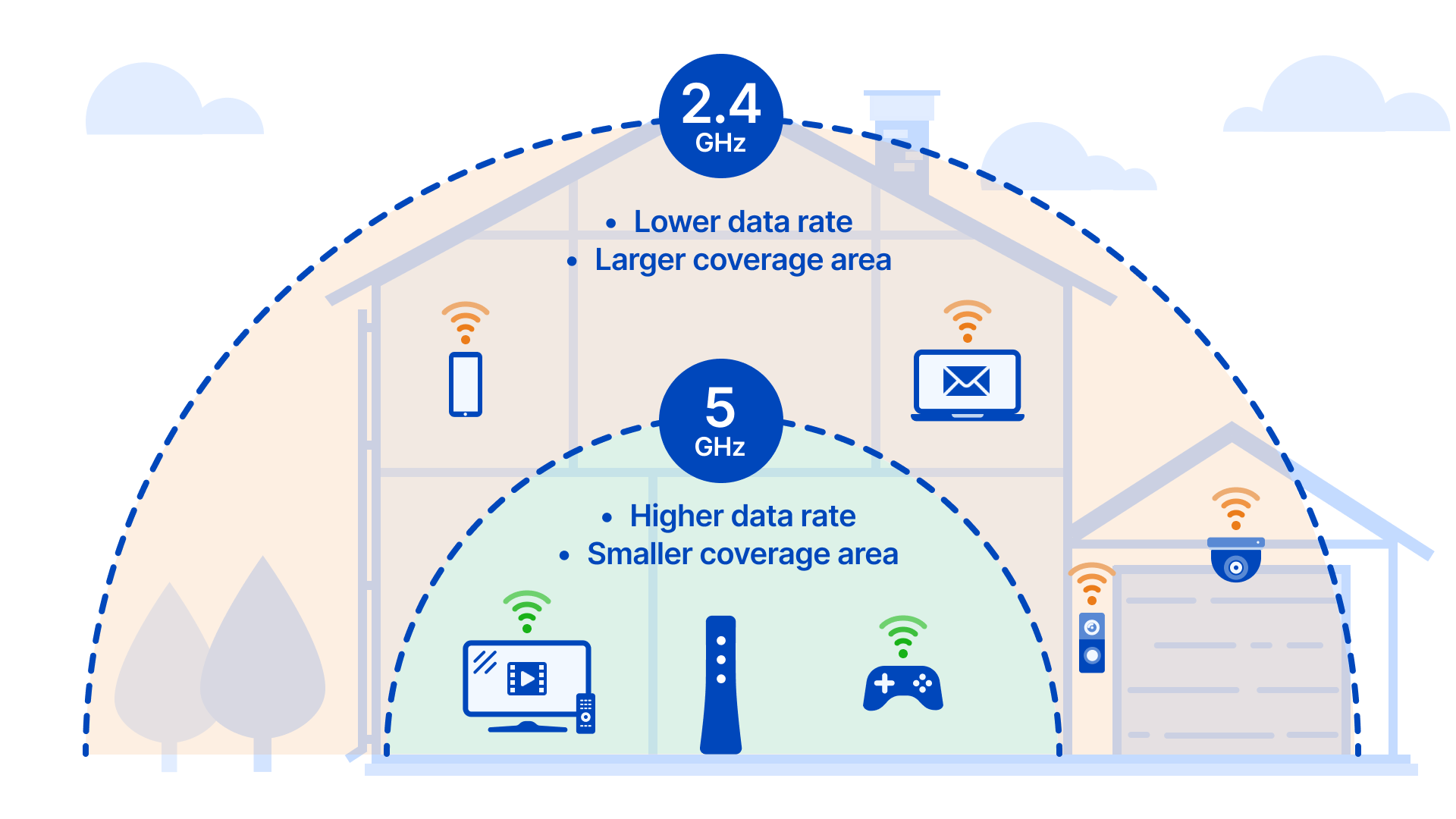
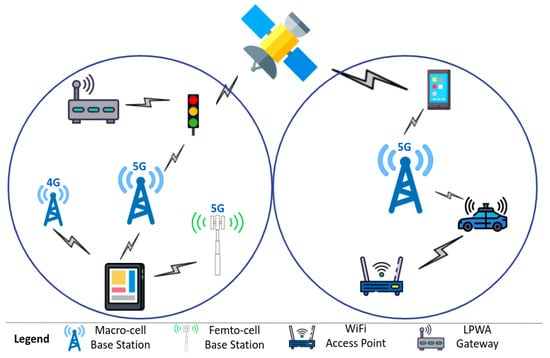
- Range and coverage: Assess the physical layout of your space to determine the range and coverage needed for the Wi-Fi network.
- Interference: Be aware of potential sources of interference that might affect the Wi-Fi signal, such as neighboring networks, physical barriers, and other devices.
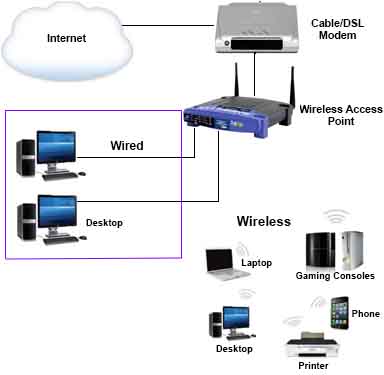

-Connection-Step-2-Version-3.jpg/aid1756116-v4-728px-Set-up-a-Wireless-Network-(WiFi)-Connection-Step-2-Version-3.jpg "WiFi Network with Multiple Access Points for Seamless Coverage")




.png "How to connect smart Roku TV to wireless headphones")