Configuring a G Network for Smart Home Devices: A Comprehensive Guide
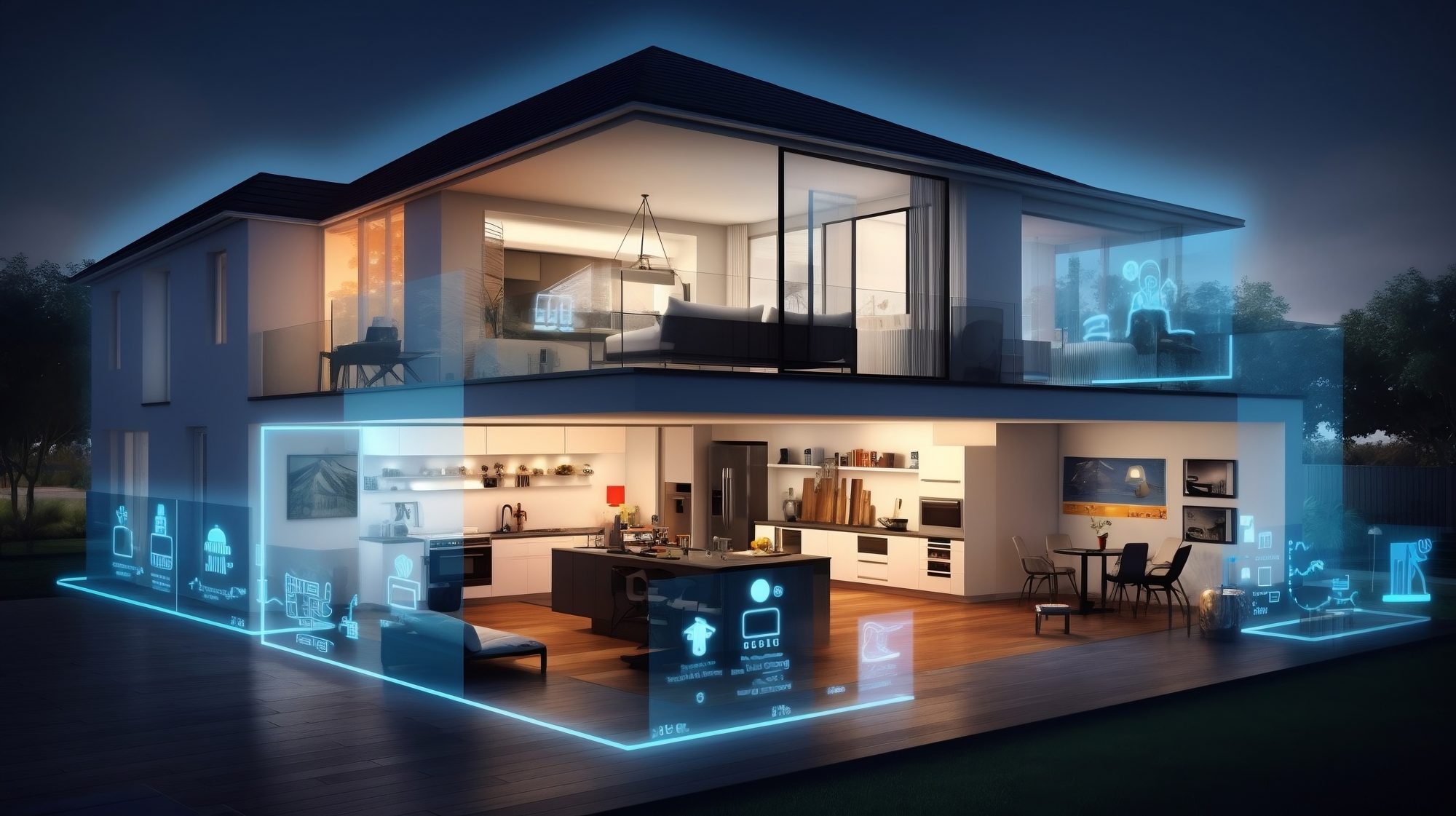
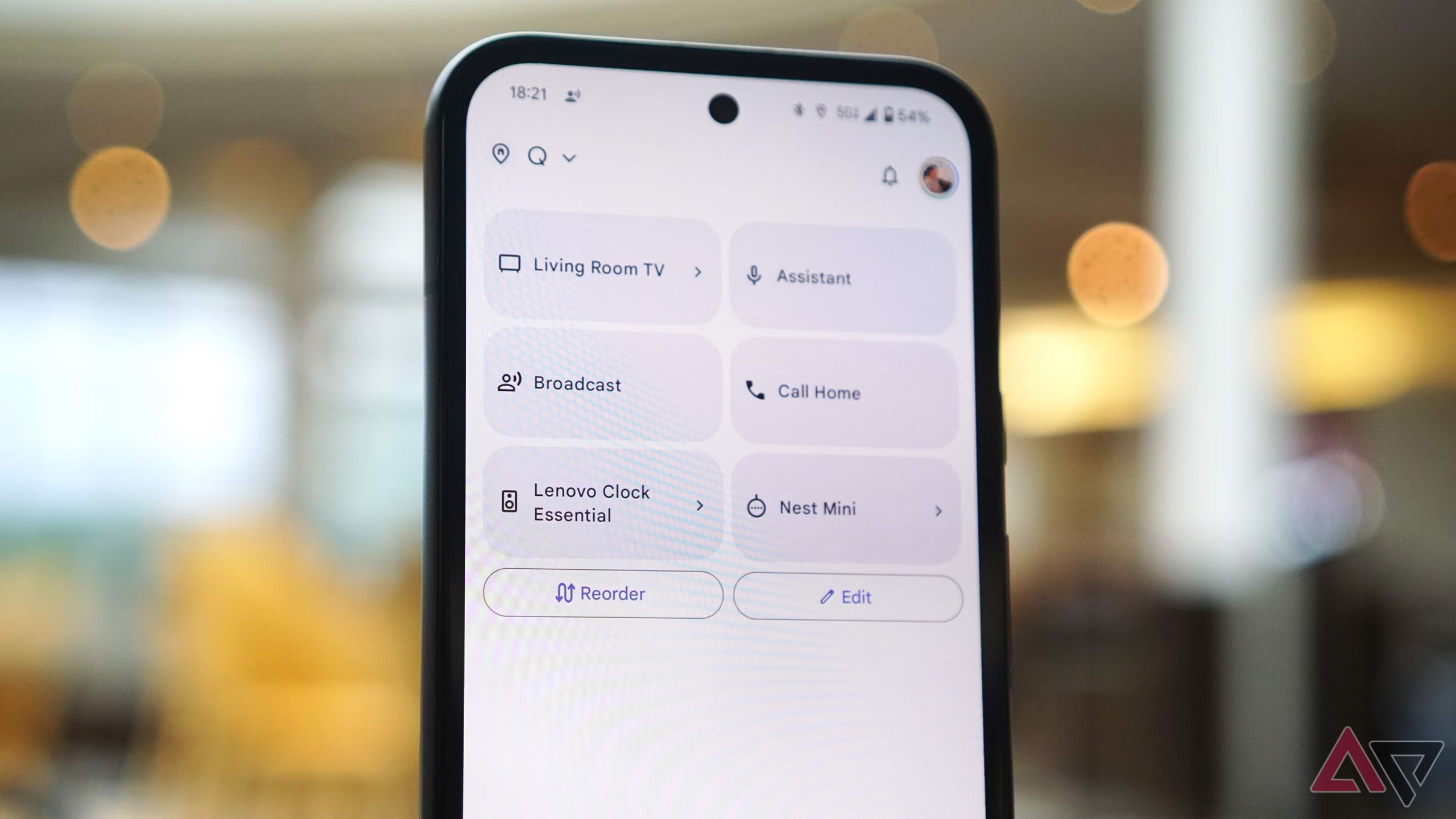
Building a secure and efficient smart home takes more than just a fast internet connection. You also need to consider network segmentation, depending on your network's size. Many homeowners achieve this by setting up a guest network to separate smart devices from personal ones, enhancing both security and performance. One of the easiest systems for this setup is also among the most popular – Google Wifi.
Understanding Network Configuration for Smart Devices
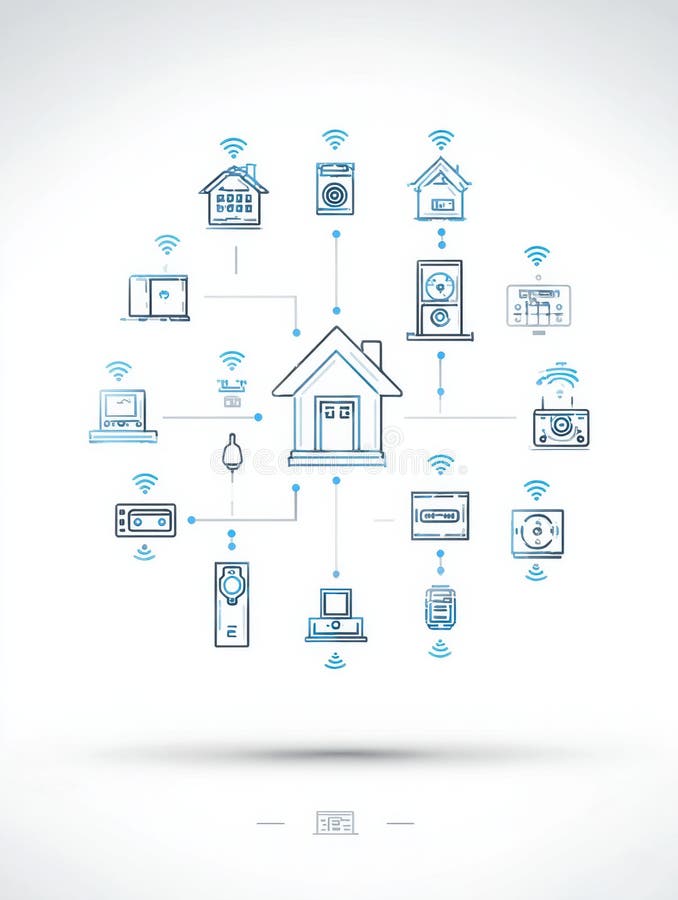
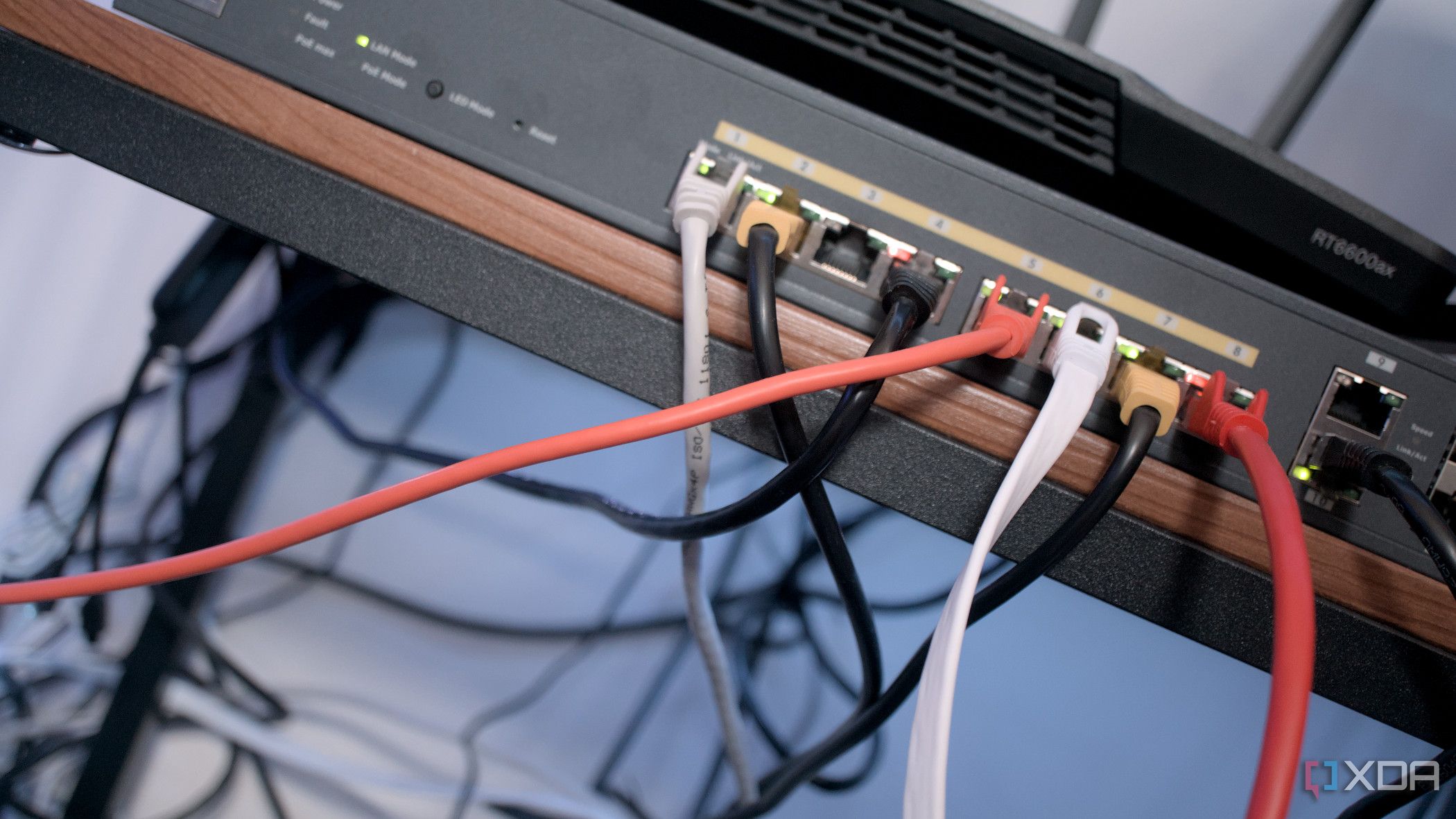
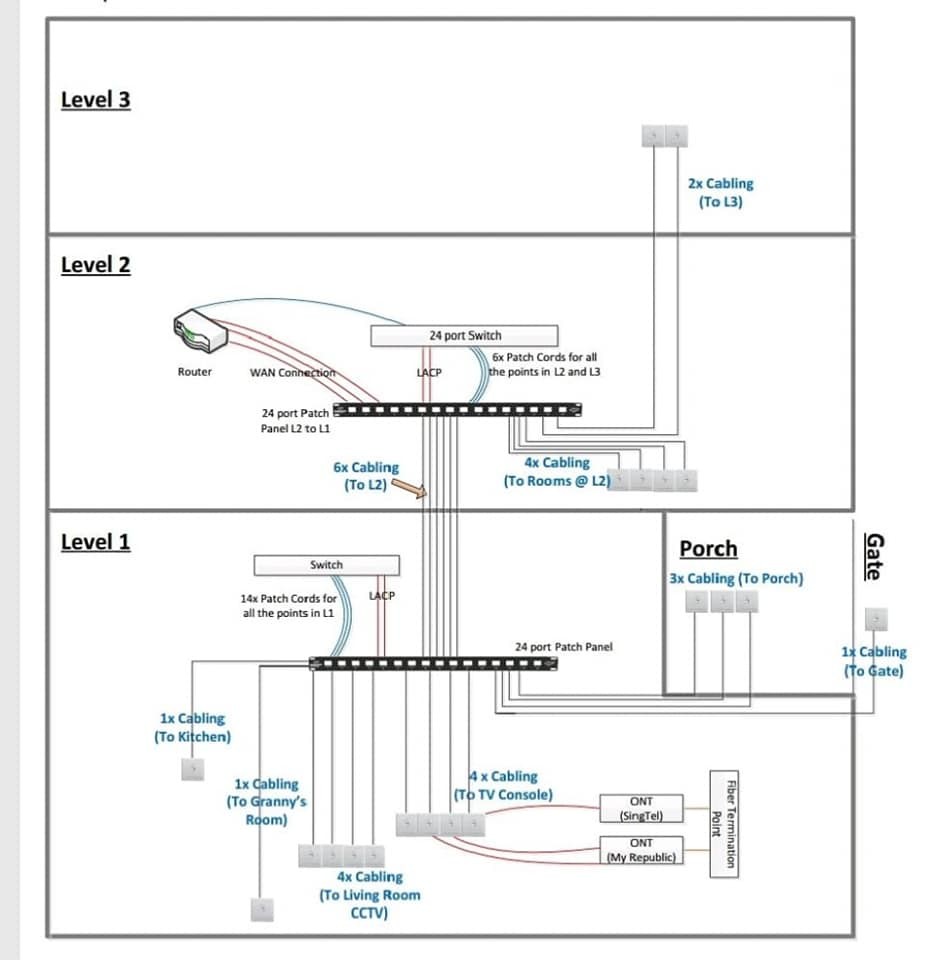
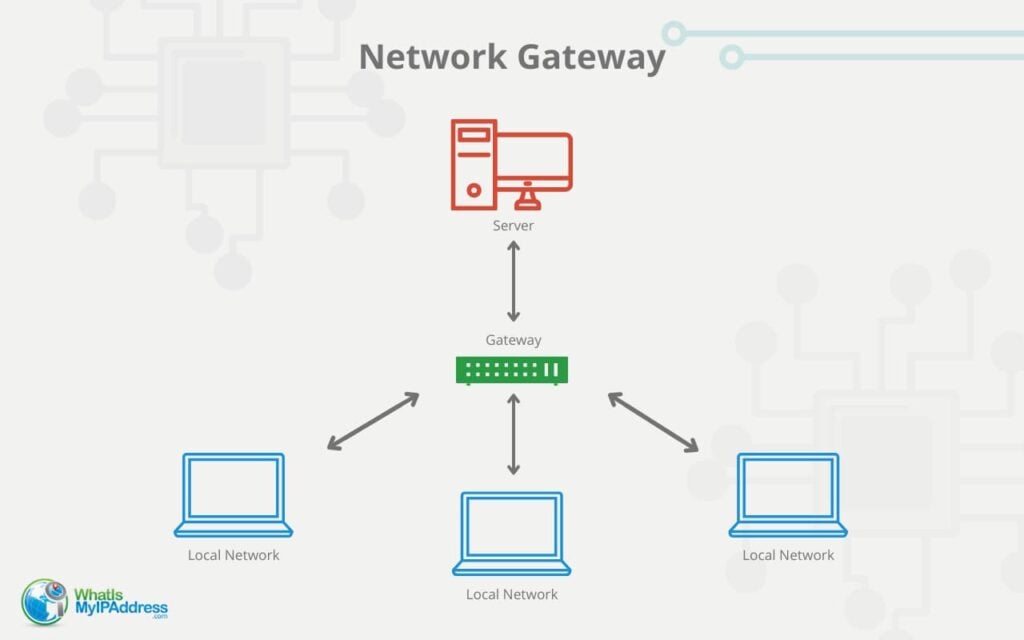
A smart home network requires careful planning and configuration to ensure seamless communication between devices. This involves understanding the different types of networks, such as Wi-Fi, Ethernet, and powerline, as well as the various protocols used for communication between devices. For a Google Home network, it's essential to configure the router to prioritize smart devices and allocate sufficient bandwidth for each device.
Network Segmentation: A Key Aspect of Smart Home Networking
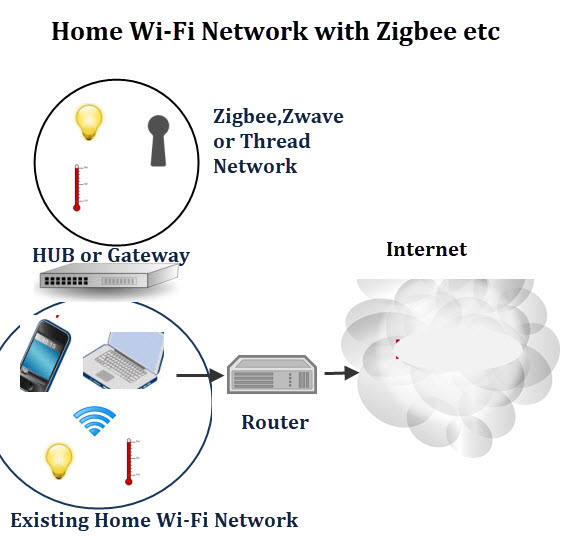
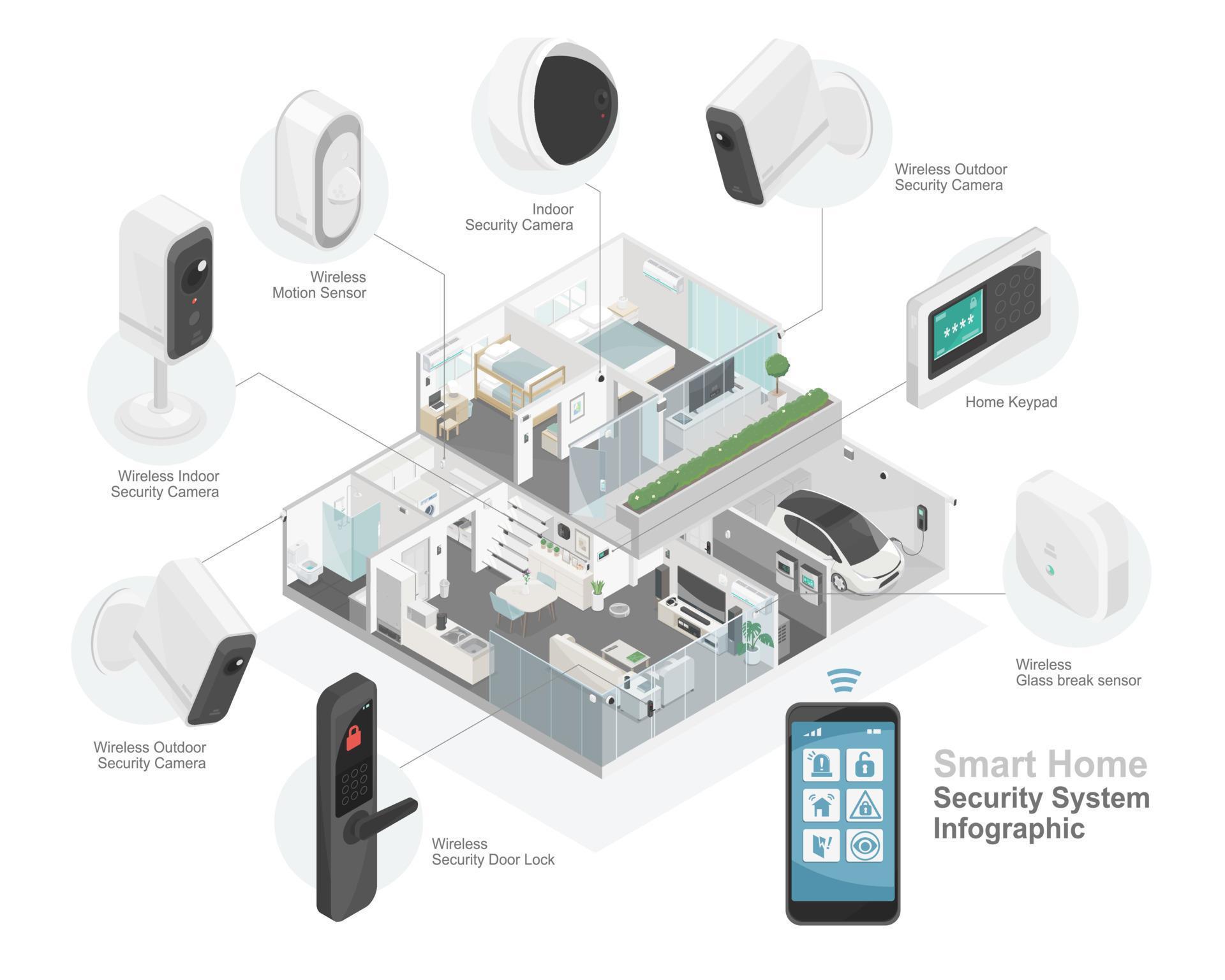
Network segmentation is a crucial aspect of smart home networking, as it helps to prevent unauthorized access to sensitive data and devices. By isolating smart devices on a dedicated network, you can ensure that your primary network remains secure and efficient. This setup also centralizes management, enhancing security and performance. You can configure a separate network for IoT devices, such as thermostats, lights, and security cameras, to prevent them from interfering with your primary network.