Google Wi-Fi Setup Instructions: A Step-by-Step Guide
Setting up your Google Wi-Fi system is a straightforward process that can be completed in a few easy steps. In this comprehensive guide, we will walk you through the process of setting up your Google Wi-Fi mesh network to expand Wi-Fi coverage throughout your home.
Step 1: Find a Spot for Your Wifi Point
- Before you start setting up your Google Wi-Fi system, find a spot for your first Wi-Fi point.
- Choose a location that is central to your home and has a clear line of sight to the router.
- Make sure the area has minimal interference from other electronic devices.
Step 2: Plug in Your Wifi Point

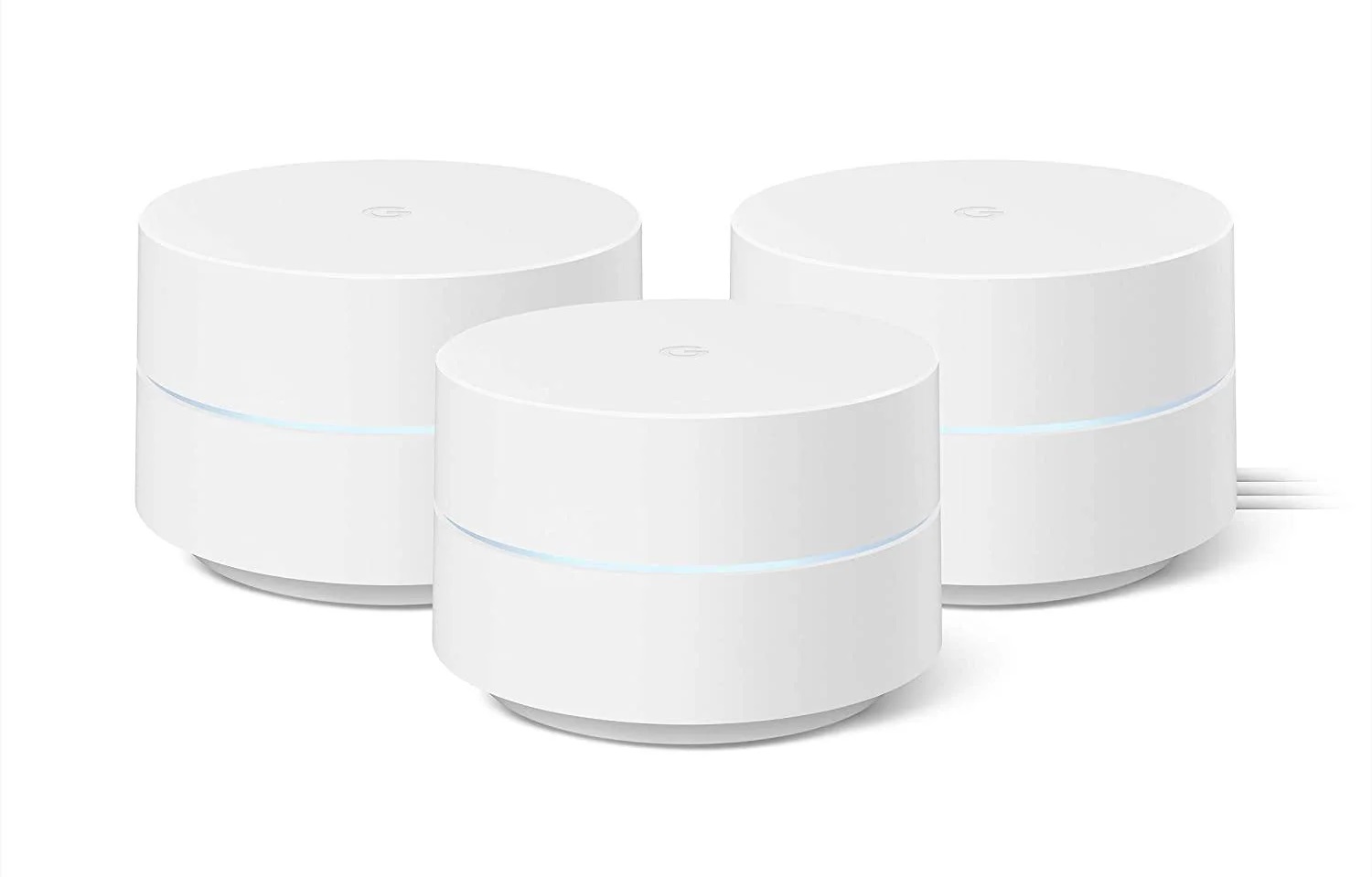
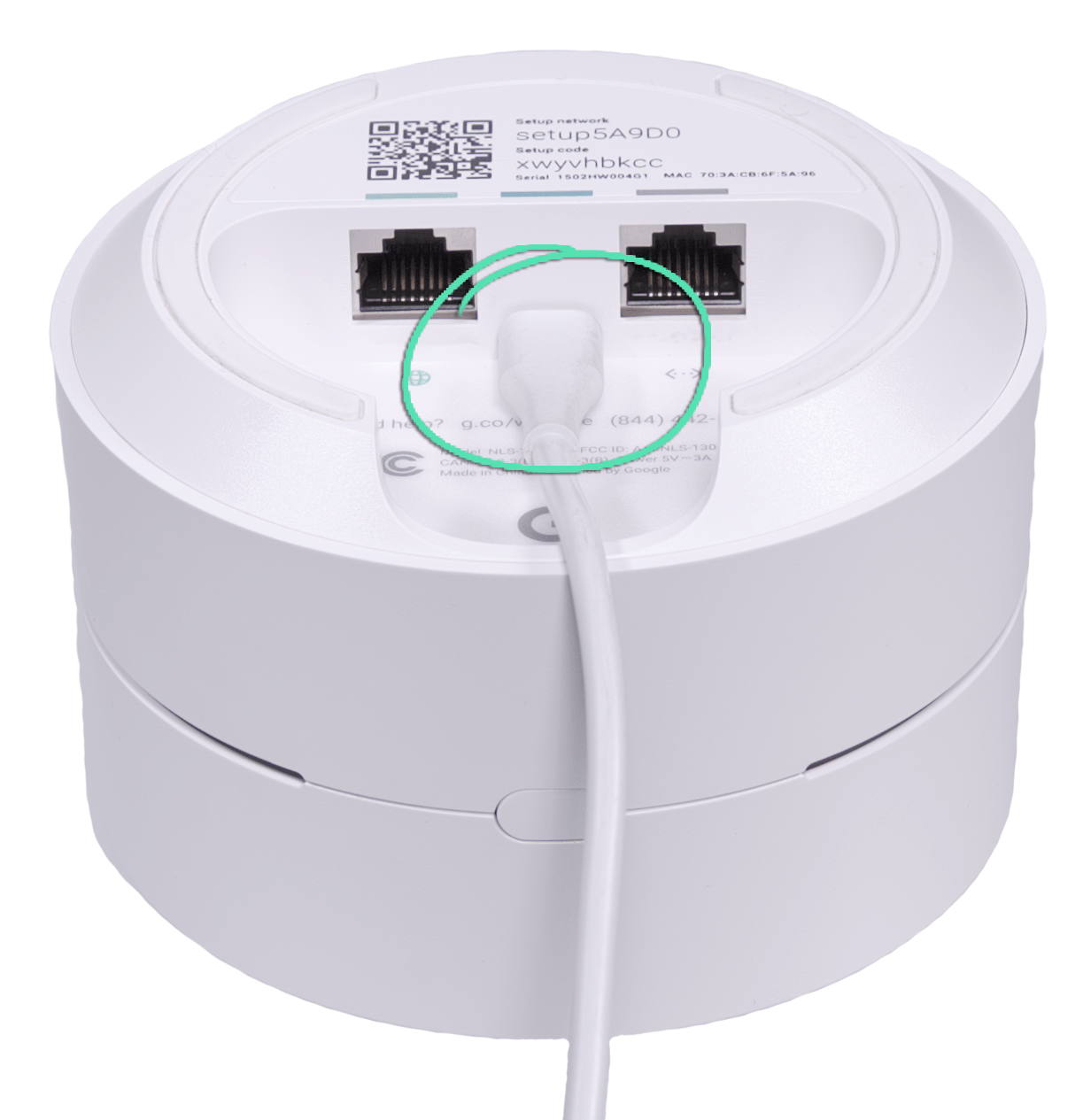
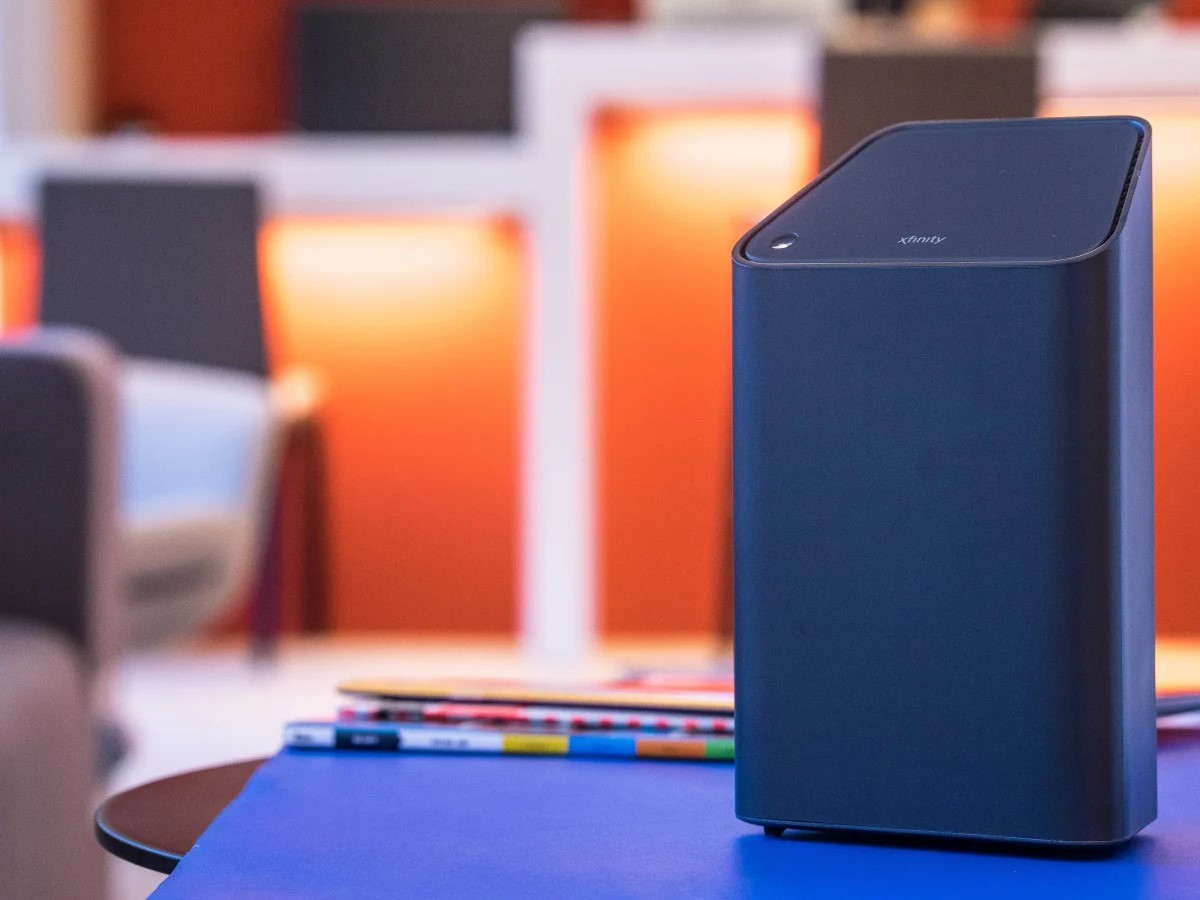
- Once you have found a spot for your first Wi-Fi point, plug it in using the provided power cord.
- Make sure the Wi-Fi point is securely plugged into the power outlet.
- Repeat this process for any additional Wi-Fi points you want to add to your network.
Step 3: Get the App
Step 3: Get the App
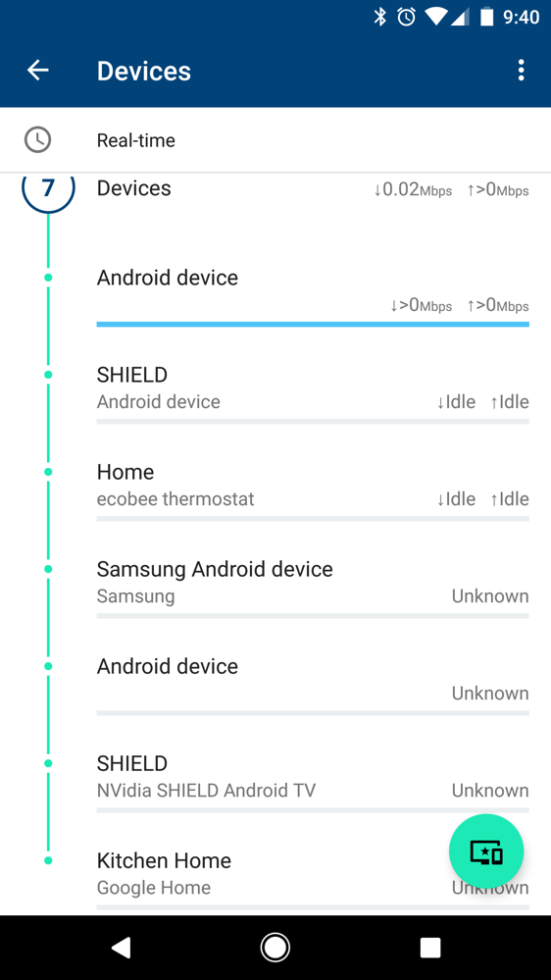
To set up your Google Wi-Fi system, you'll need to download and install the Google Wi-Fi app on your smartphone or tablet.
- Go to the Google Play Store (for Android devices) or the App Store (for iOS devices) and search for the Google Wi-Fi app.
- Download and install the app on your device.
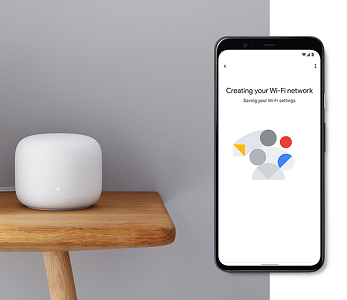
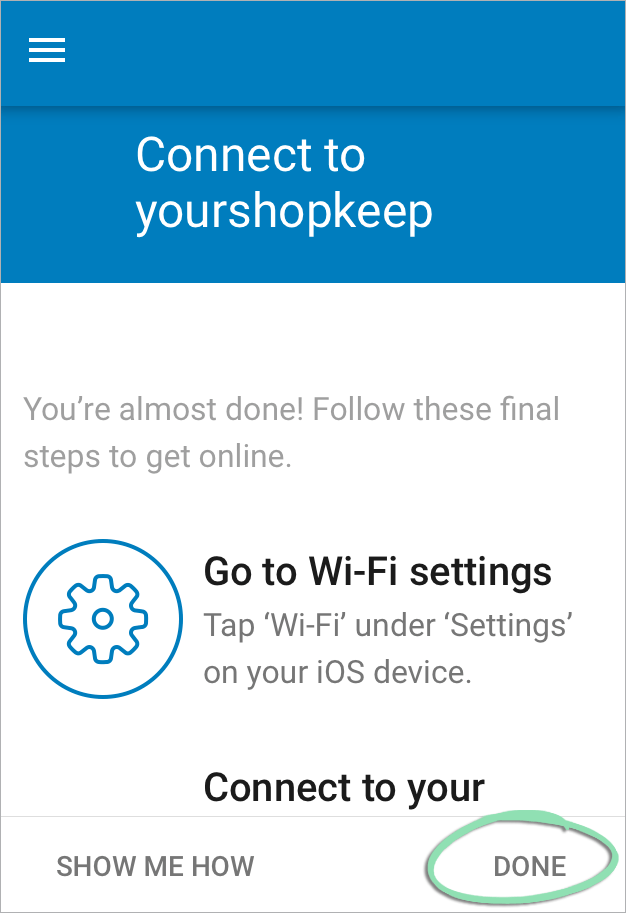
- Open the app and follow the prompts to set up your Google Wi-Fi system.