Netgear Router Setup for Network Security: Protecting Your Home Network
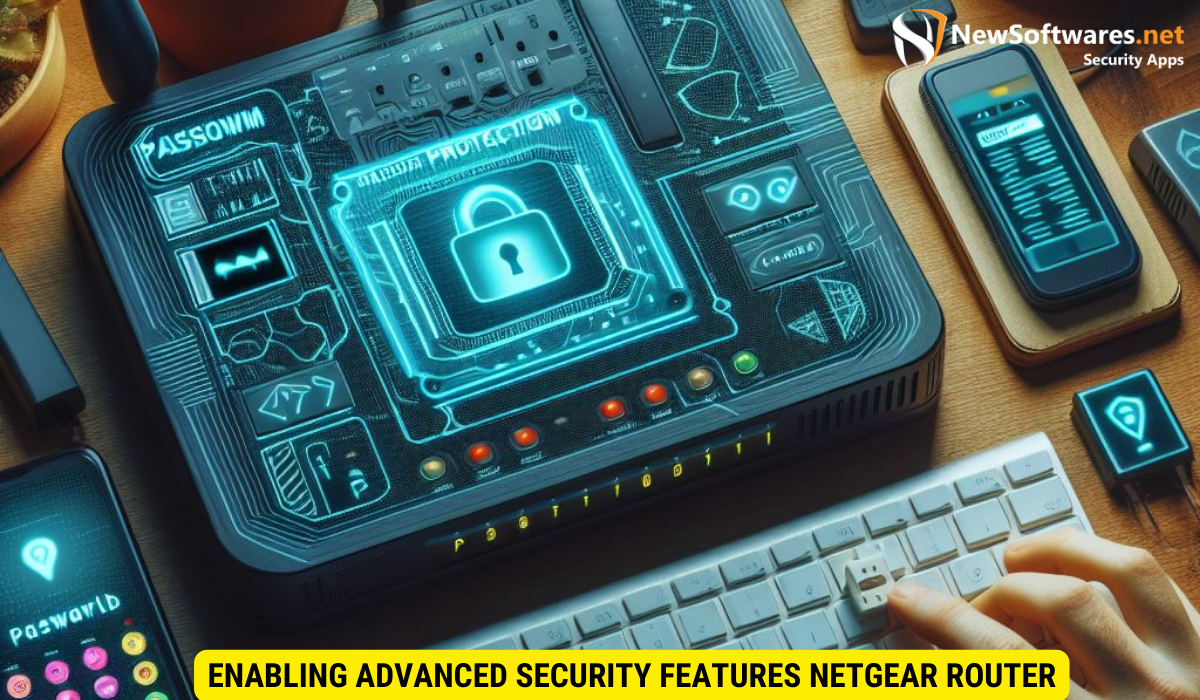
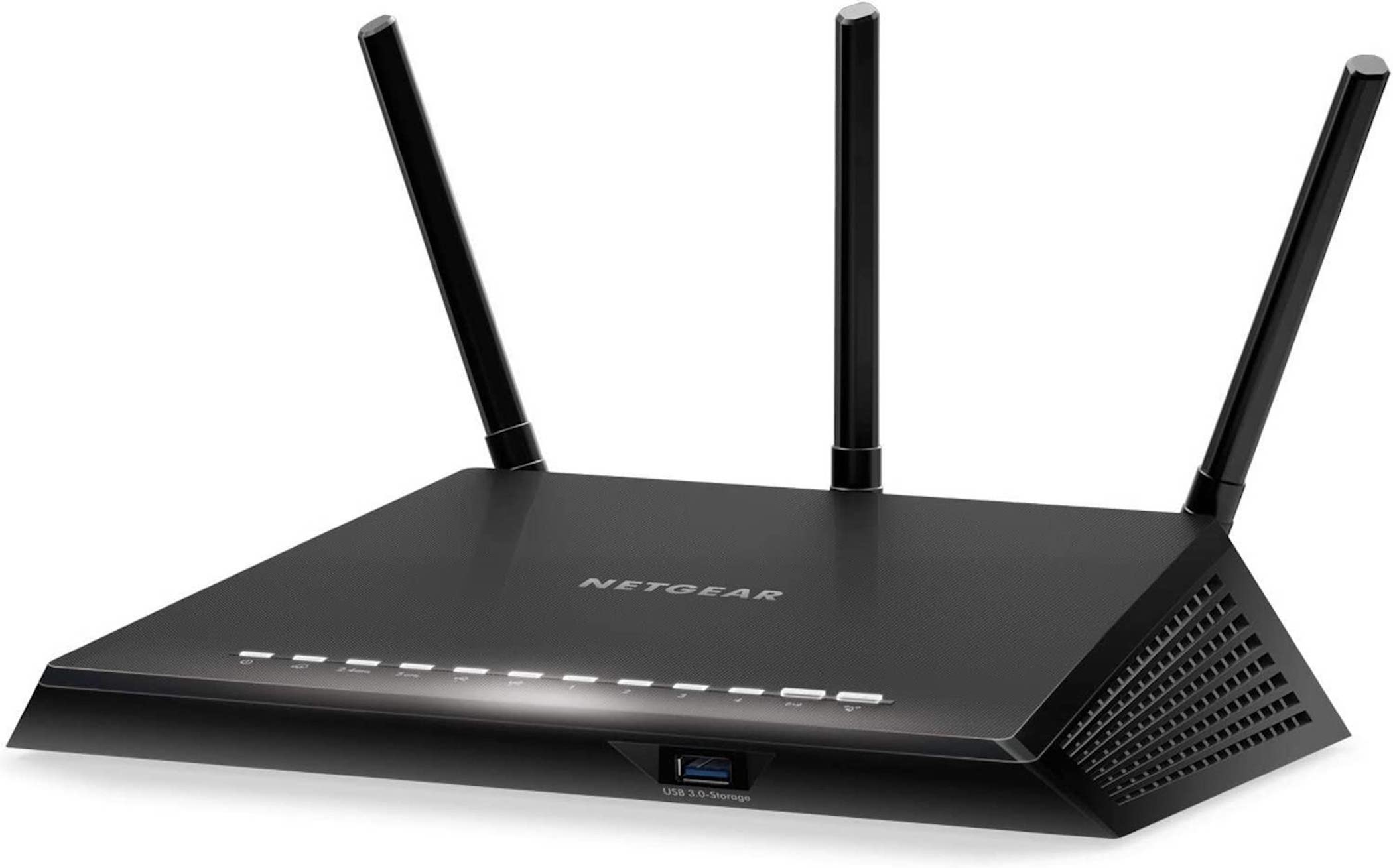
In today's digital age, our homes are increasingly dependent on a reliable and secure network connection. The Netgear Router Setup plays a crucial role in protecting our home network from cyber threats and unauthorized access. However, setting up a secure network is easier said than done. In this article, we will guide you through the essential steps to strengthen your Netgear Router security and protect your network.
Understanding the Importance of Router Security
Our home network is vulnerable to cyber threats and unauthorized access if our router is not properly configured. A breached network can compromise sensitive information and disrupt daily operations. Therefore, it is essential to prioritize network security by setting up and maintaining a secure router configuration.
Step 1: Access the Netgear Router Administrator Interface
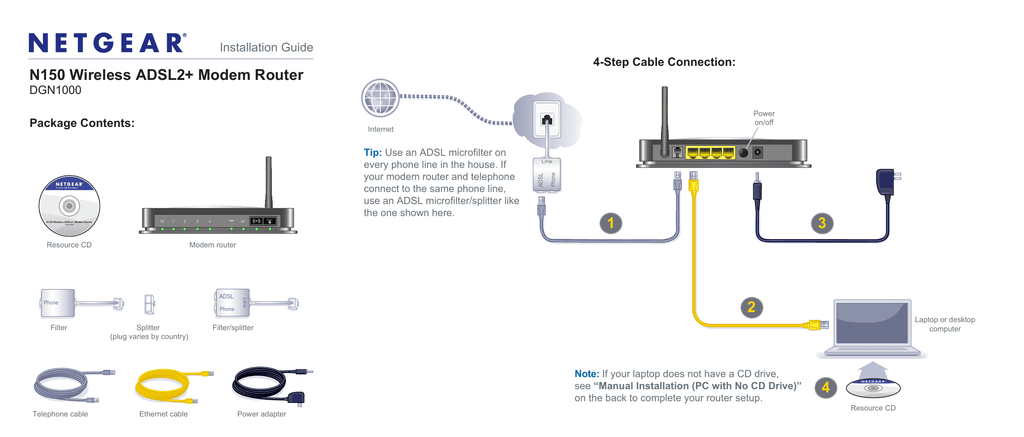
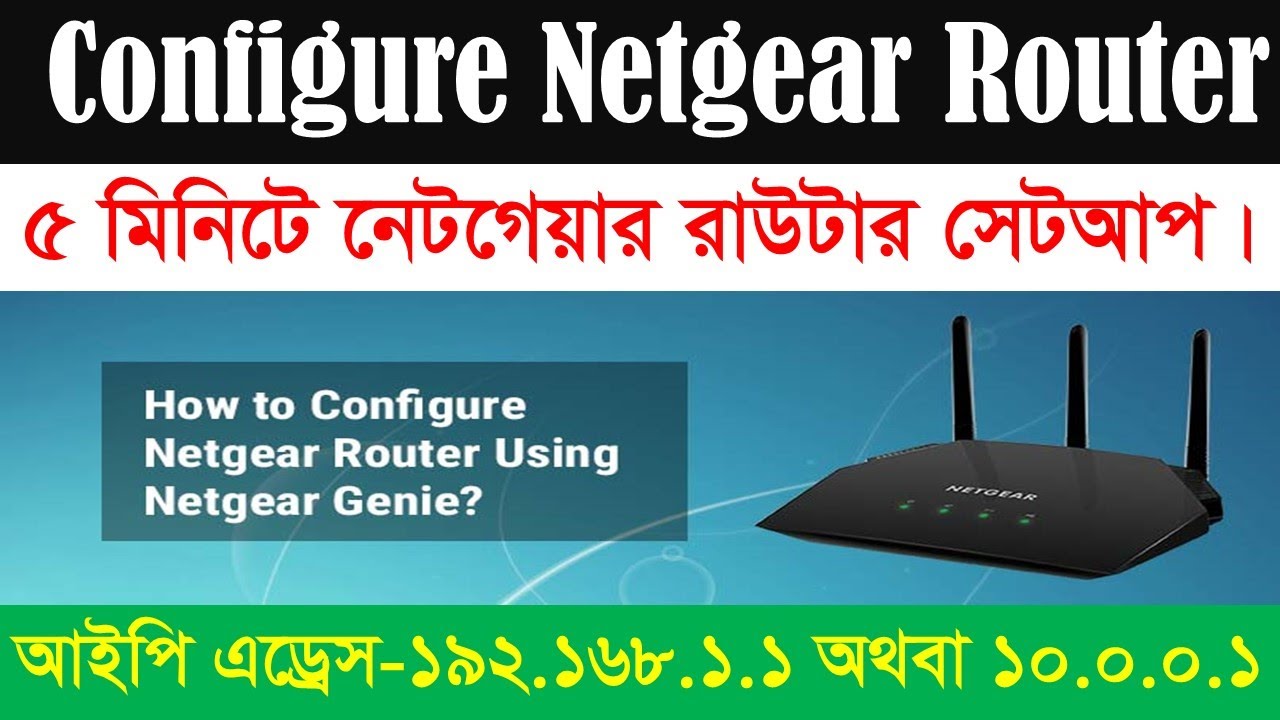
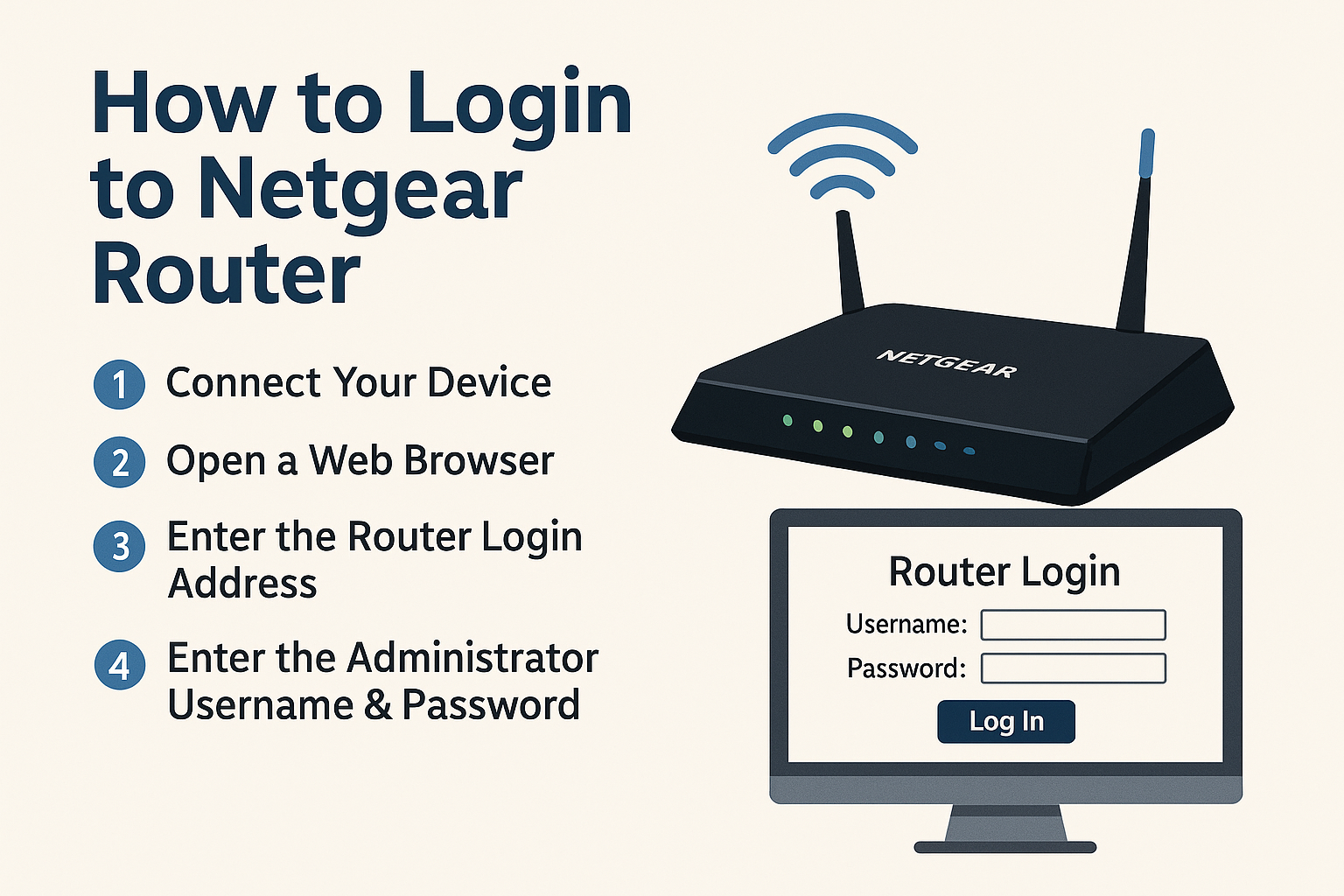
To begin securing your Netgear Router, you need to access the administrator interface. Connect your device to the router's Wi-Fi network, then open a web browser and type https://www.routerlogin.net or https://www.routerlogin.com in the address bar. Enter your admin username and password to log in.
Step 2: Enable WPA2/WPA3 Encryption
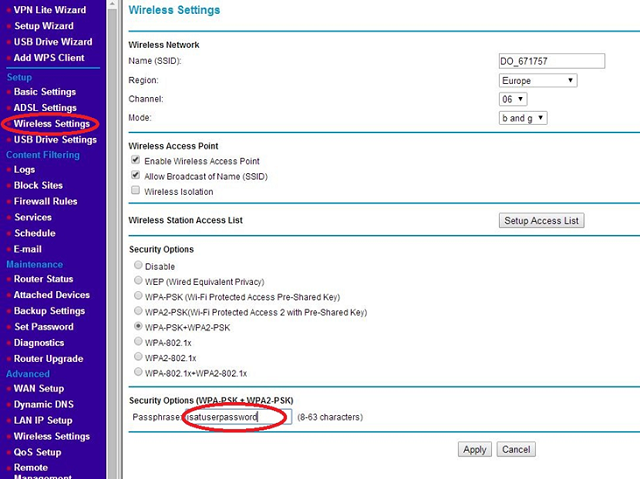
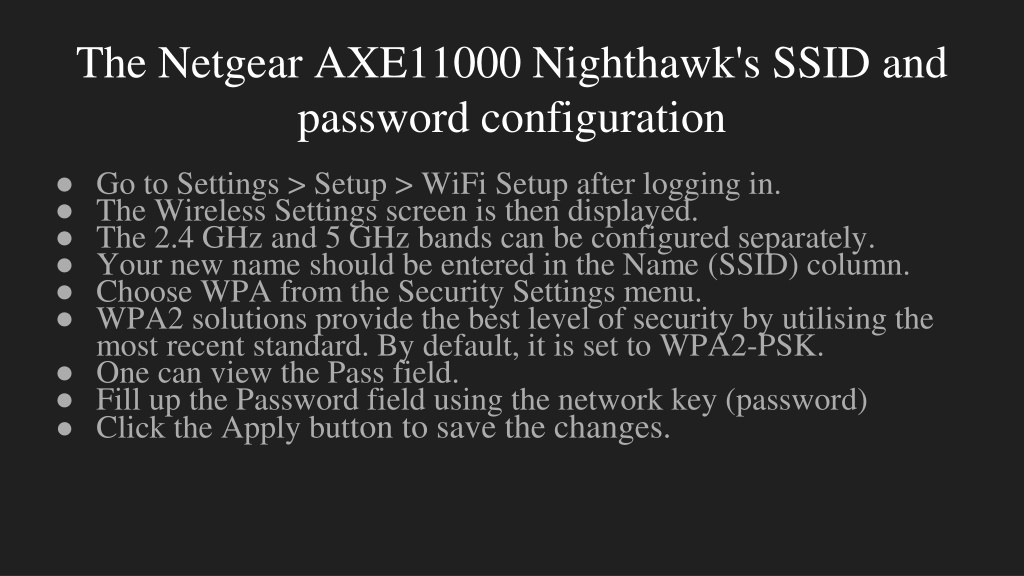
- Ensure that both WPA2 or WPA3 encryption is enabled in the router settings. This will provide strong authentication and prevent unauthorized access to your network.
- Change the admin password to a strong and unique one to prevent unauthorized access.

:max_bytes(150000):strip_icc()/002-f6a758c952314f14aa7f26c085df7e96.jpg "How to Secure Your Netgear Router - Step by Step")