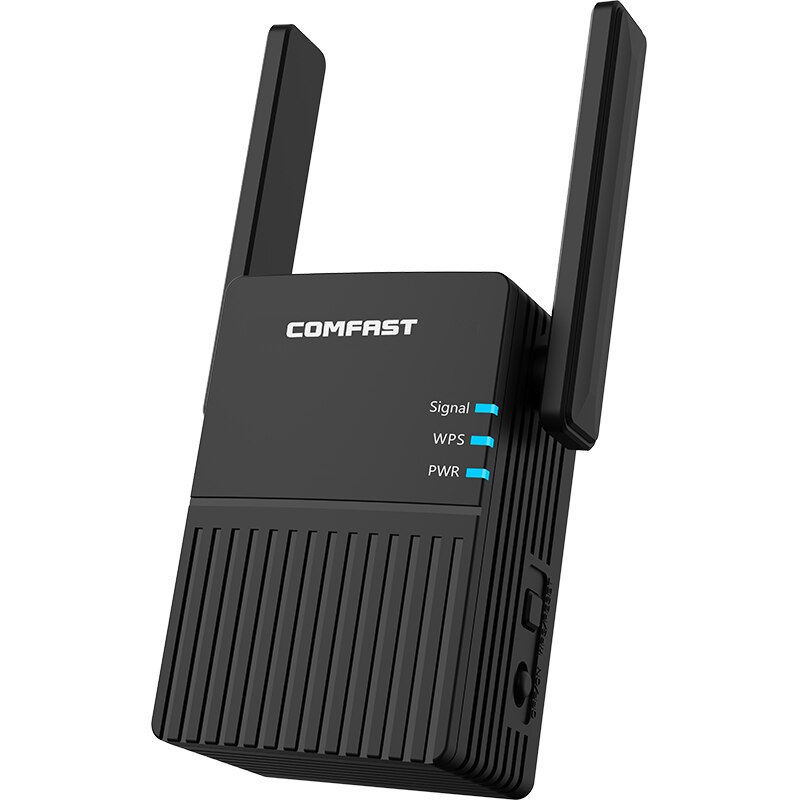
Router Setup for Wi-Fi Range and Coverage
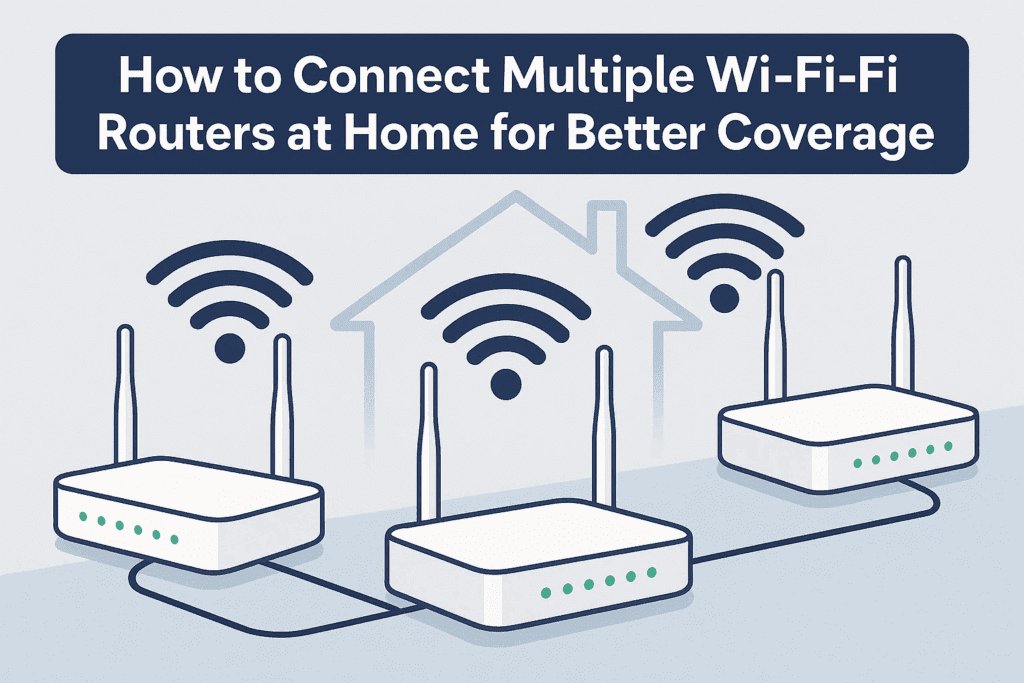
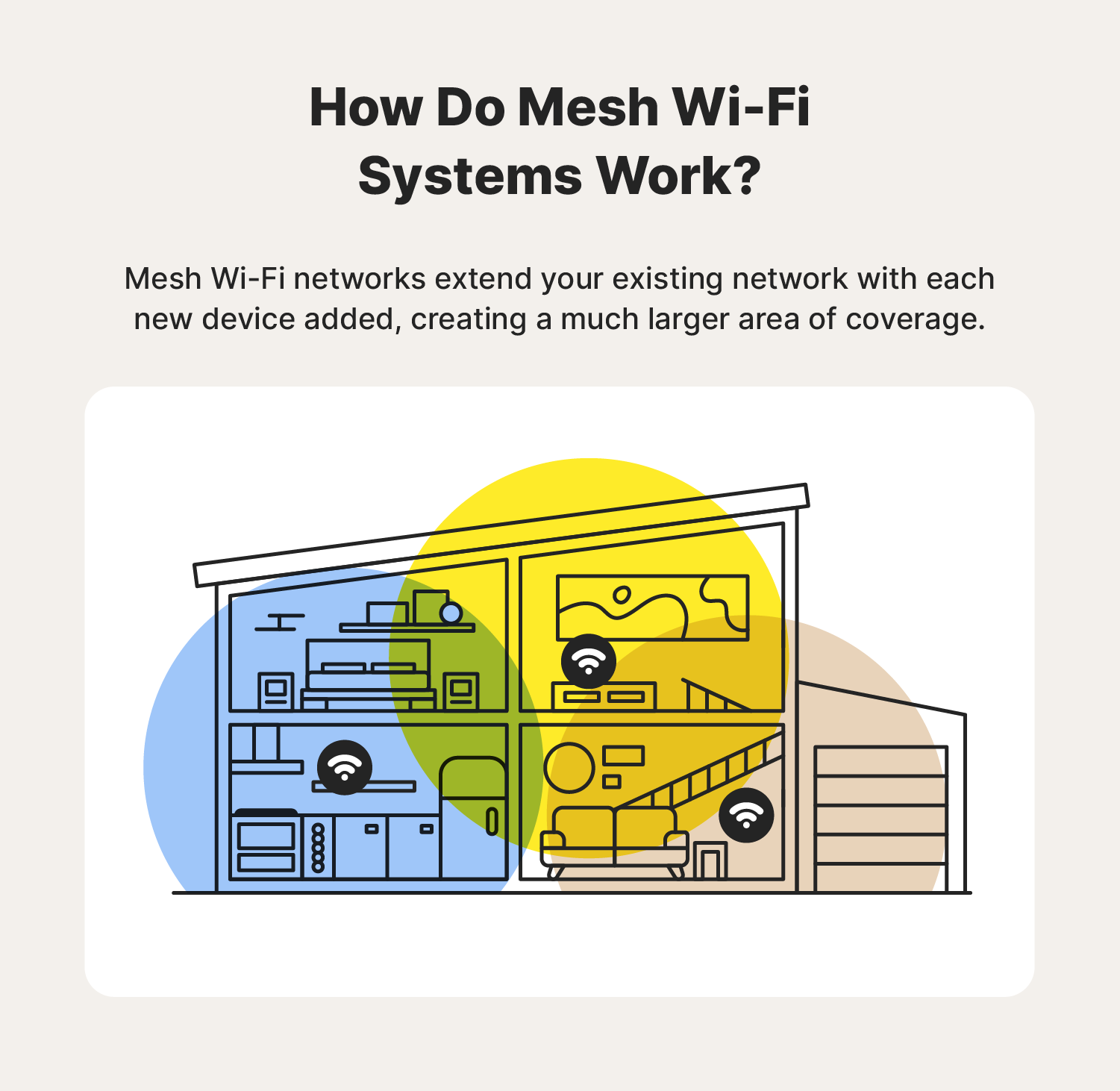
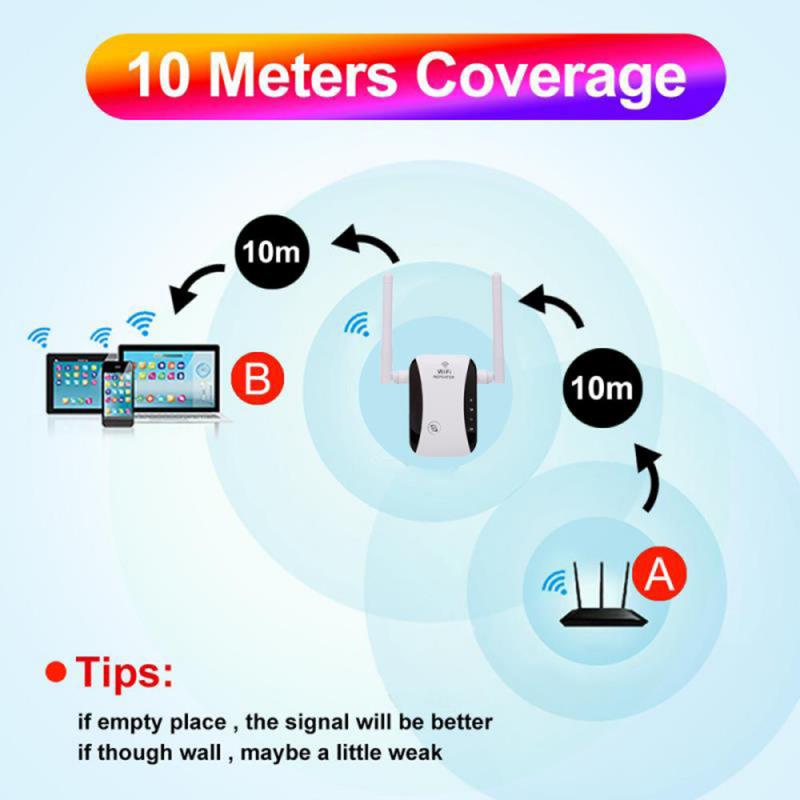
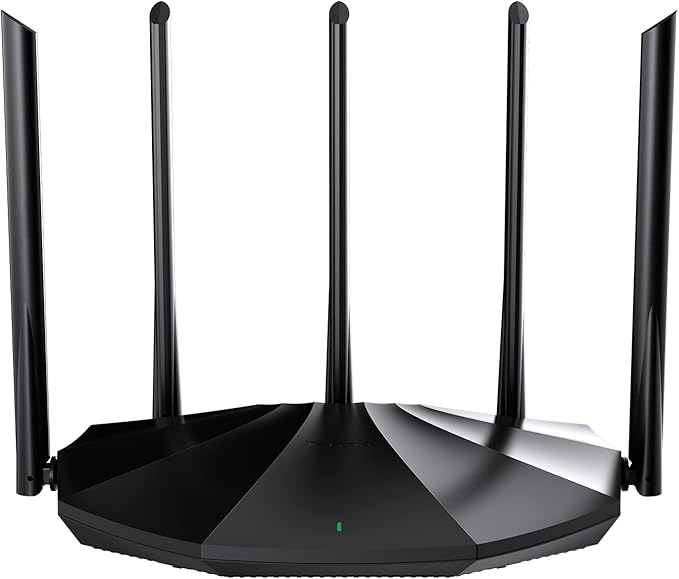
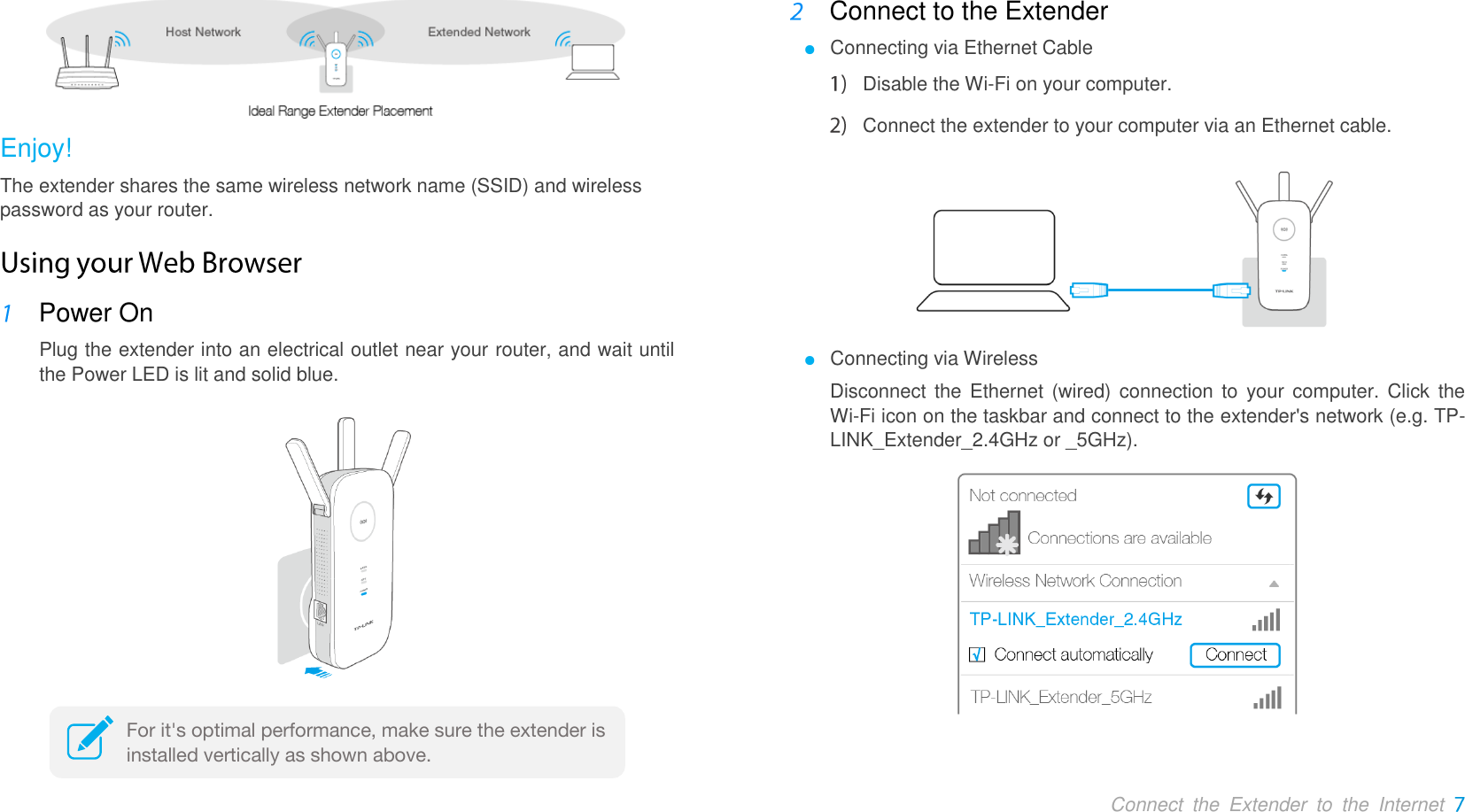
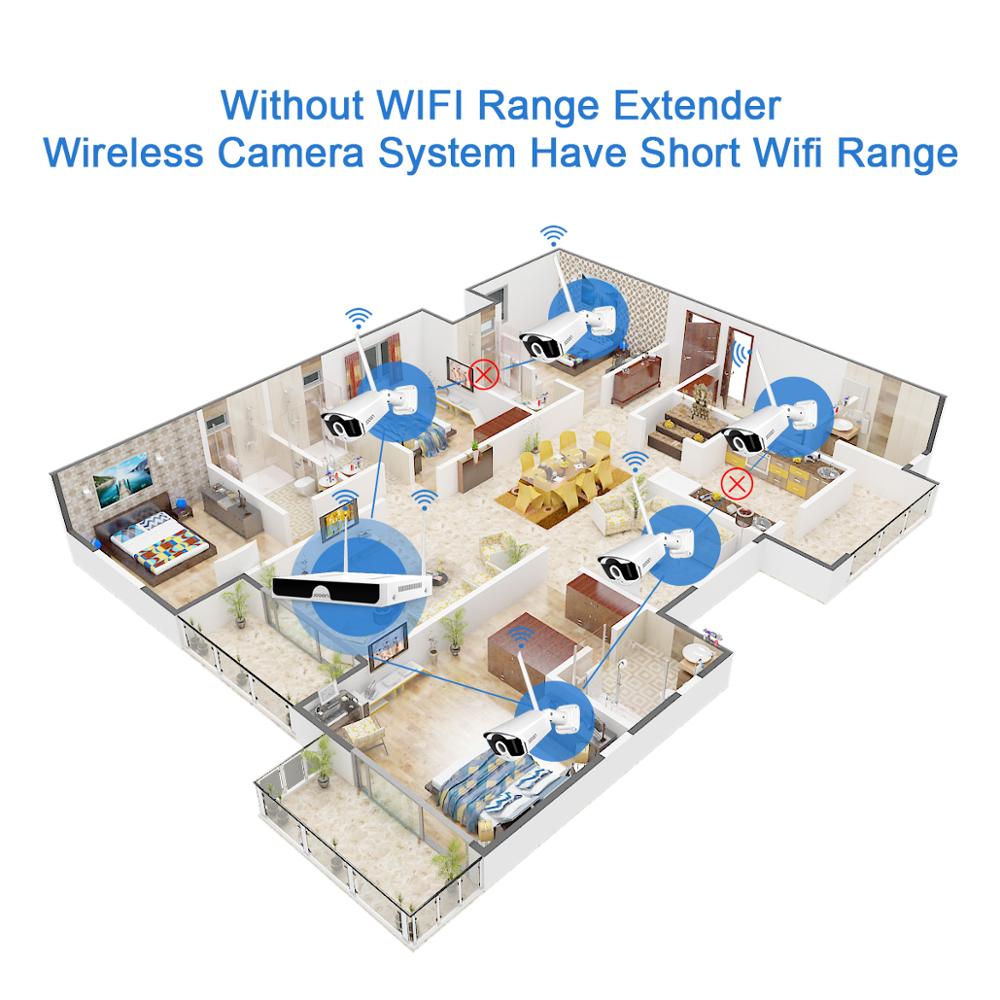
When it comes to setting up a Wi-Fi network, one of the most critical factors to consider is the range and coverage of your router. A good router setup can ensure that you have a strong and reliable Wi-Fi signal throughout your home or office, while a poorly optimized router location can lead to slow streaming, dropped connections, and frustration.
Maximizing Coverage and Performance with Router Placement Tips
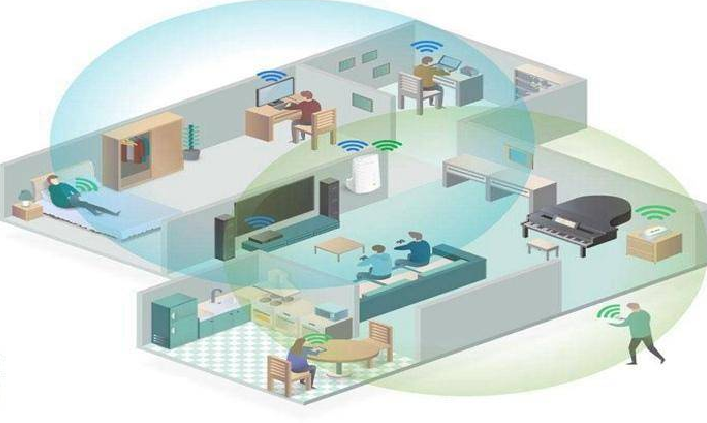
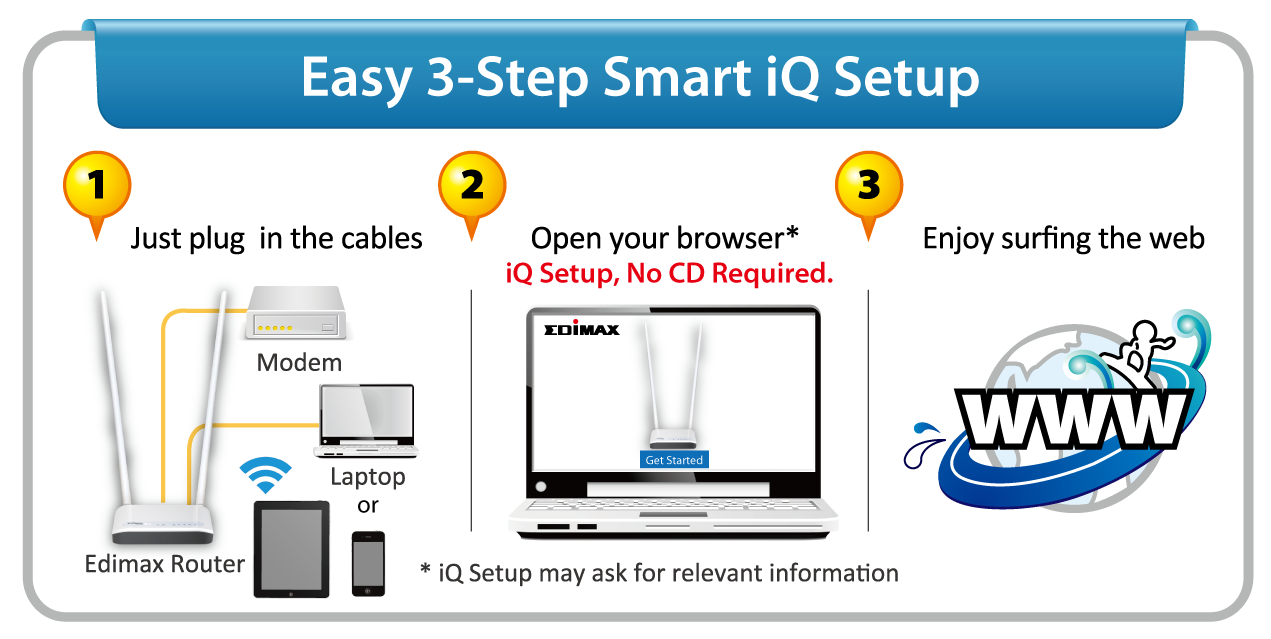
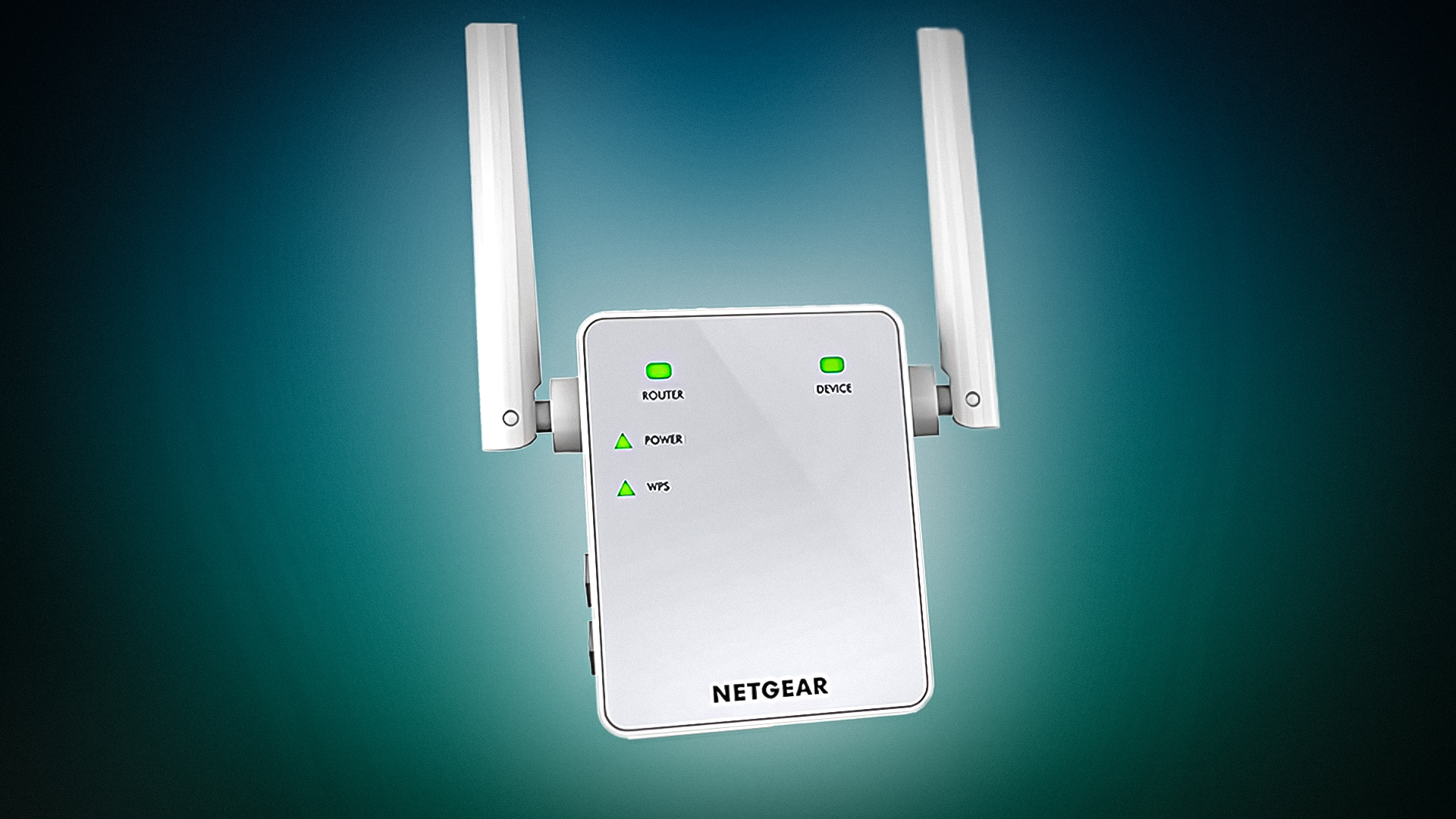
Setting up a NETGEAR router takes only minutes to complete, but an unoptimized router location can lead to a host of problems. To optimize router performance and maximize Wi-Fi network coverage, follow these tips:
- Choose a central location**: Place your router in a central location in your home or office to ensure that the Wi-Fi signal is evenly distributed throughout the space.
- Keep it off the floor**: Elevate your router off the floor to minimize interference from other devices and reduce the risk of signal degradation.
- Avoid walls and corners**: Try to position your router away from walls and corners, as these can cause signal loss and interference.
- Use a high-gain antenna**: If you have a router with a removable antenna, consider using a high-gain antenna to improve the signal strength and range.
- Update your router's firmware**: Regularly update your router's firmware to ensure that you have the latest features and bug fixes.