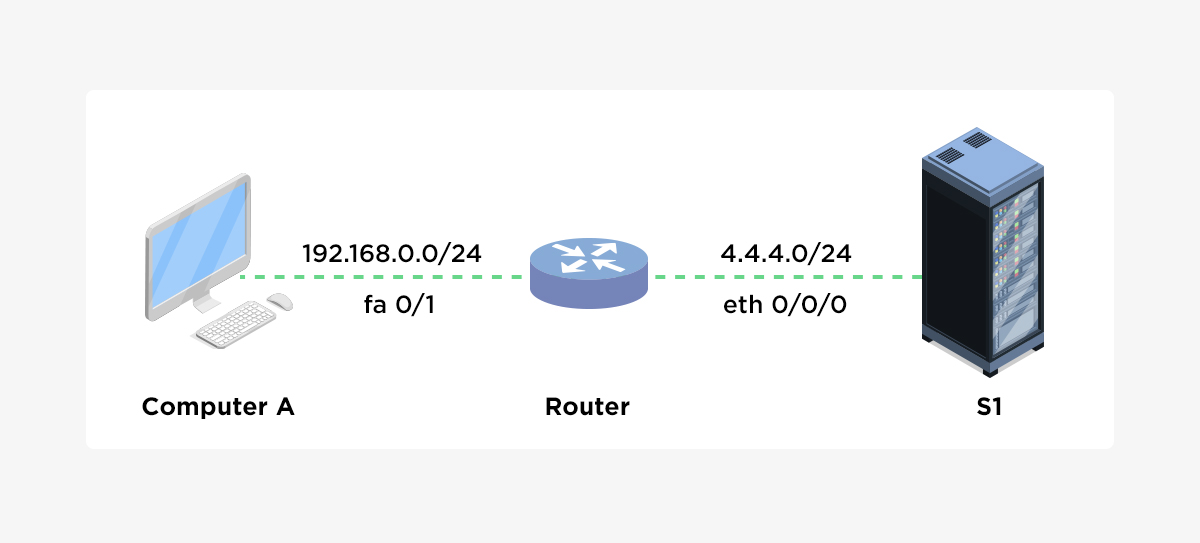
Cisco Router IP Configuration: A Comprehensive Guide
In today's digital age, networking is an essential aspect of any organization, and Cisco routers play a crucial role in connecting users, devices, and applications. One of the fundamental tasks in Cisco router configuration is setting up IP addresses, which is the focus of this article. In this guide, we will explore the basics of Cisco router IP configuration, including assigning IP addresses to interfaces, configuring default routes, and more.
Understanding IP Addresses
Before diving into Cisco router IP configuration, it's essential to understand what IP addresses are. An IP address is a unique numerical label assigned to each device on a network, allowing data to be transmitted between devices. There are two primary types of IP addresses: IPv4 and IPv6. IPv4 addresses are 32-bit addresses, while IPv6 addresses are 128-bit addresses.
Assigning IP Addresses to Interfaces

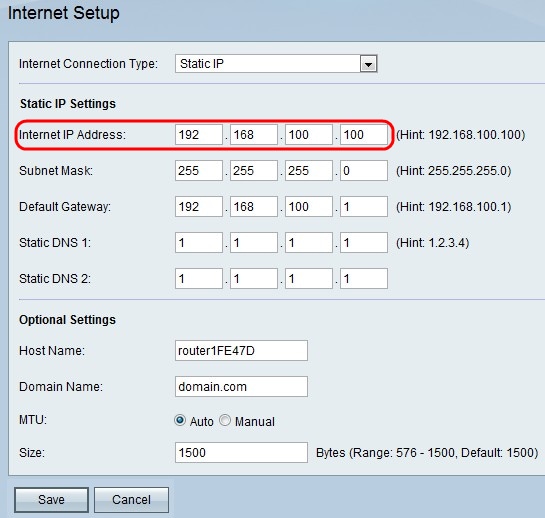
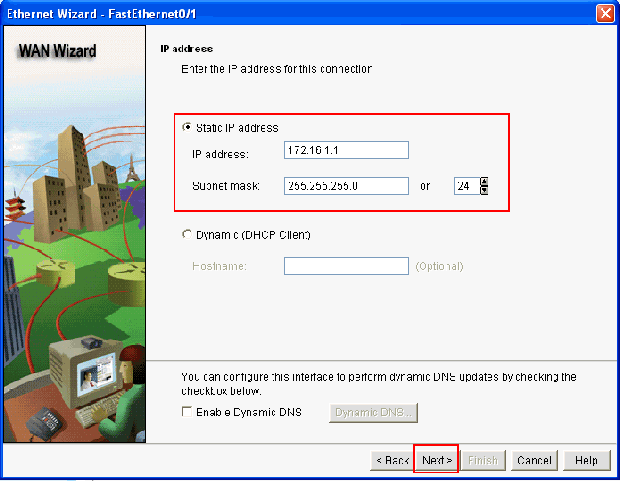
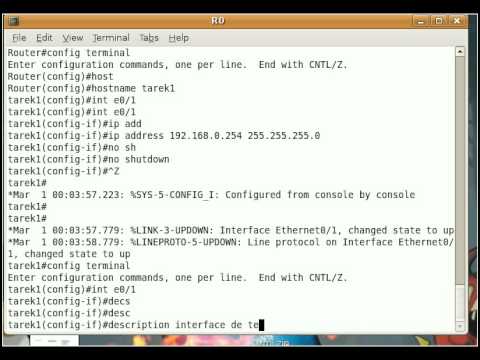
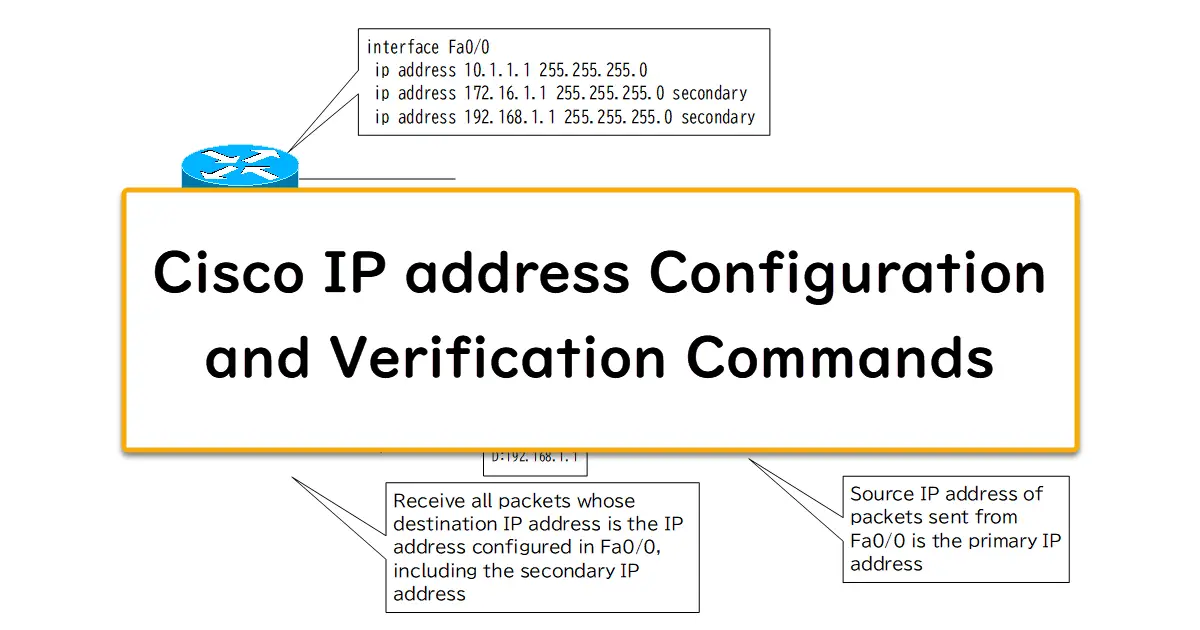
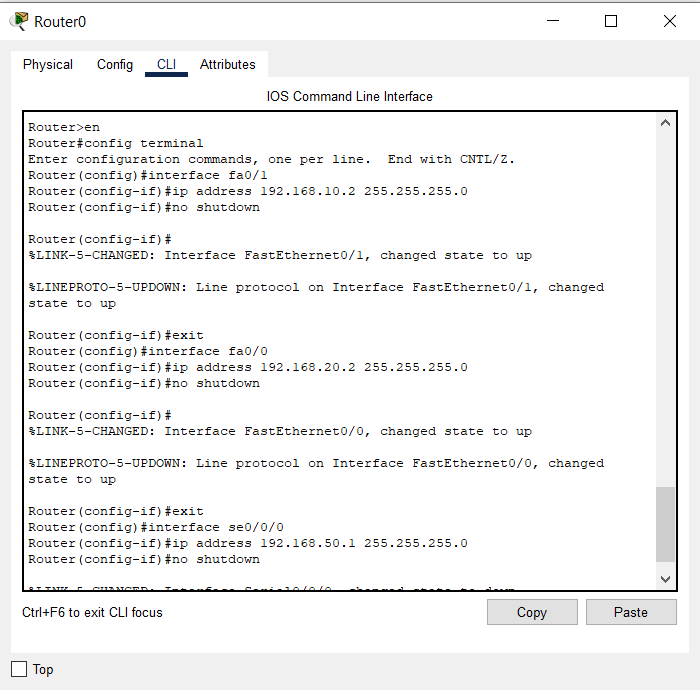
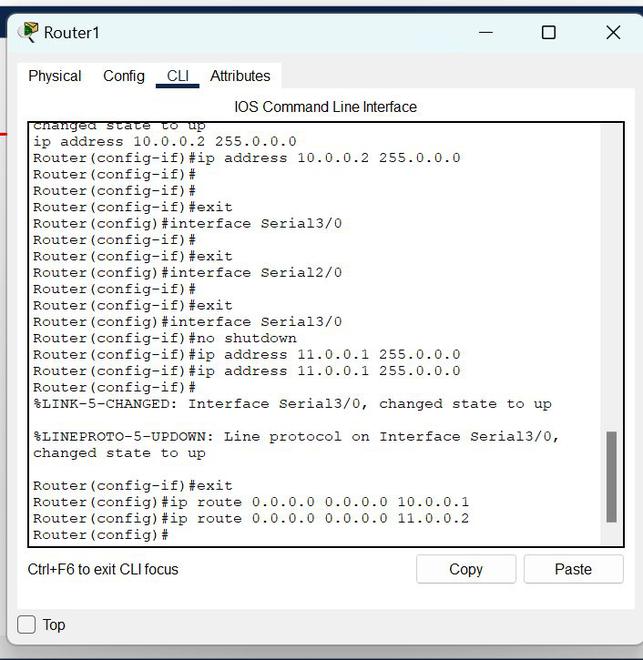
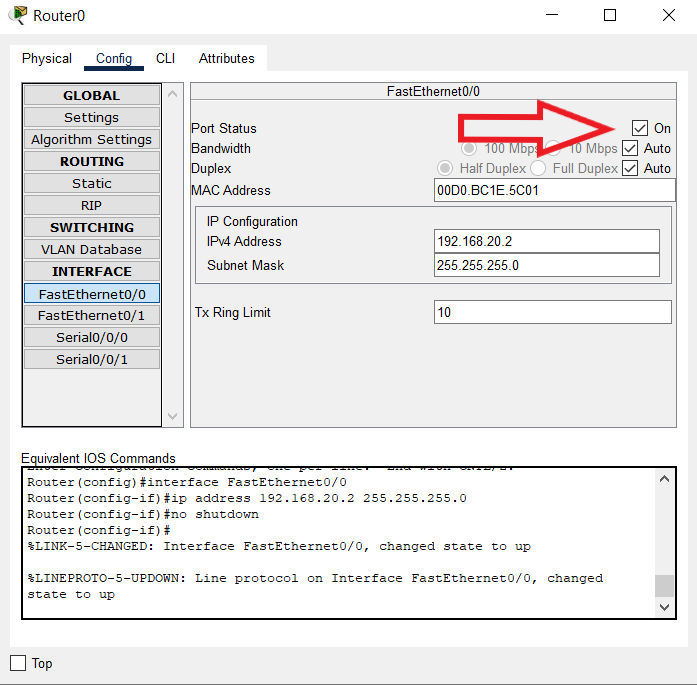
To assign an IP address to an interface on a Cisco router, follow these steps:
- Enter global configuration mode by typing `router(config)#`
- Select the interface to which you want to assign an IP address by typing `interface
` (e.g., `interface fastethernet0/0`) - Configure the IP address by typing `ip address
` (e.g., `ip address 192.168.1.1 255.255.255.0`)
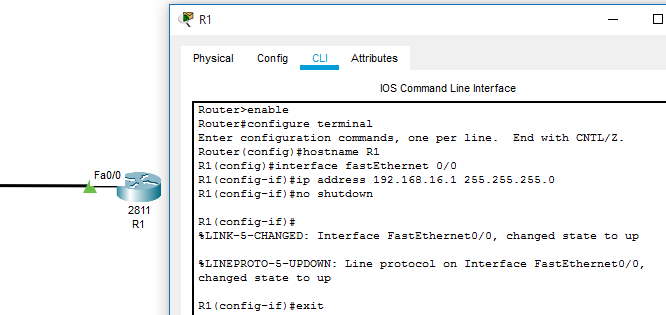
For example, let's say we want to assign an IP address of 192.168.1.1 to the FastEthernet0/0 interface with a subnet mask of 255.255.255.0: