Setting Up a G Router for Beginners: A Comprehensive Guide
Are you a tech-savvy individual who wants to set up a stable and secure network at home? Look no further! This article will guide you through the process of setting up a G router, covering the basics and beyond.
Step 1: Choosing the Right Location
Before setting up your G router, it's essential to choose the ideal location for it. This will ensure that you get the best possible signal strength and coverage throughout your home. A central location with minimal obstruction and interference is recommended.
Key Considerations:
- Distance from your modem
- Physical obstructions (walls, floors, etc.)
- Physical interference from other electronic devices
Step 2: Connecting to the Router

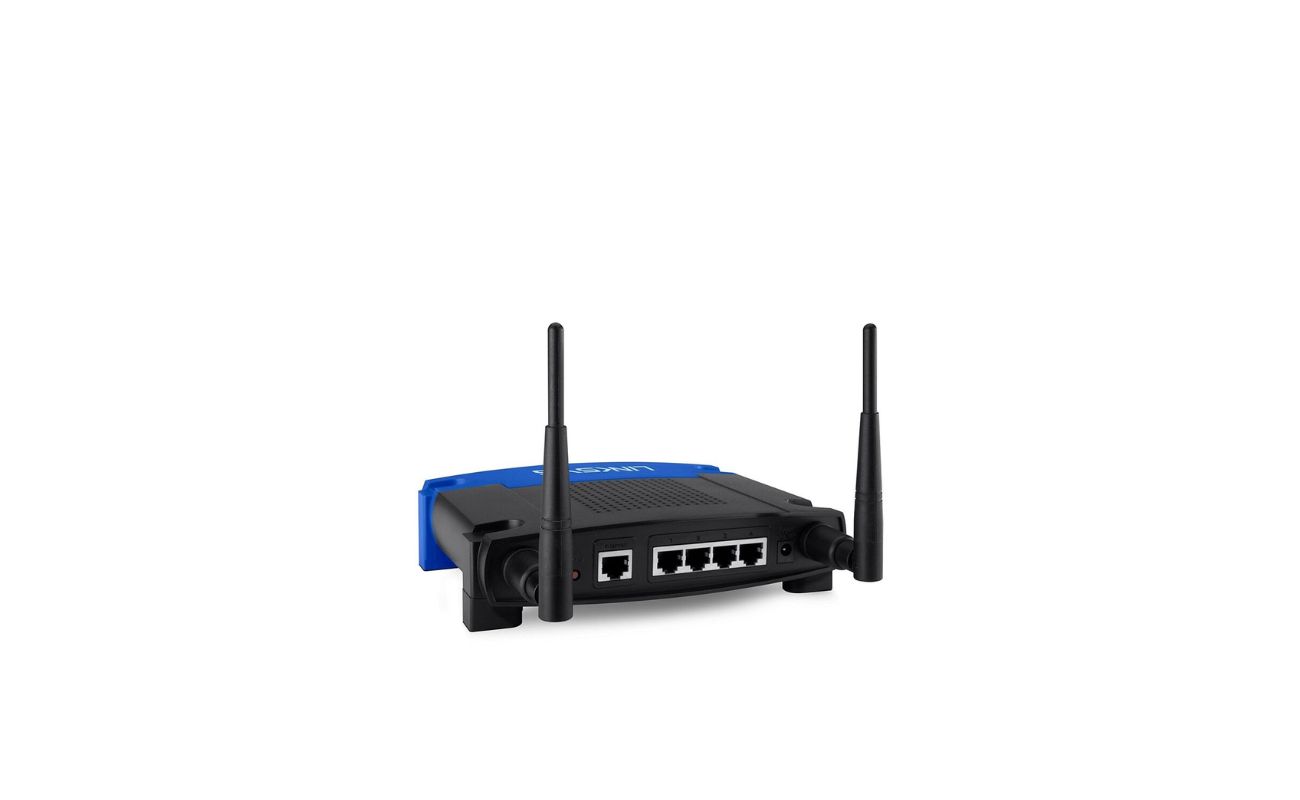
Next, you'll need to connect your router to your modem and other devices. Typically, you'll use an Ethernet cable to connect the modem to the router's WAN port and a wireless connection to your devices. Make sure to use a strong and stable Ethernet cable to prevent dropped connections.
Connecting to the Router:
- Connect the modem to the WAN port on the router
- Connect your devices to the router using a wireless network or Ethernet cable
Step 3: Configuring the Router
Now it's time to configure your router. This usually involves accessing the web interface and setting up your network settings. You'll need to create a strong admin password, set up your network name and password, and configure any additional features you want to use (such as Quality of Service or parental controls).