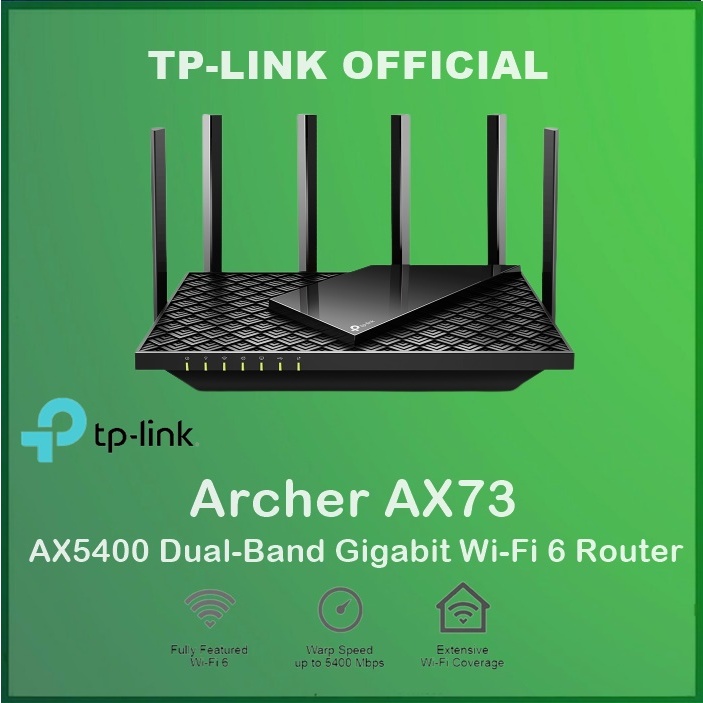
Unlock the Full Potential of Your Wi-Fi 6 Wireless Router: Essential Settings for Optimal Performance
As Wi-Fi technology continues to evolve, Wi-Fi 6 wireless routers have become the new norm for many homes and businesses. These advanced devices offer faster speeds, increased capacity, and reduced network congestion, enabling seamless streaming, online gaming, and video conferencing. However, to realize their full potential, it's essential to understand the various settings that can be adjusted to optimize performance and security.
Accessing Your Wi-Fi 6 Router Settings
To begin, you'll need to access your Wi-Fi 6 router's settings. The process varies depending on your device manufacturer and model, but most routers come with a web-based interface that can be accessed through a web browser. To sign in, simply type the router's IP address in the address bar, and you'll be prompted to enter the admin credentials. Once logged in, you'll be able to change settings, including the network name, password, security options, and more.

Network Name (SSID) and Password
- Change Your Network Name (SSID): Simply click on the 'Advanced Settings' or 'Wireless Settings' section and look for the option to modify the network name (SSID). Enter a unique and memorable name, and save the changes.
- Update Your Password: Navigate to the 'Security' or 'Password' section and enter a new password. Make sure it's strong and secure, using a combination of uppercase and lowercase letters, numbers, and special characters.