Comcast Xfinity Router Firmware Update Issues: A Comprehensive Guide
As a valued Xfinity customer, you understand the importance of a stable and secure home network. Regular updates to your Xfinity router firmware are crucial for maintaining optimal performance, resolving connectivity issues, and ensuring the latest security patches. In this article, we'll delve into the world of Xfinity router firmware updates and provide you with a step-by-step guide to troubleshoot common issues.
What are Firmware Updates, and Why are They Important?
Firmware updates are software revisions that improve the performance, security, and features of your Xfinity router. These updates often include bug fixes, security patches, and new features that enhance the overall user experience. Regular firmware updates ensure that your router stays up-to-date with the latest advancements in technology, providing you with a seamless and secure connection to the internet.
Common Issues with Firmware Updates
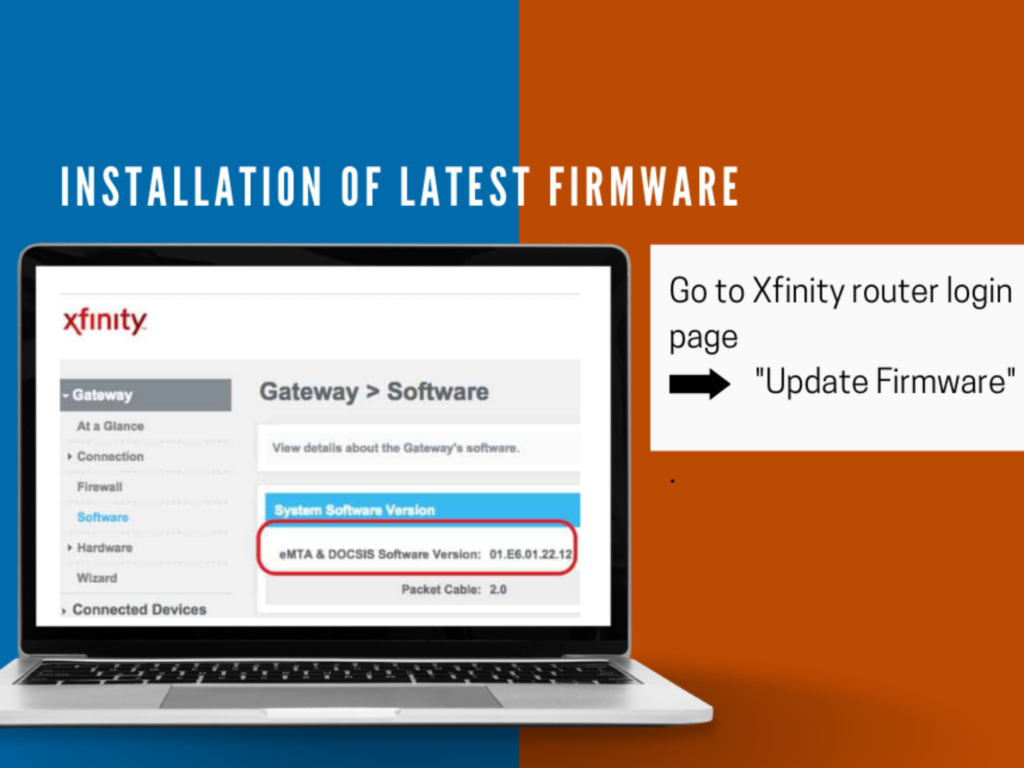
While firmware updates are designed to improve your Xfinity router's performance, they can sometimes cause issues. Some common problems that may arise during firmware updates include:
- Intermittent connectivity issues
- Slow internet speeds
- Error messages or crashes during the update process
- Inability to log in to the router's web interface
Troubleshooting Firmware Update Issues
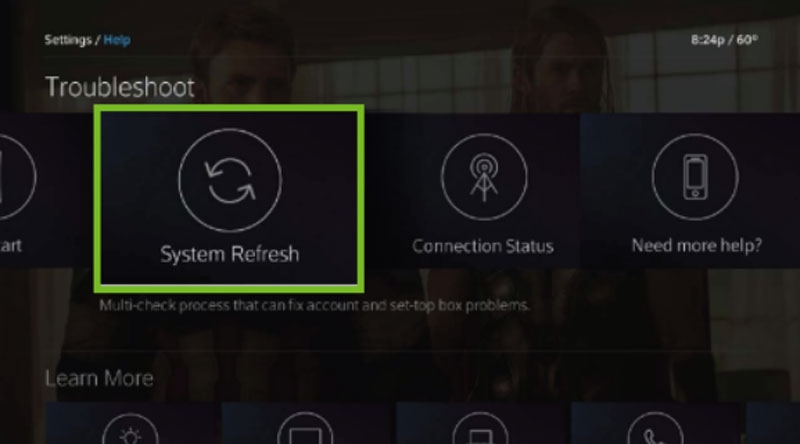
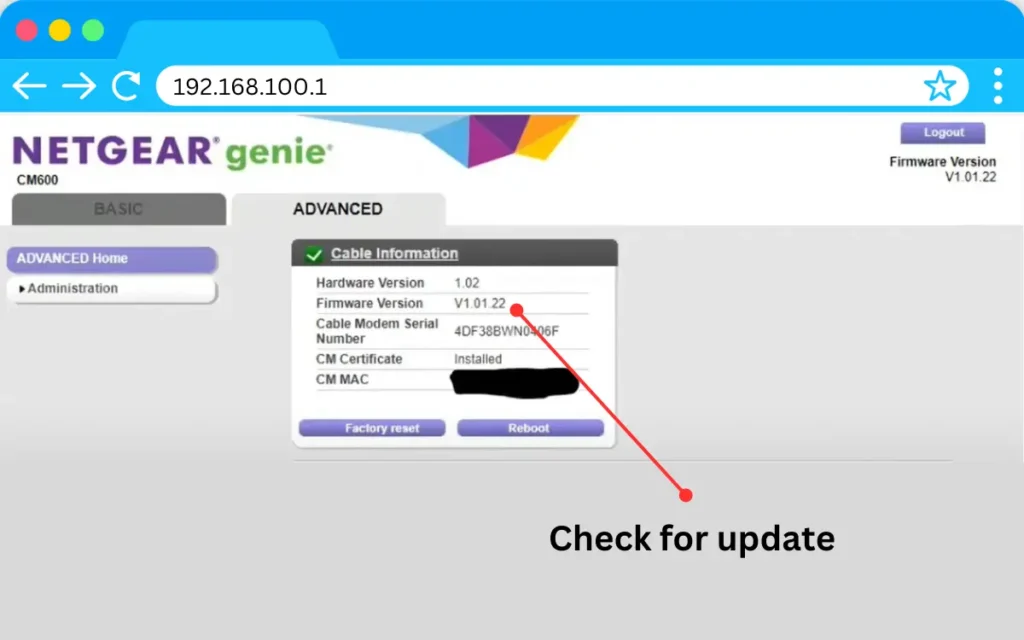
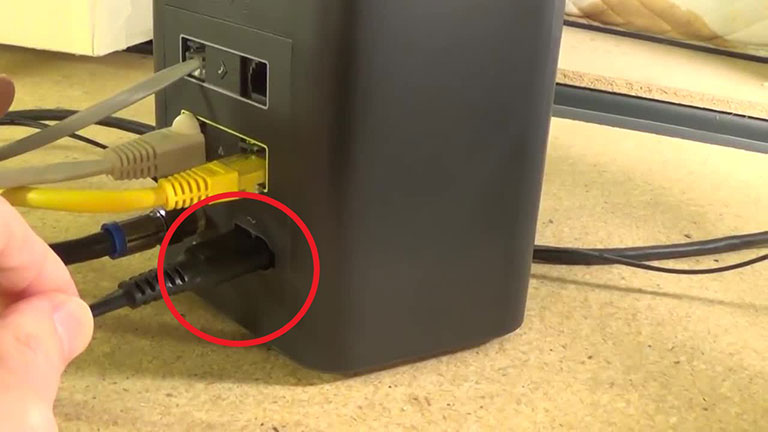
If you're experiencing difficulties with firmware updates, try the following steps to troubleshoot the issue: