Expert Guide to the G Router Installation Procedure
Setting up a new router can seem like a daunting task, but with the right steps, you can have your home network up and running in no time. In this article, we will take you through the step-by-step process of installing and configuring a G router.
Step 1: Unboxing and Physical Installation
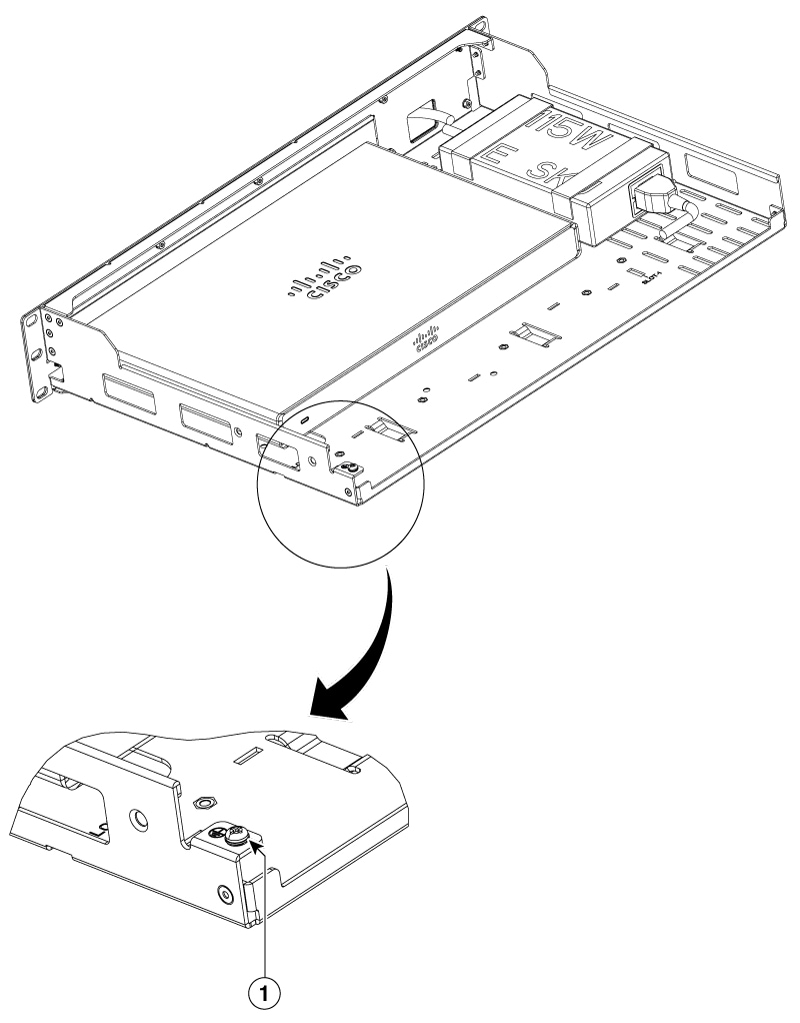
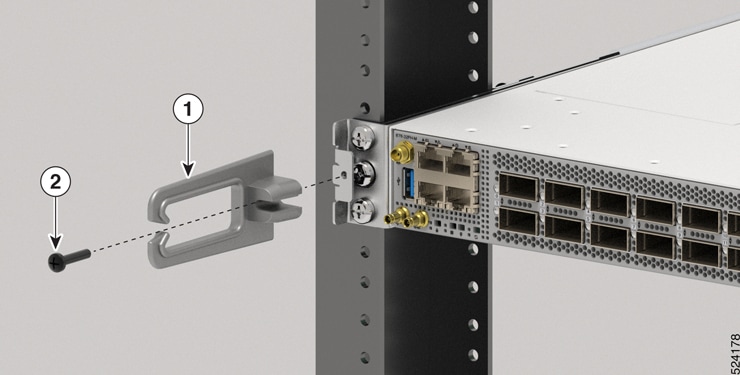
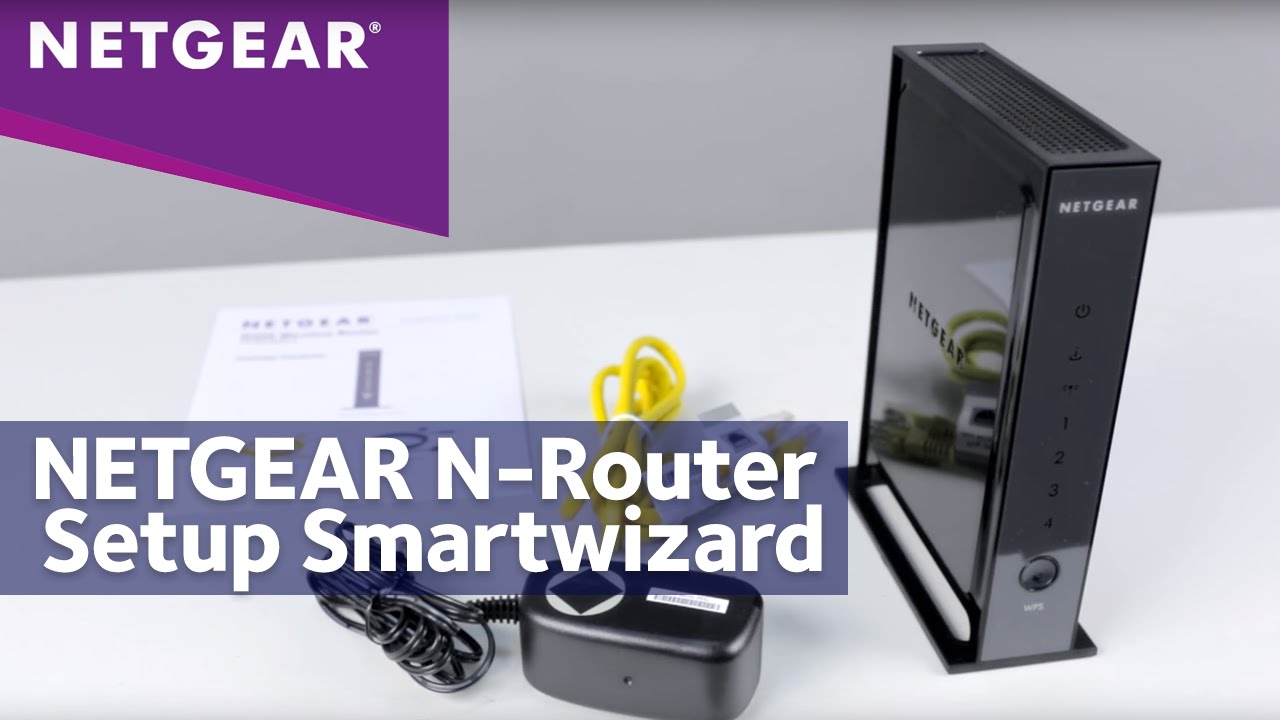
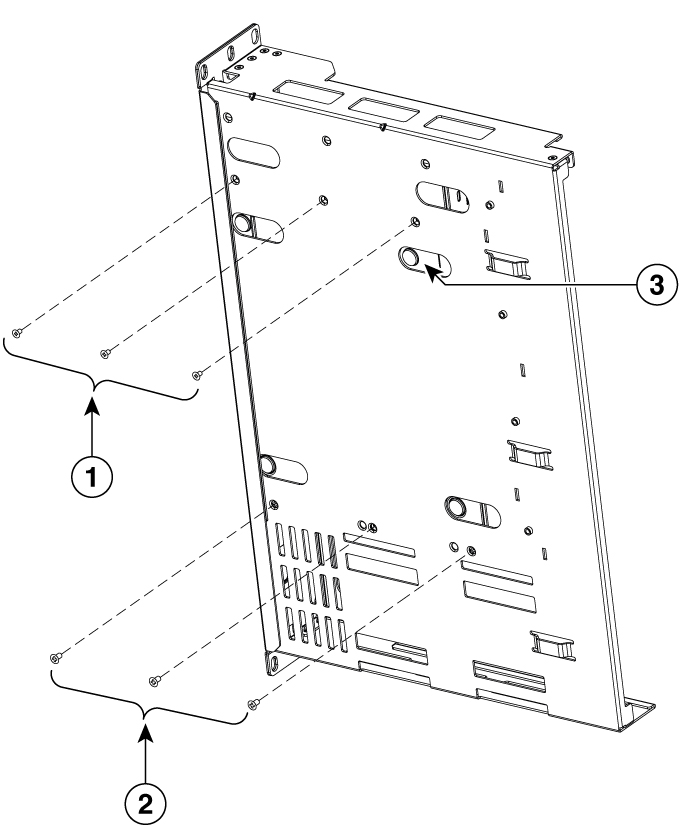
First things first, unbox your new G router and all the necessary accessories that come with it. Next, insert the G router's foot into the base of the router and slide it into the notch to keep it stable. Make sure the router's feet are securely in place to prevent it from tipping over during or after installation.
Important Safety Precautions

- Ensure the router is placed on a flat and stable surface, away from any potential sources of water or moisture.
- Keep the router out of reach of children and pets to prevent any accidental damage or electrical shock.
- Make sure the router is installed in an area with good airflow to prevent overheating.
Step 2: Connecting to the Modem
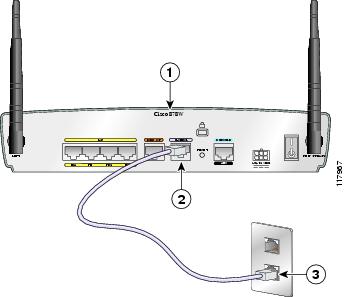
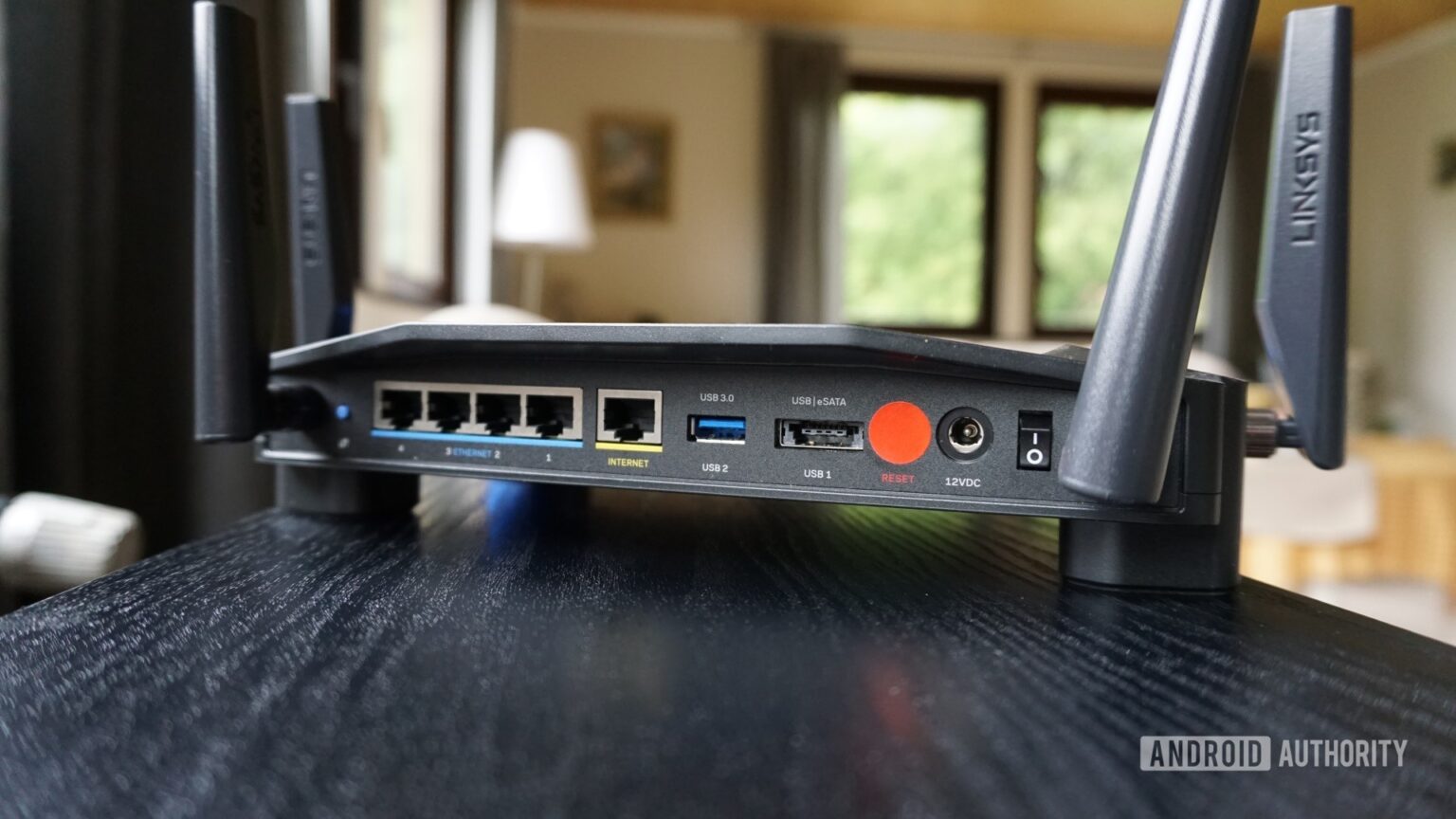
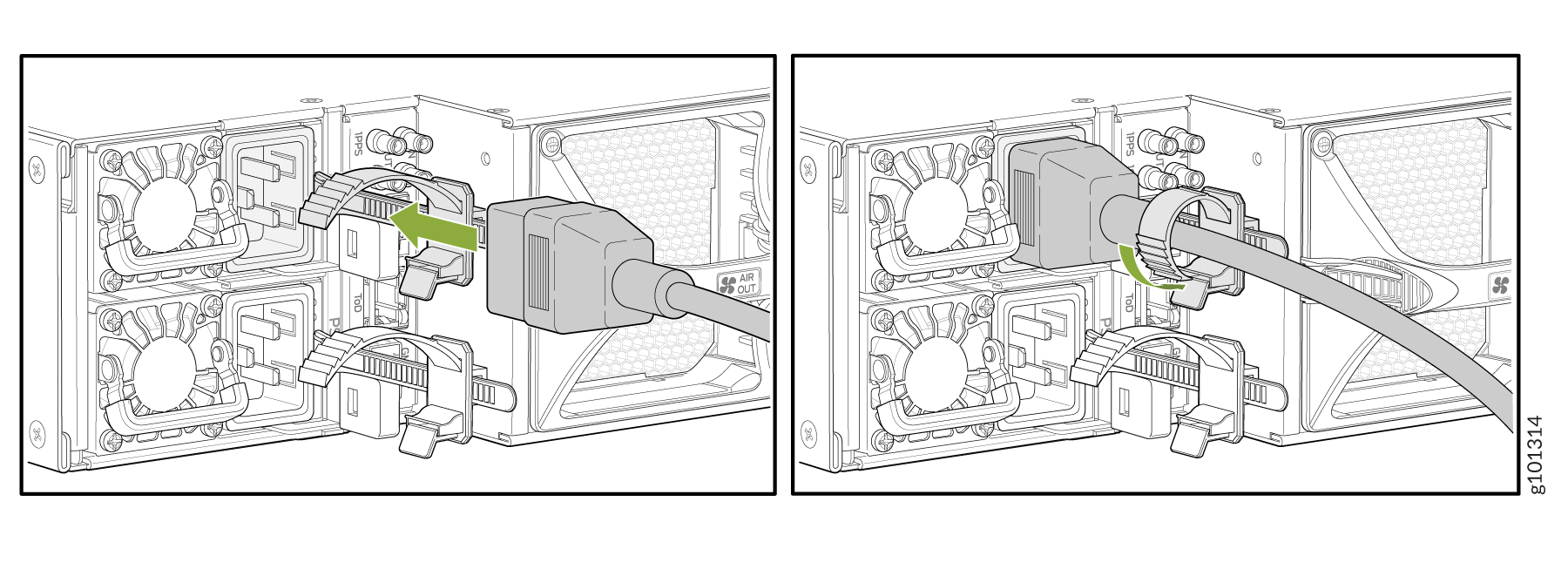
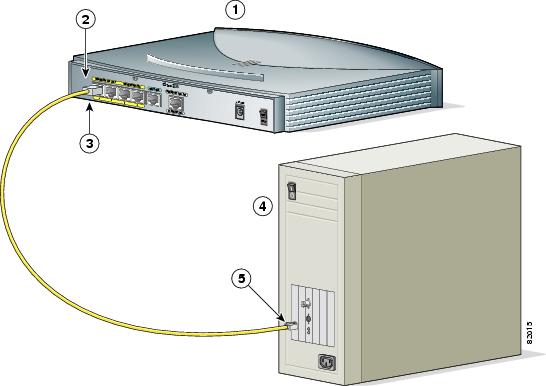
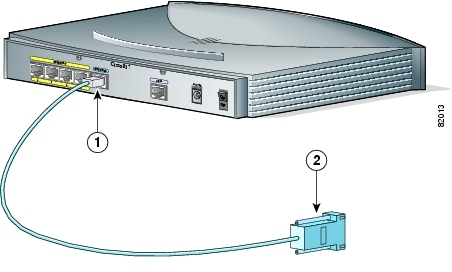
To get started, you'll need to connect the router to your modem. Locate the cable connecting the computer and old router, and disconnect it from the old router. Then, plug it into the gray port on the new router. This will establish the physical connection between the router and modem.