Home Security System Installation Checklist: A Step-by-Step Guide
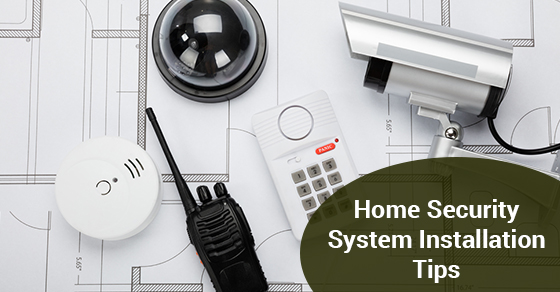
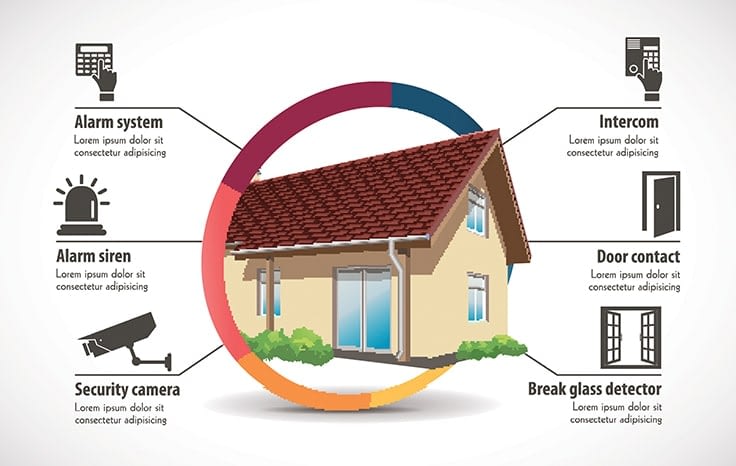
Upgrading your home with a comprehensive security system is a proactive step towards ensuring the safety and security of your home and family. Each component, from motion sensors to doorbell cameras, plays a vital role in creating an integrated security network. This checklist guides homeowners through inspecting a new home security installation, covering essential components to ensure a seamless and effective system.
Before Installation Checklist
- Review your signed contract, which you should have received already by email, and the specifics of what you purchased.
- Make sure you're ready to pay any remaining balances.
- Make sure your home has permanent electricity.
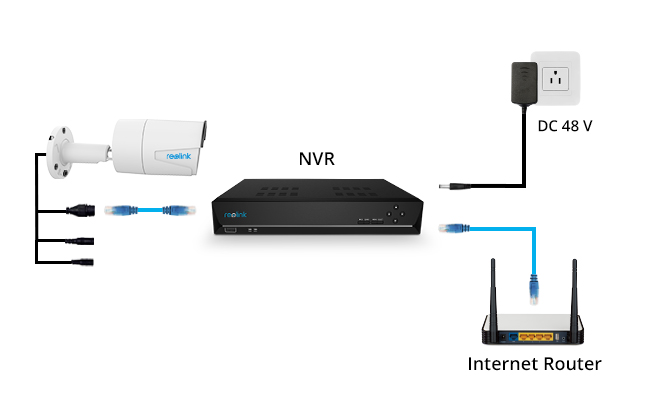
- If you ordered cameras, you must have 2Mbps upload speed per device.
During Installation Checklist

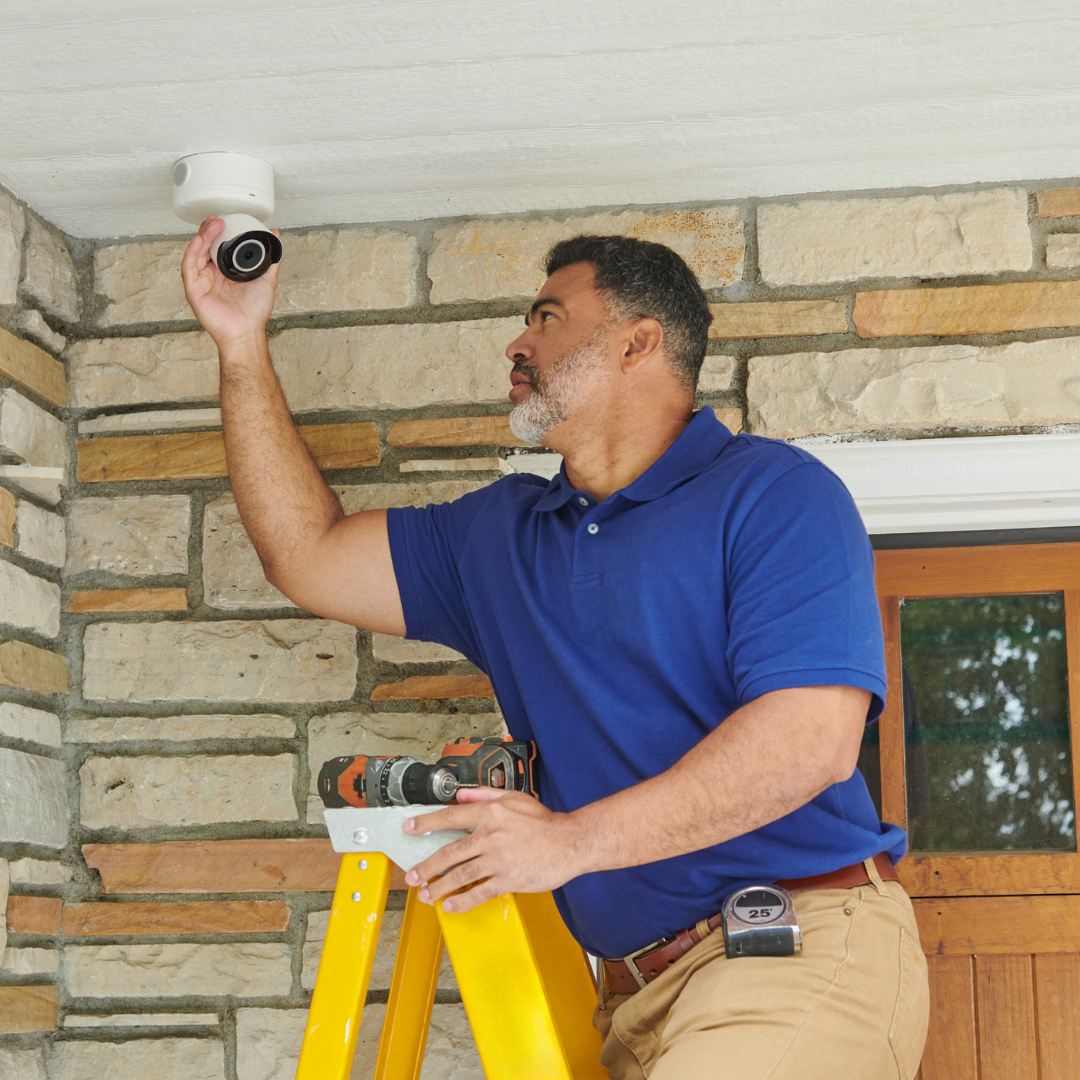
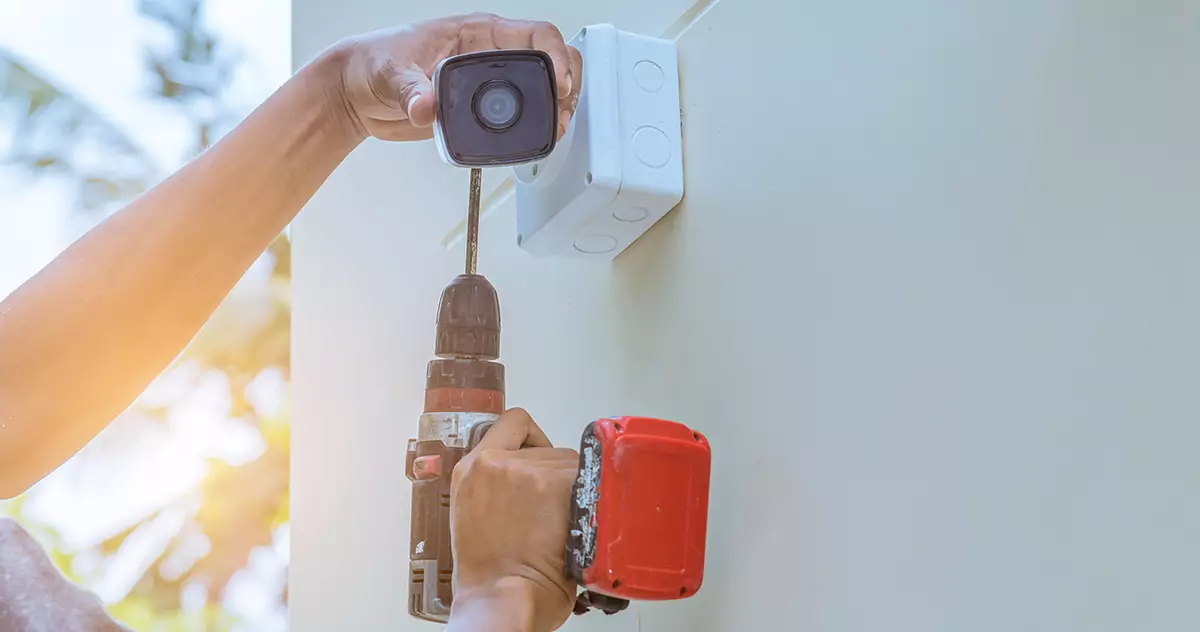
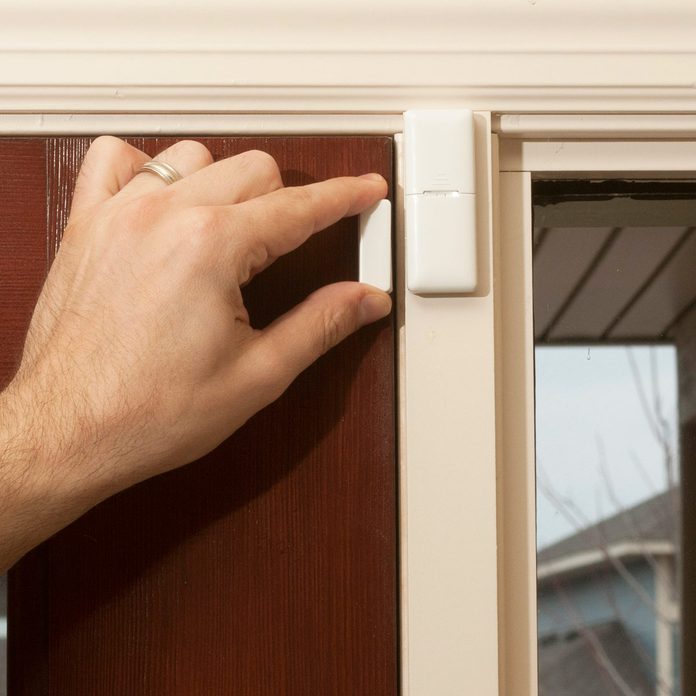
- Ensure all components, including cameras, sensors, and doorbell cameras, are properly secured and installed.
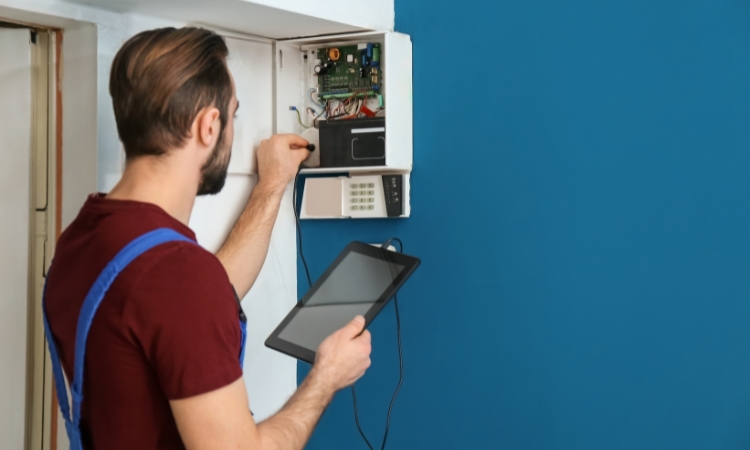
- Configure the control panel and keypad according to the manufacturer's instructions.
- Test all sensors and cameras to ensure proper functionality.
- Run a thorough system check to identify any potential issues or weaknesses.
- Configure the system to alert you to any unusual activity or potential security threats.
- Configure the system to work with your smartphone, tablet, or computer through the ADT+ app or other compatible software.
Glossary
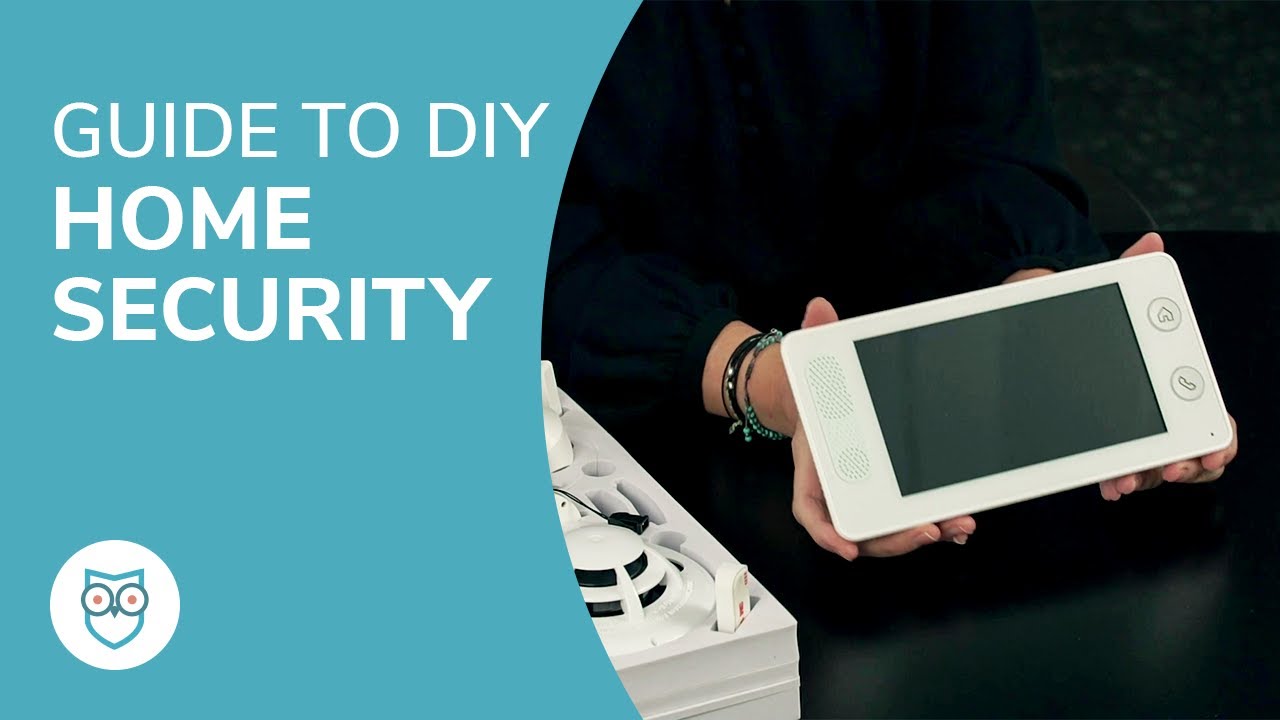
- Control Panel: The central device that monitors and controls all security system components.
- Key Pad: The device used to enter in your security code, for example, to disarm your system or adjust the volume.
- z-Wave Devices: Compatible devices that work with your ADT Smart Home Security System, such as smart light bulbs, thermostats, door locks, and Google Assistant devices.