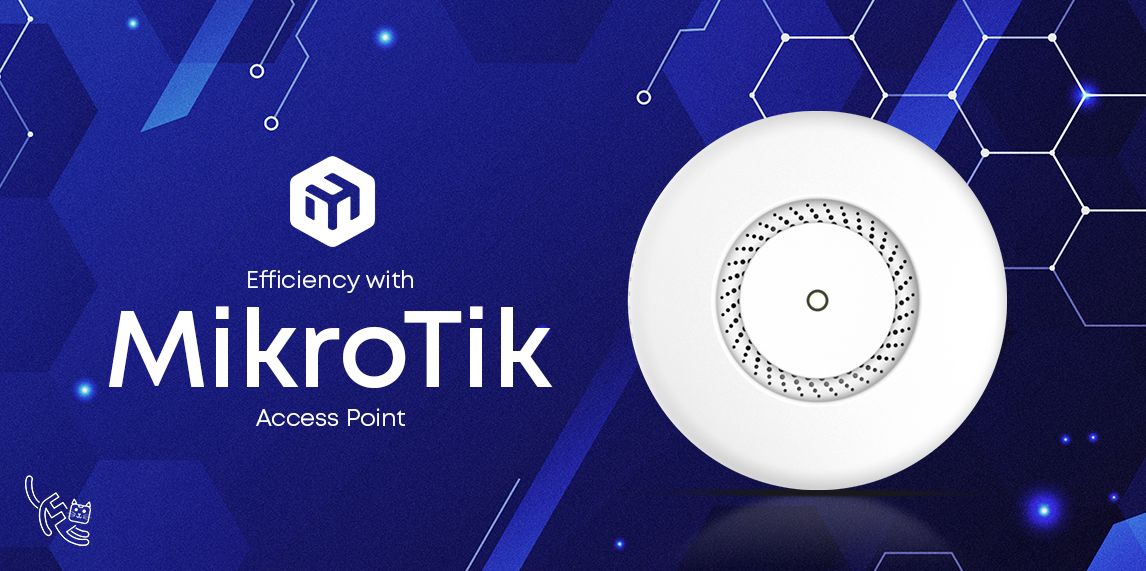
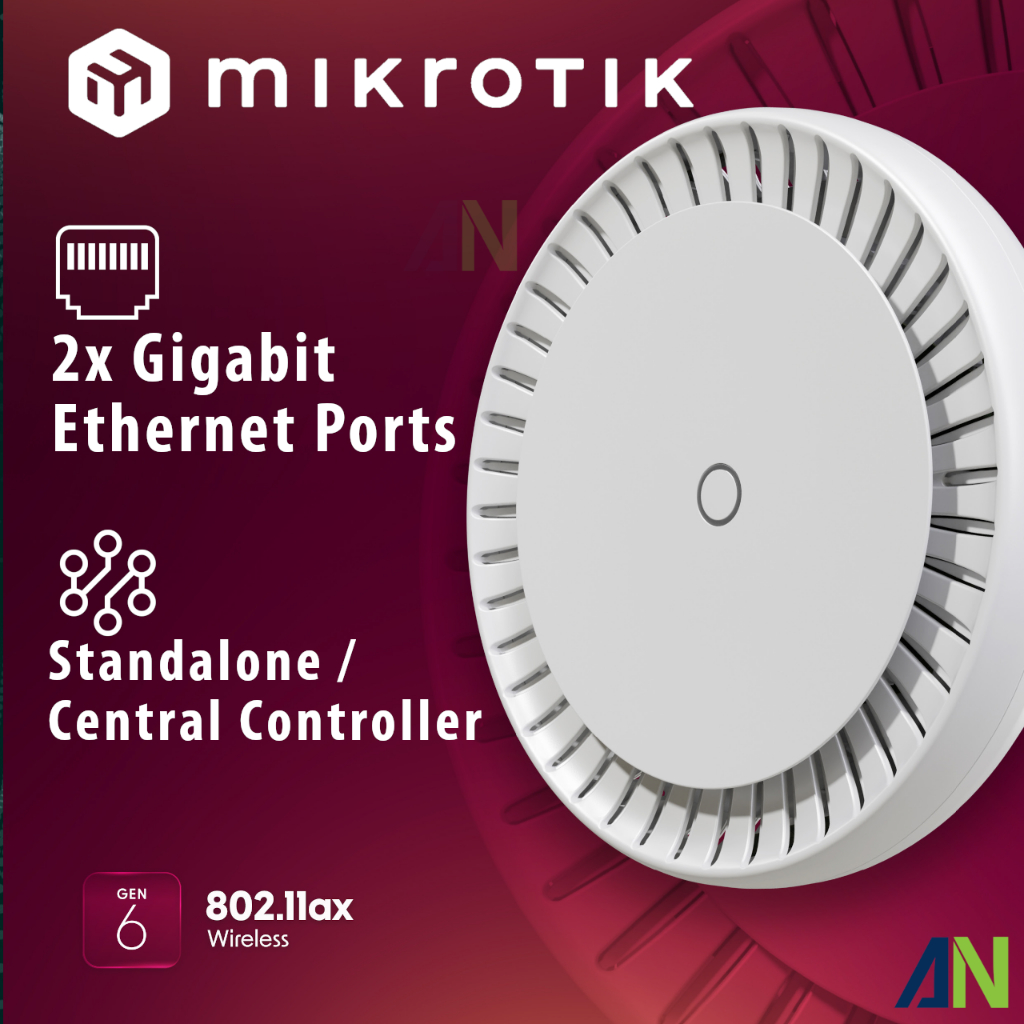
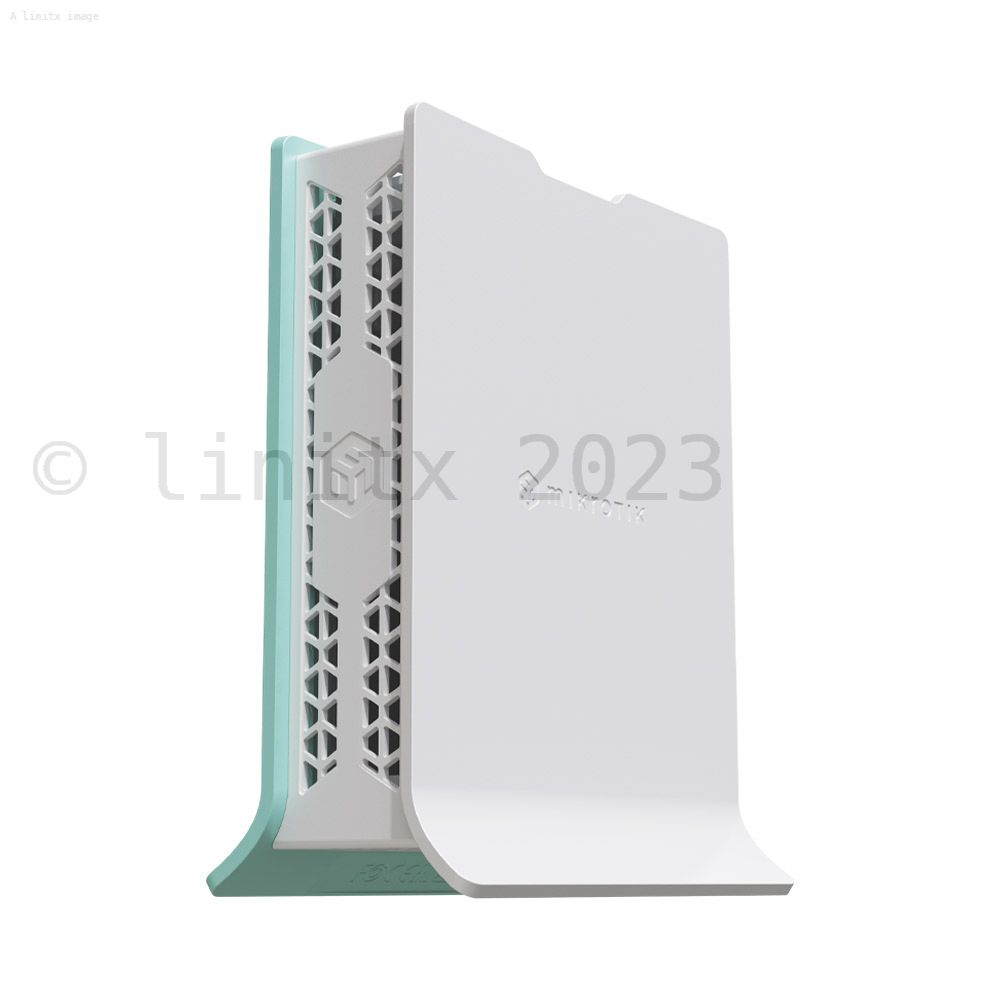
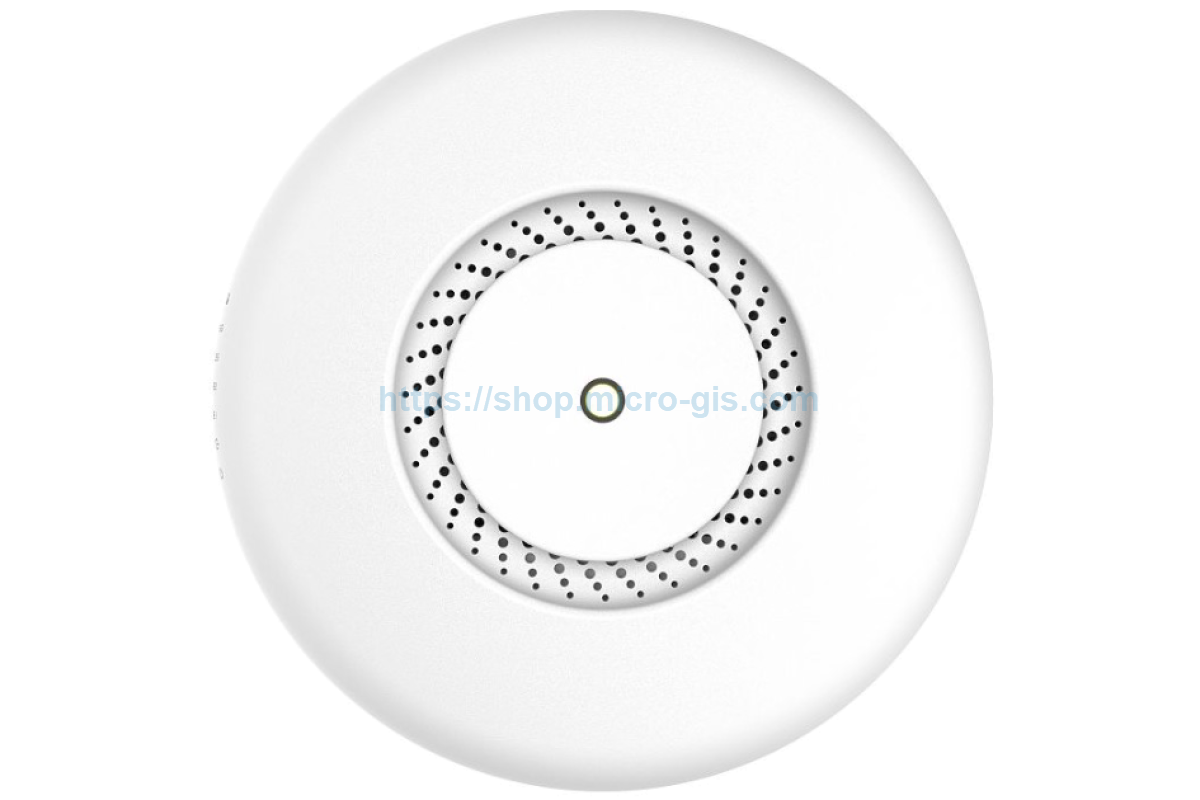
Mikrotik Router Access Point Setup For Medical Facilities
In today's healthcare landscape, reliable and secure wireless connectivity is critical for medical facilities to provide efficient patient care, manage medical records, and facilitate communication between staff members. To ensure seamless wireless connectivity, setting up a Mikrotik router access point can be an ideal solution. In this article, we will guide you through the process of configuring a Mikrotik router access point for medical facilities.
Why Mikrotik Router Access Points for Medical Facilities?
Mikrotik routers are renowned for their robust and flexible RouterOS, offering unparalleled control over network configuration. By utilizing a Mikrotik access point, medical facilities can establish a scalable and secure wireless network, providing high-speed data transfer rates and minimizing signal interference. This setup allows medical staff to access patient records, medical imaging, and lab results remotely, thereby enhancing the quality of patient care and staff productivity.
Prerequisites for Setting Up Mikrotik Router Access Point
Before setting up the Mikrotik router access point, gather the following prerequisites:
- Email Account Credentials: Register for a Mikrotik account to gain access to download the RouterOS license.
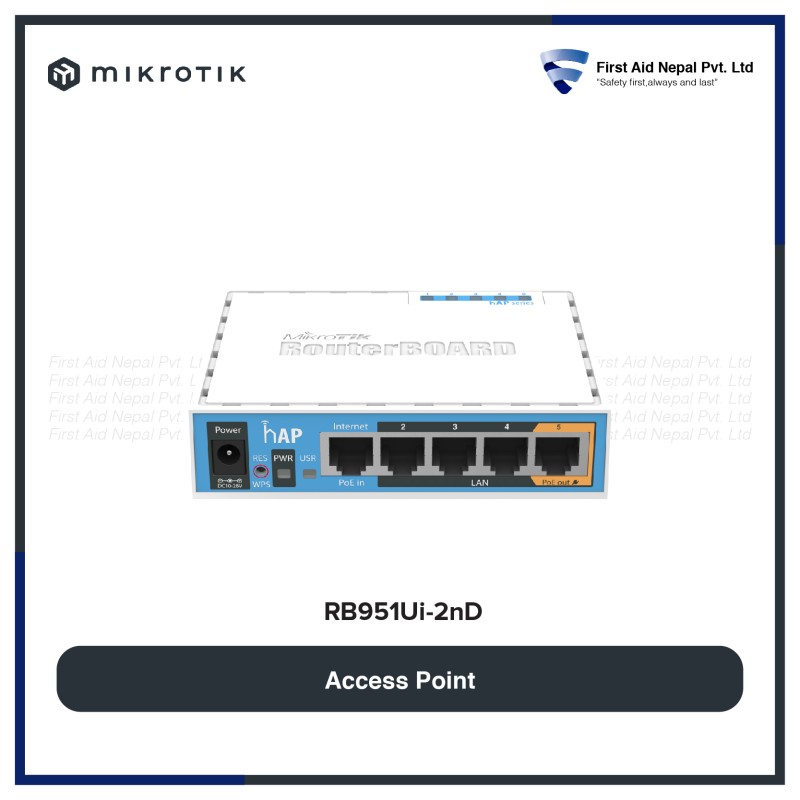
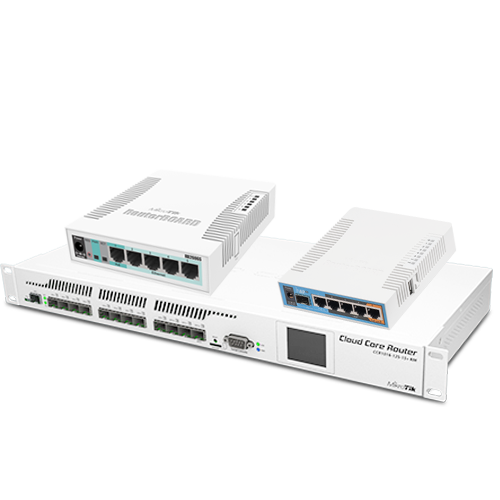
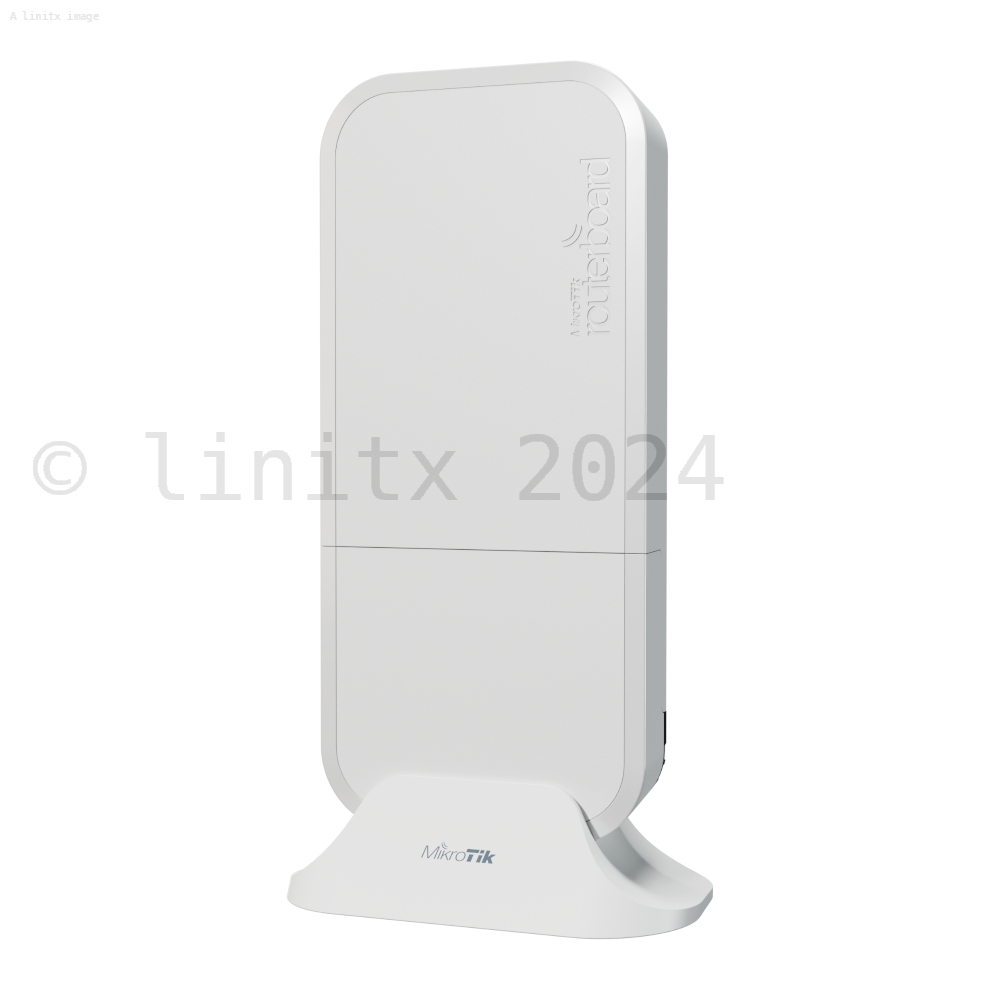
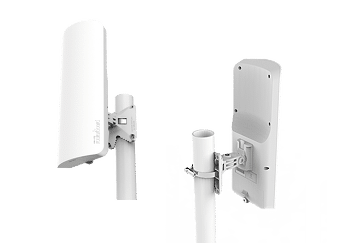
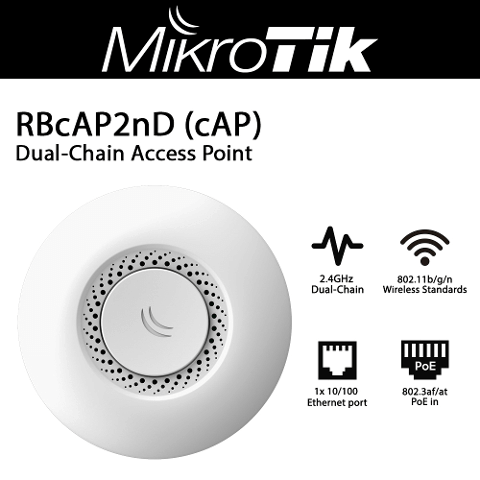
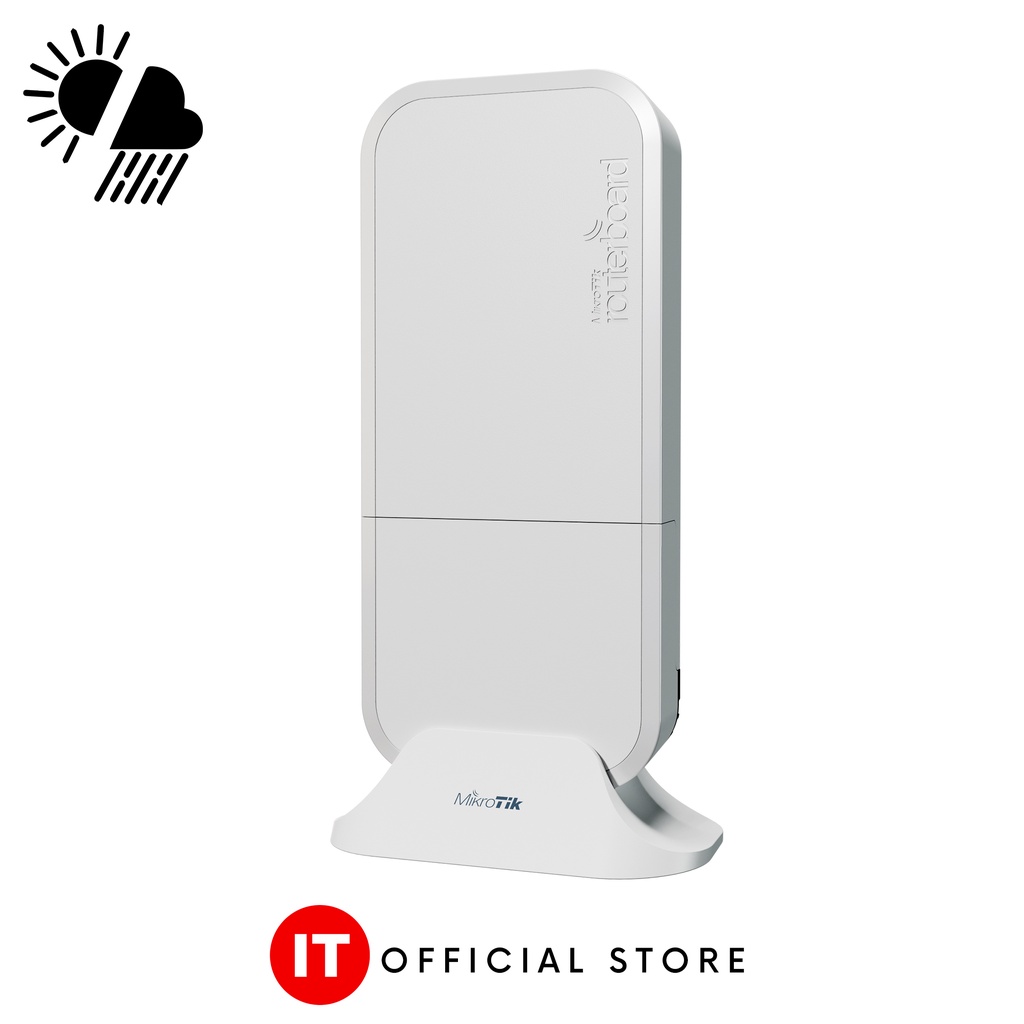
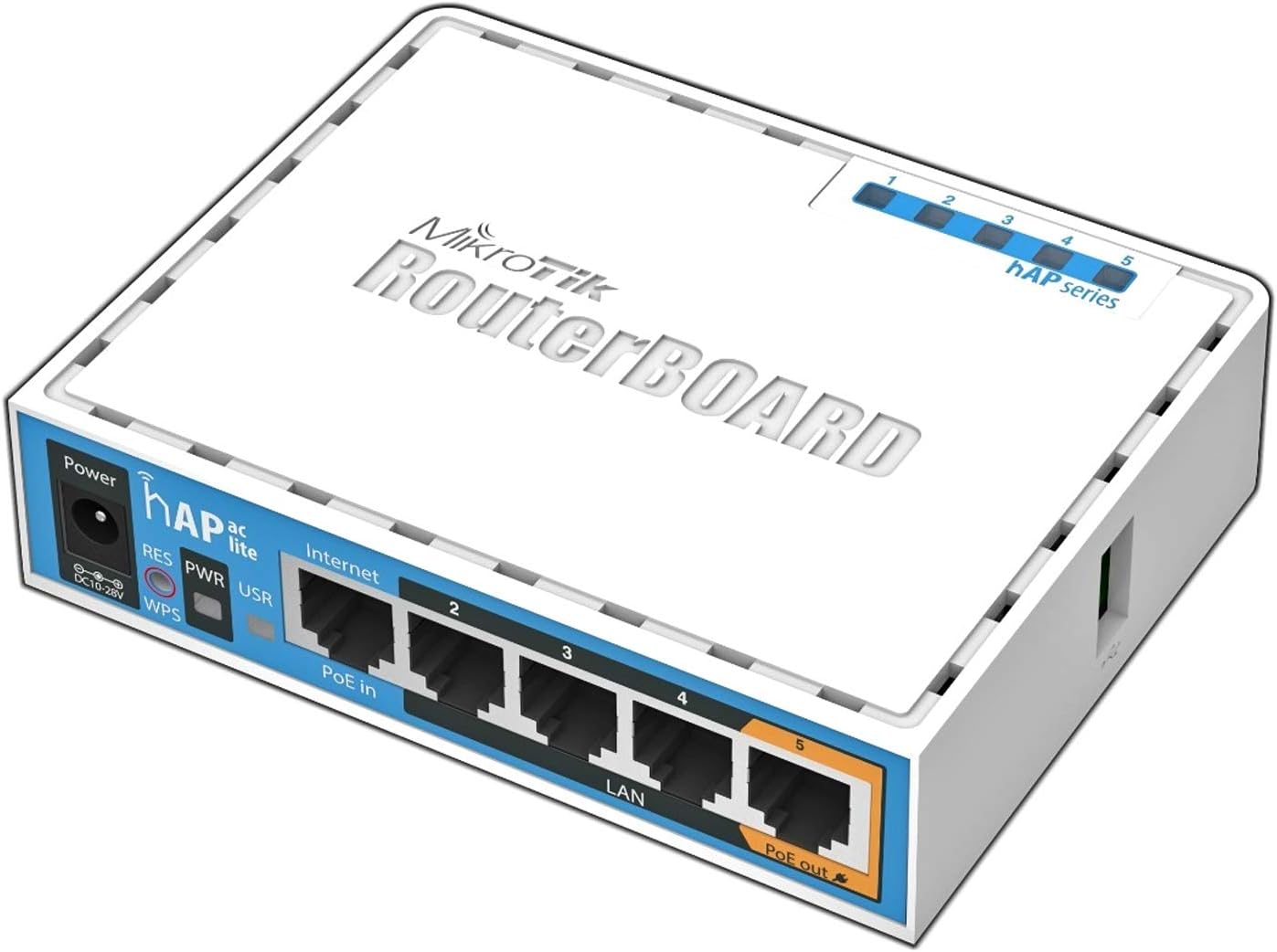
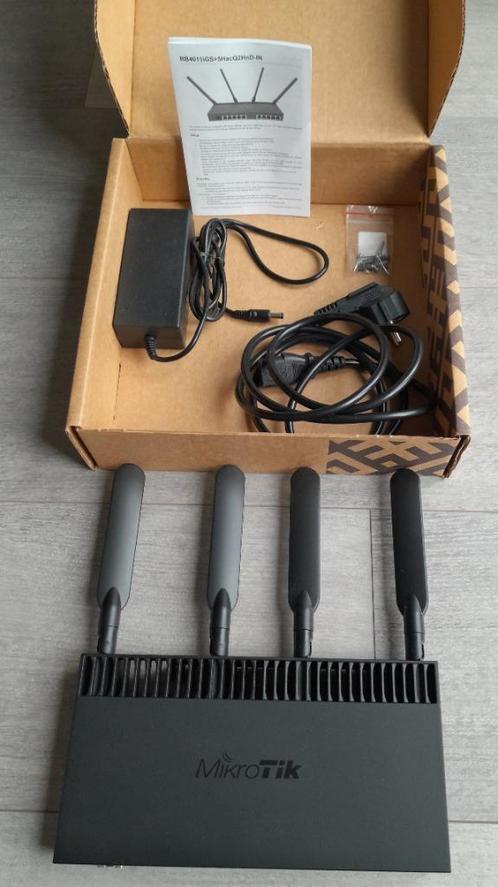
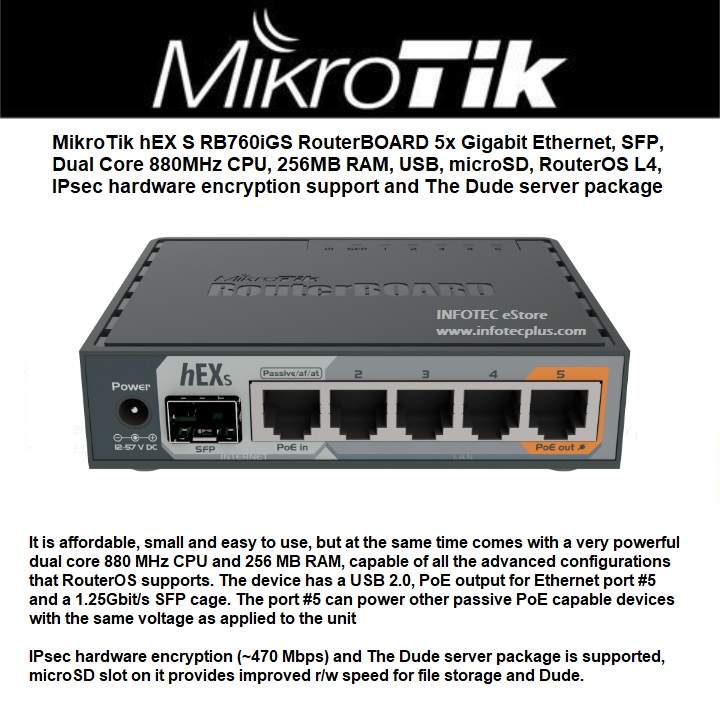
- Router Equipment: Ensure you have a Mikrotik device with a compatible model number.
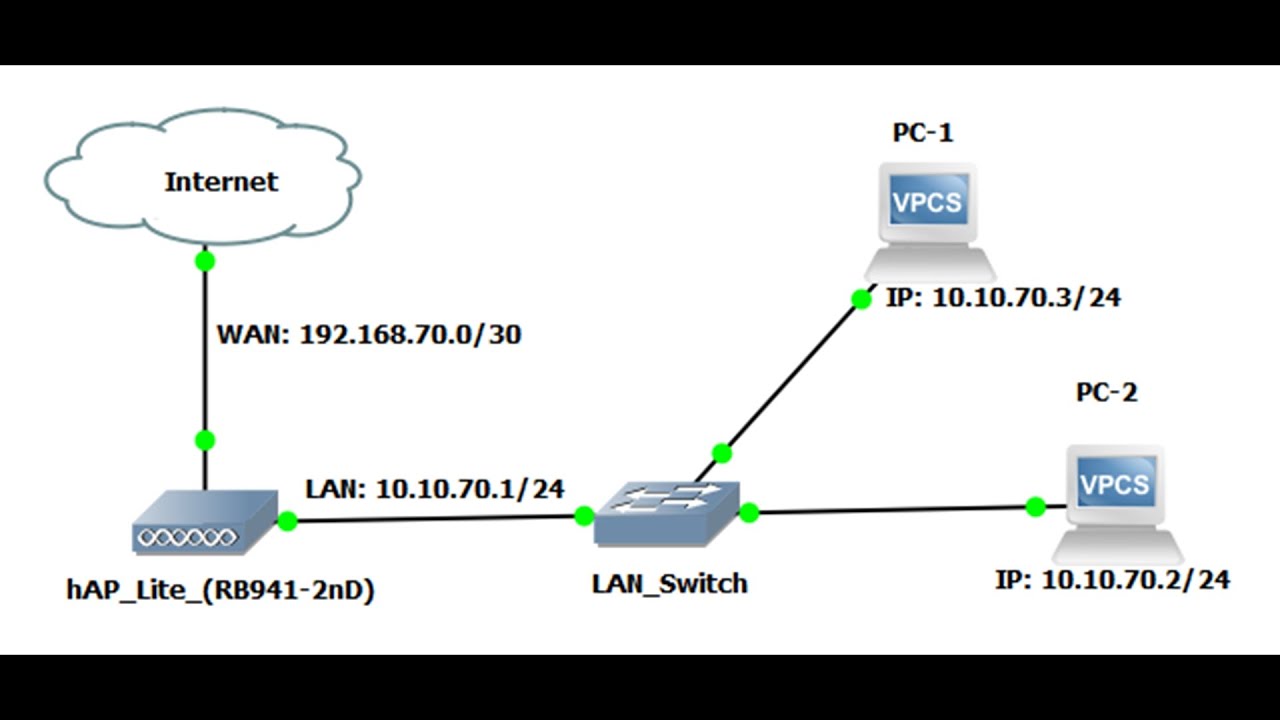
- Existing Network Devices: Gather a list of devices connected to the network, including other routers, switches, and network devices.
- Power Supply: Ensure the router is properly powered and configured to receive power from a stable source.