Cisco Router Configuration for Wireless Network: A Comprehensive Guide
Understanding Cisco Router Configuration
A Cisco router is a powerful networking device that plays a crucial role in connecting your local area network (LAN) to the wider internet. In this article, we will discuss the process of configuring a Cisco router for wireless network connectivity. Before we dive into the configuration process, let's first understand the basics of Cisco routers and their importance in wireless networking.
Types of Cisco Routers for Wireless Networks

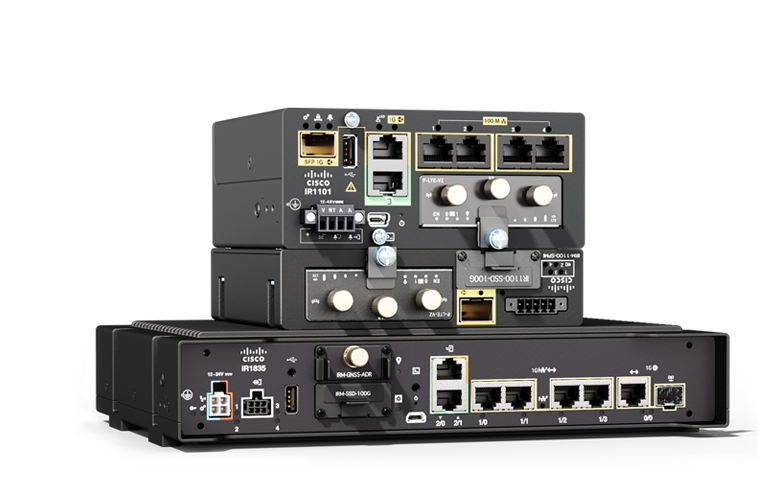
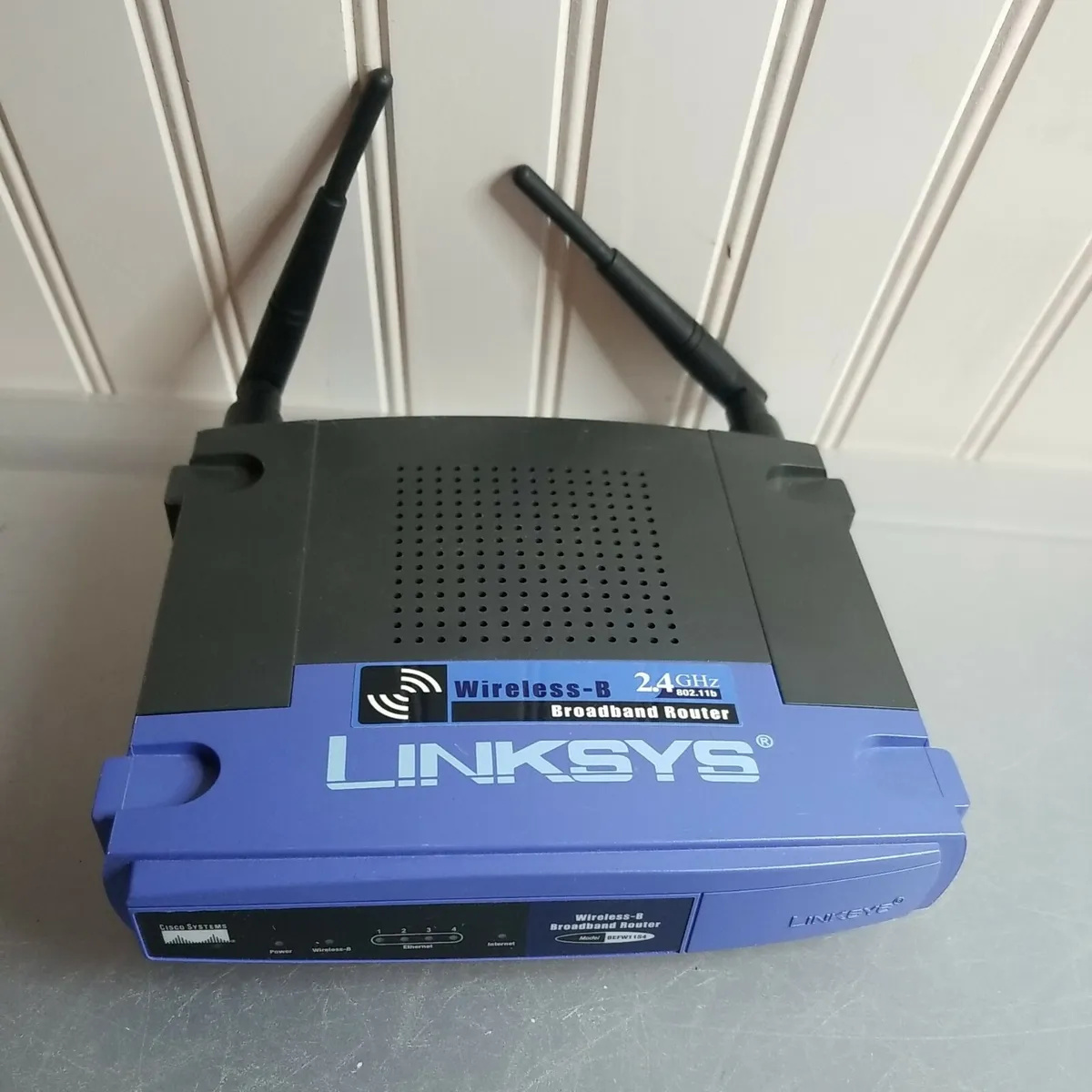
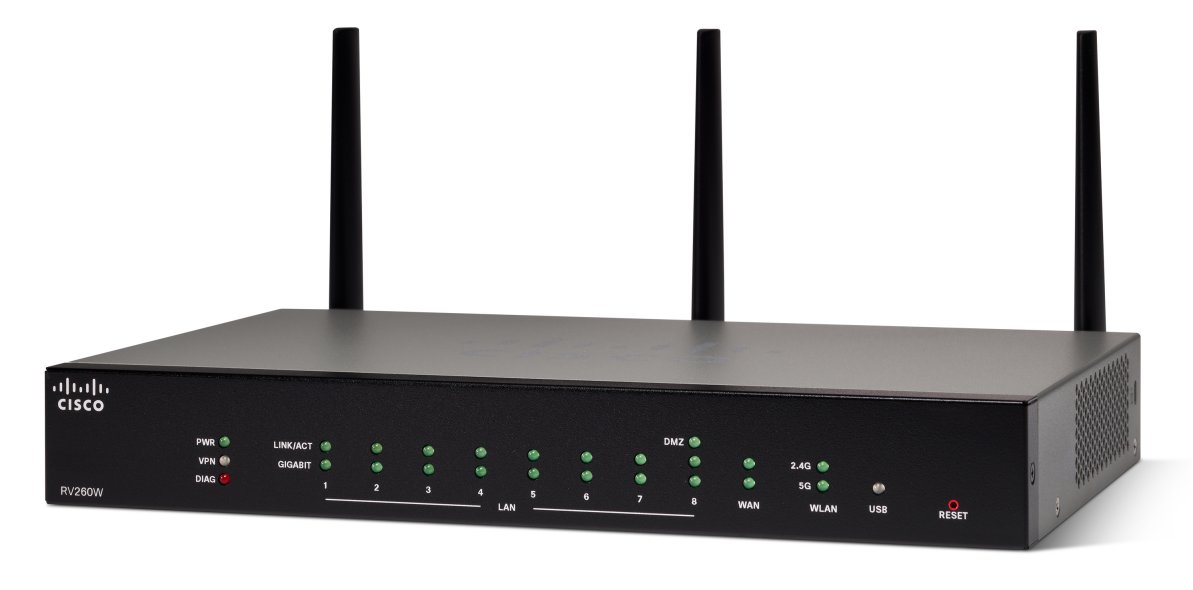
Cisco offers a range of routers that support wireless network connectivity, including the Cisco 850 and 870 series routers. These routers provide a secure, affordable, and easy-to-use wireless LAN solution that combines mobility and flexibility with enterprise-class features required by networking professionals. With a management system based on Cisco IOS software, these routers function as access points and are Wi-Fi certified, IEEE 802.11a/b/g-compliant wireless LAN transceivers.
Accessing the Router's Configuration Page
To access the Cisco wireless router's configuration page, you need to open a web browser on your computer and type in the router's IP address. The default IP address for most Cisco routers is 192.168.1.1, but this may vary depending on the specific model of your router. Once you access the configuration page, you can start configuring the wireless network settings.