TikTok Seller Account Setup: A Step-by-Step Guide for News Sellers
Are you a business owner looking to leverage the massive user base of TikTok, the popular short-form video-sharing platform, to reach new customers and increase sales? You're not alone! Many entrepreneurs are flocking to TikTok to create a presence for their business and tap into the lucrative e-commerce opportunities. But before you can start selling on TikTok, you need to set up your seller account correctly. In this article, we'll walk you through the process of setting up your TikTok shop, linking your TikTok account, configuring shipping and tax settings, and designing your shop to start selling successfully.
Eligibility for TikTok Seller Account Setup
Before you begin, make sure you meet the requirements to set up a TikTok seller account. You need to have a TikTok business account, which you can either create a new one with a new phone number or email or switch from your personal account. This is essential to unlock the Seller Center features. Keep in mind that TikTok has strict policies regarding identity verification, so ensure your account information matches your legal documents to avoid any rejection.
Step 1: Registration via Seller Center
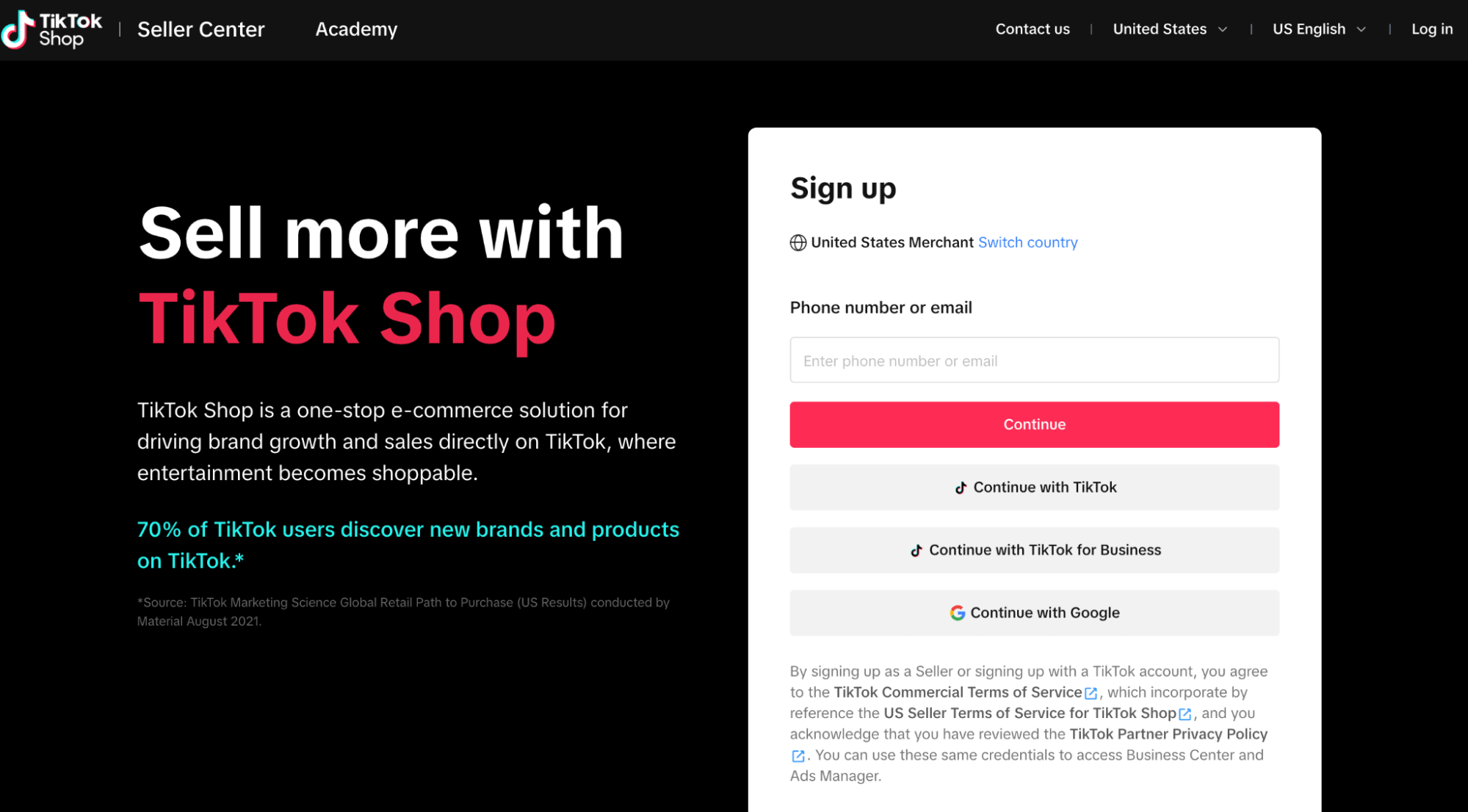
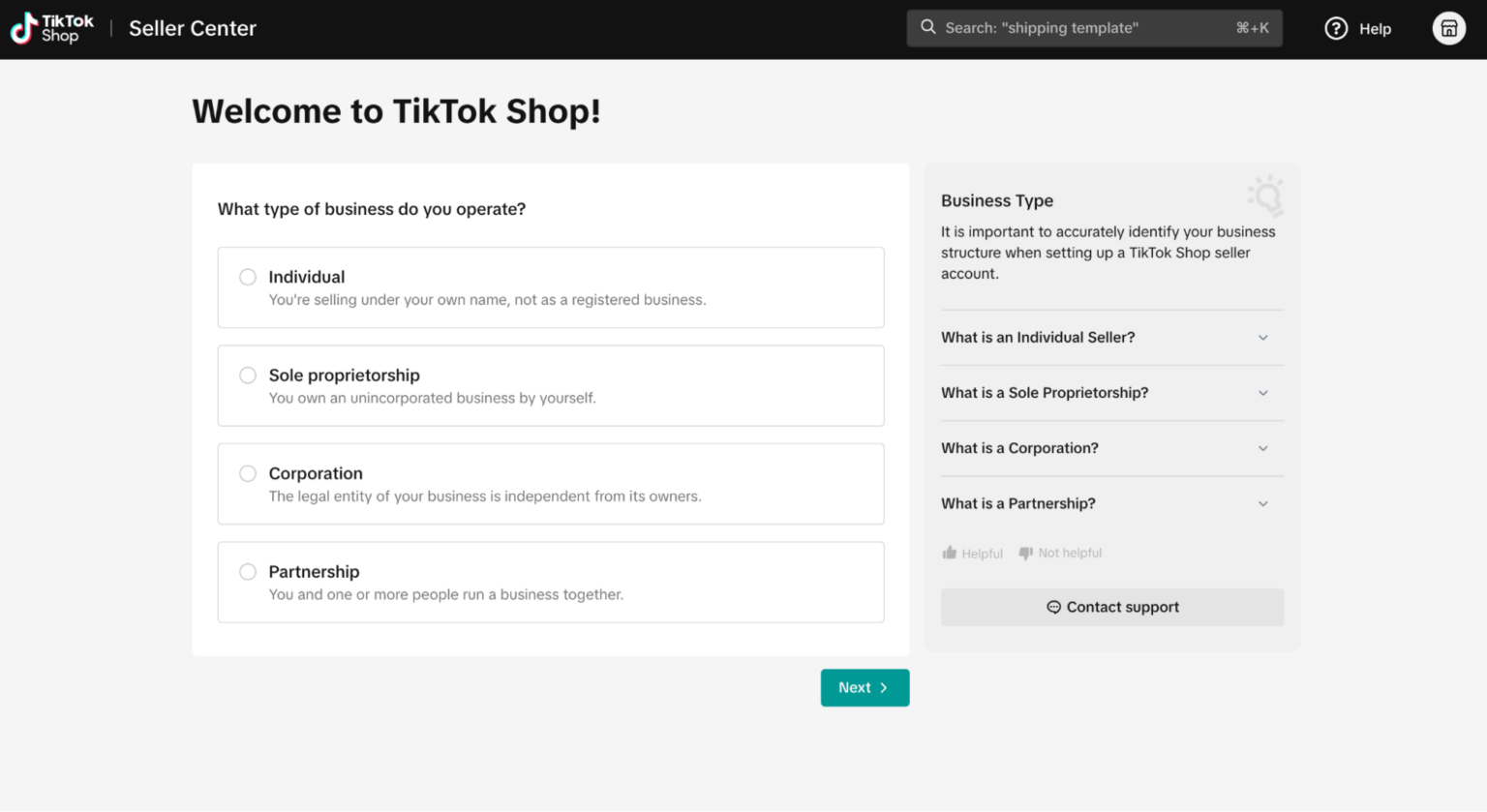
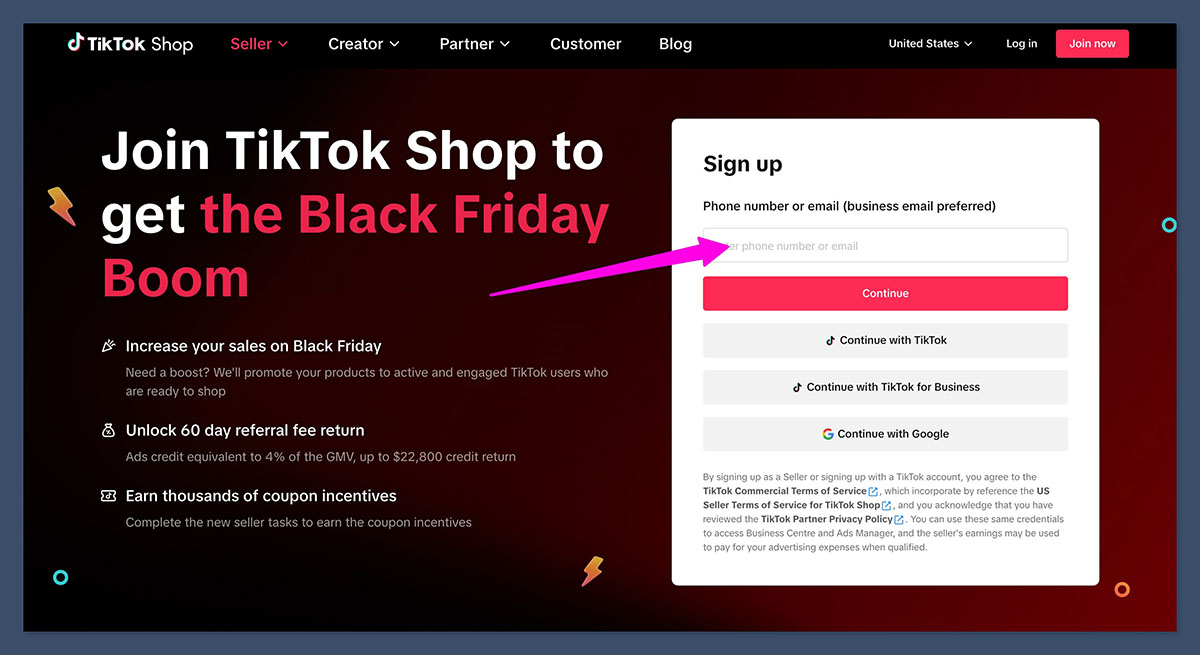
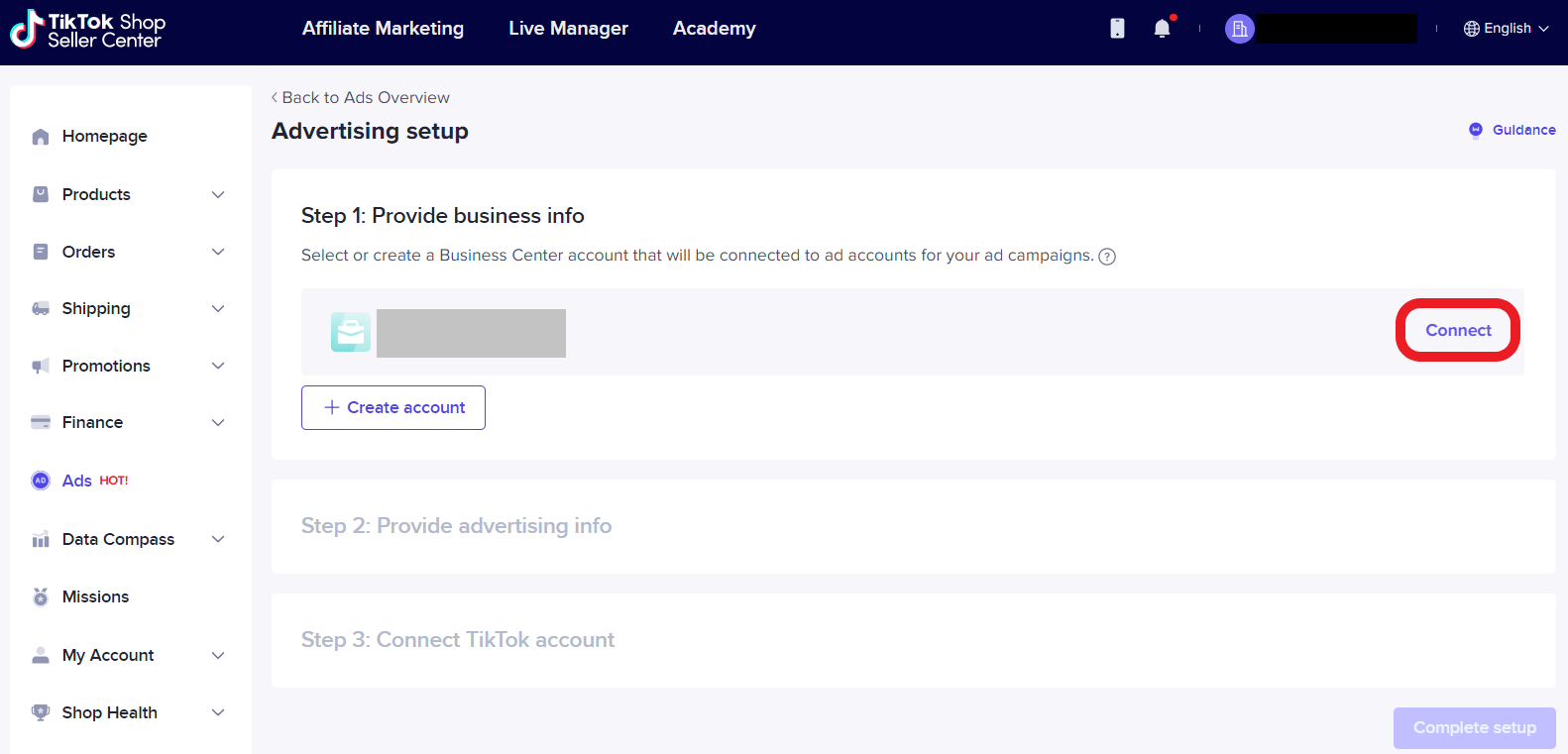
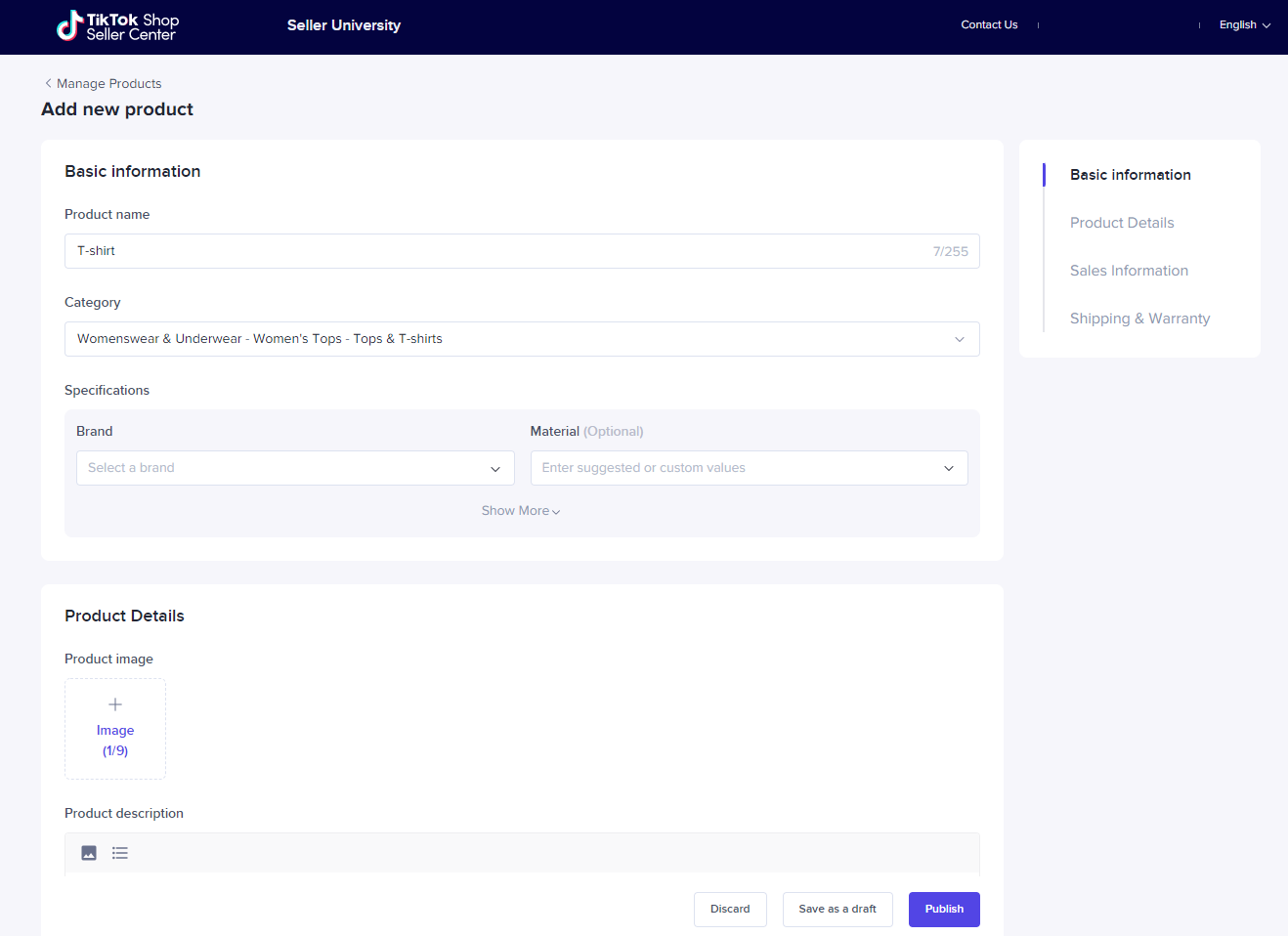
To start the TikTok seller account setup process, head over to the Seller Center and register your shop. You'll need to provide essential information, such as your business name, address, and tax identification number. Make sure to verify your identity with the required documents, including your government-issued ID, business registration documents, and tax certificates.