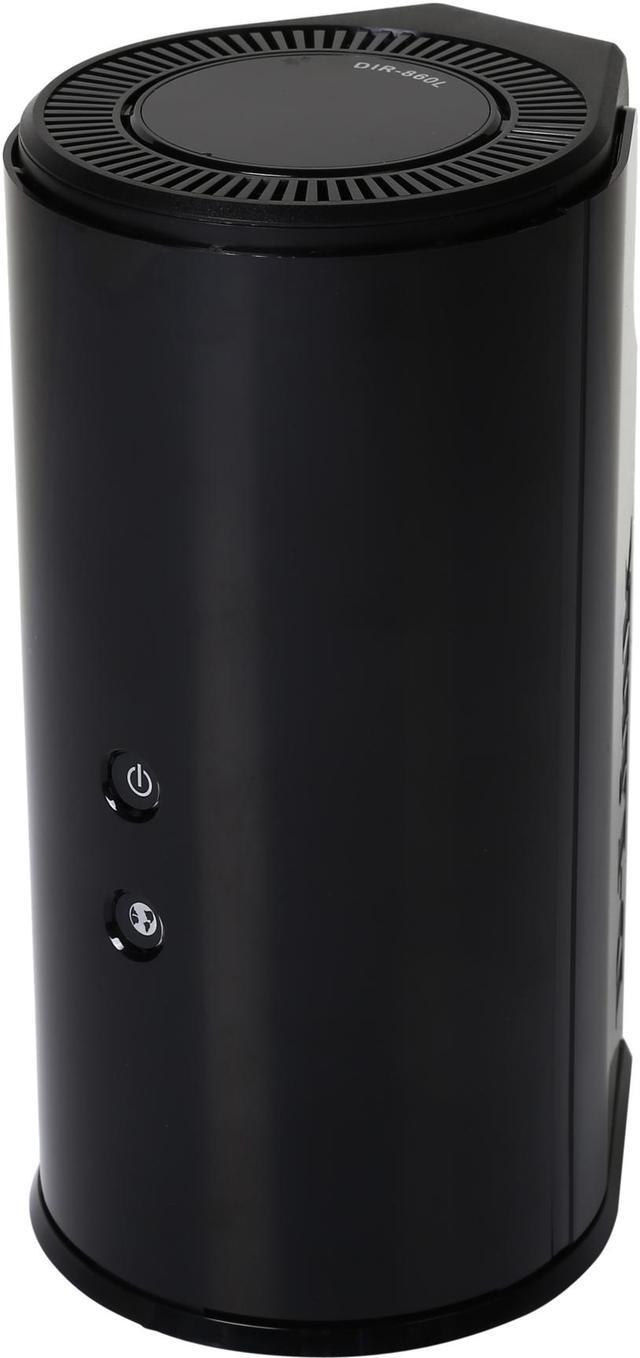
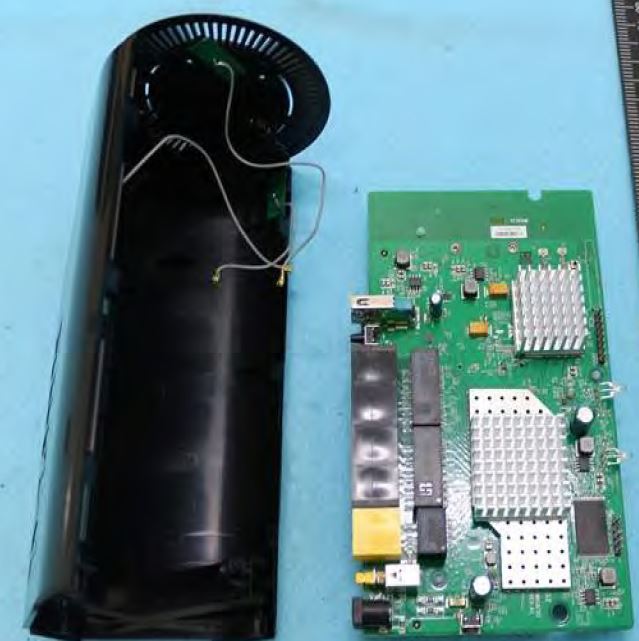
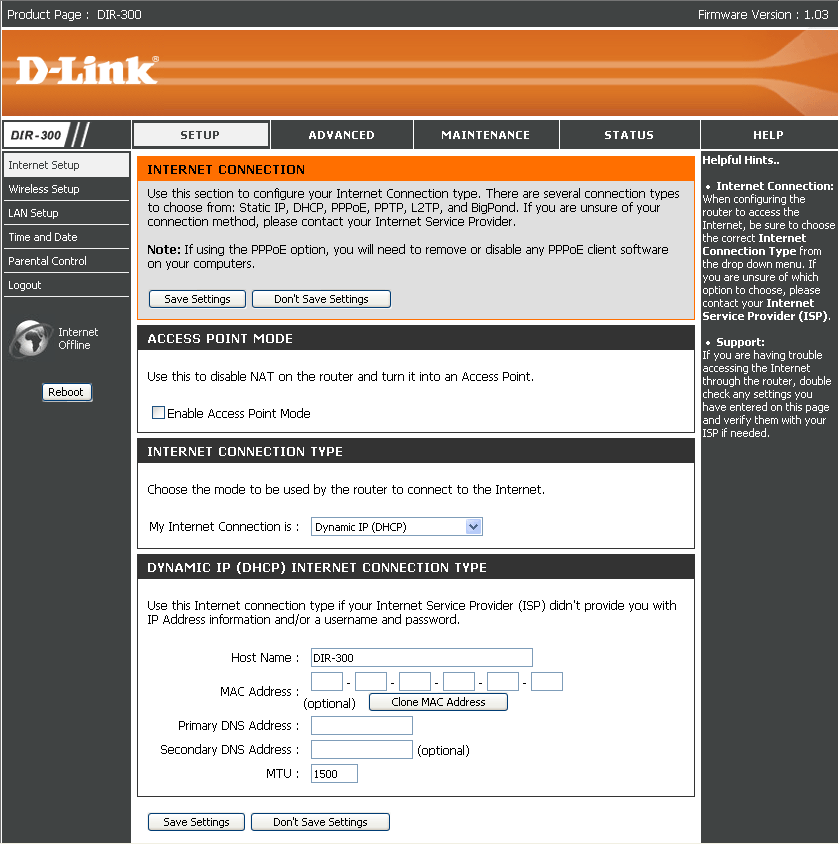
D-Link DIR-860L Firmware Update Tutorial: A Step-by-Step Guide
Introduction
The D-Link DIR-860L is a powerful wireless router that provides high-speed wireless connectivity and advanced features for a seamless online experience. However, like any other device, it requires regular updates to ensure it runs smoothly and securely. In this tutorial, we will guide you through the process of updating the firmware of your D-Link DIR-860L router to the latest version.Why Update Firmware?
Updating the firmware of your D-Link DIR-860L router is essential for several reasons: *- Improved security: New firmware releases often include security patches to fix vulnerabilities and protect your device from malware attacks.
- Enhanced performance: Firmware updates can improve the overall performance of your router, including speed and range.
- Compatibility: Regular updates ensure that your router remains compatible with the latest devices and technologies.
- Added features: Firmware updates can include new features and functionalities that enhance your online experience.
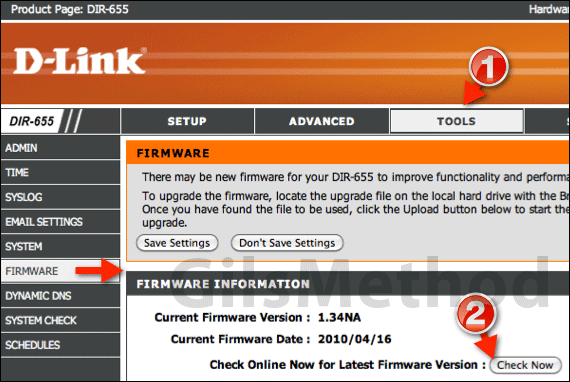
Step 1: Download the Firmware
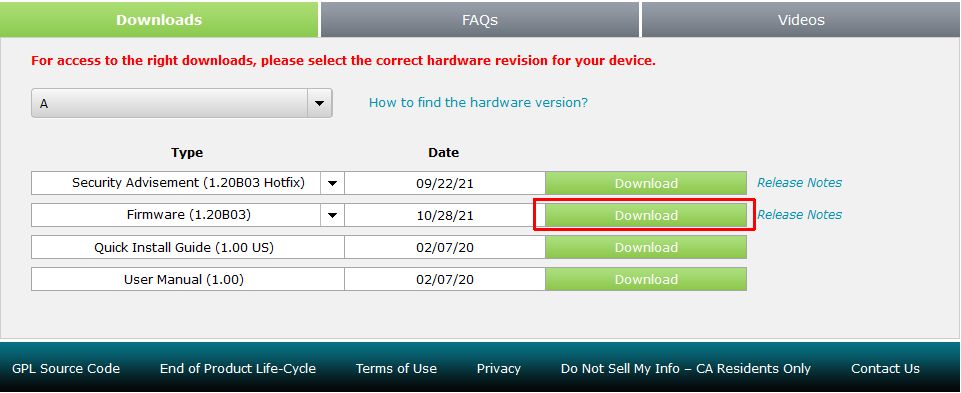
To update the firmware of your D-Link DIR-860L router, you need to download the latest firmware from the official D-Link website. Here's how to do it: *Visit the D-Link website and navigate to the support section for your router model.
*Click on the firmware tab and select the latest version available.