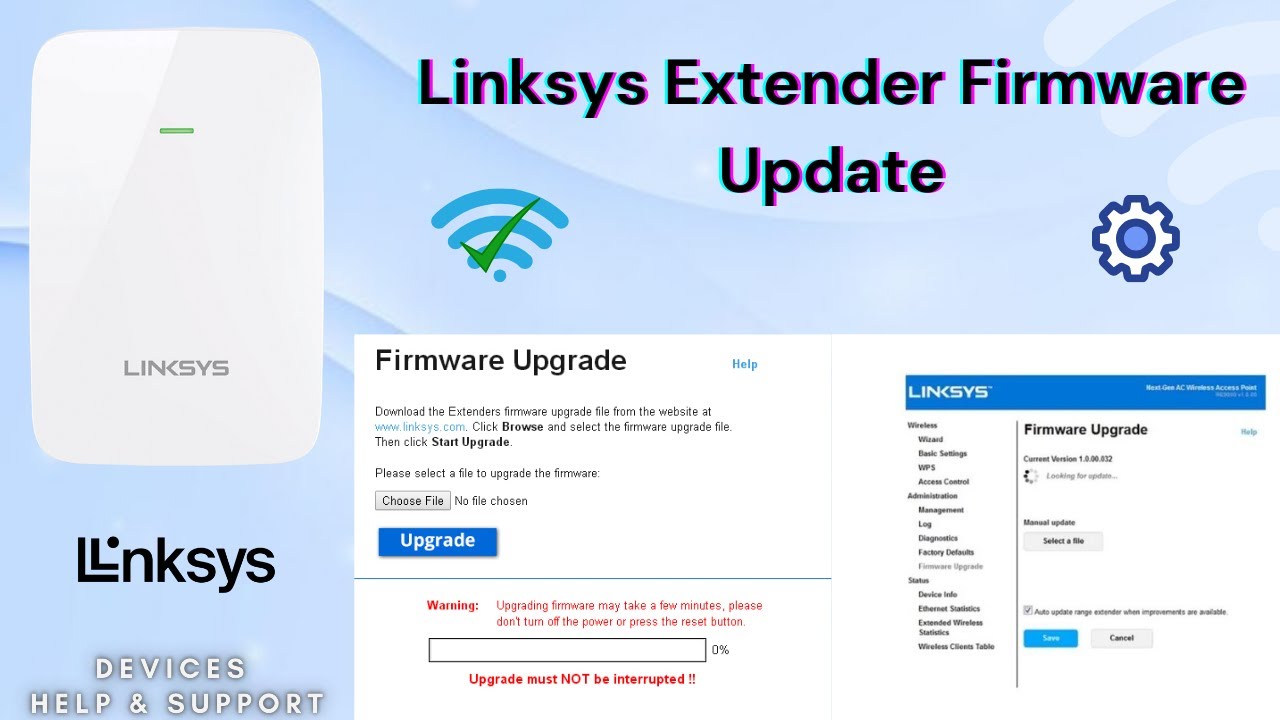
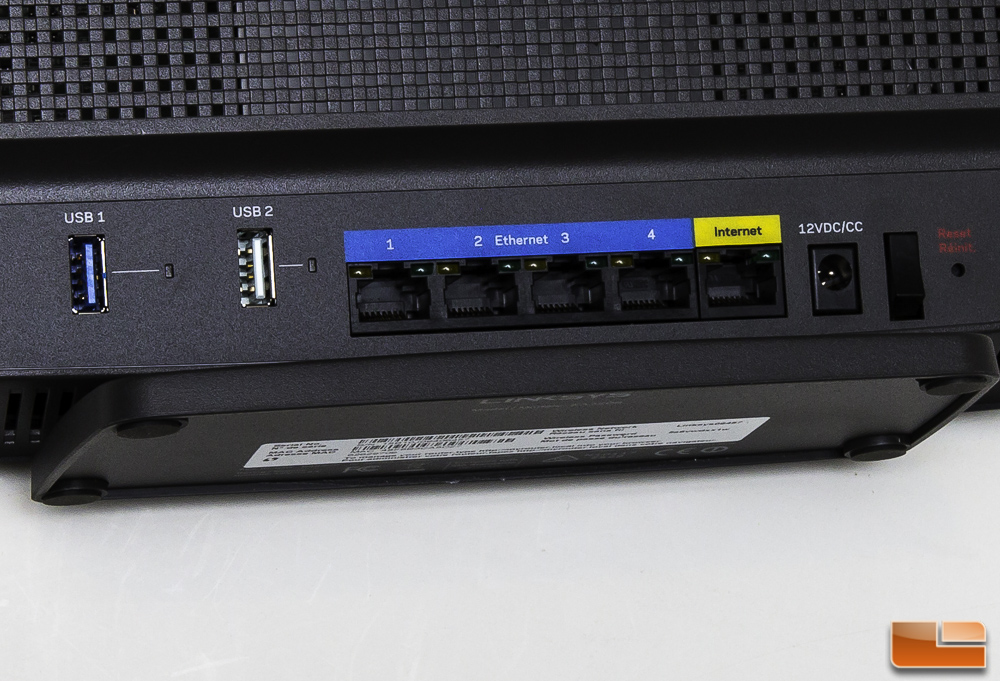
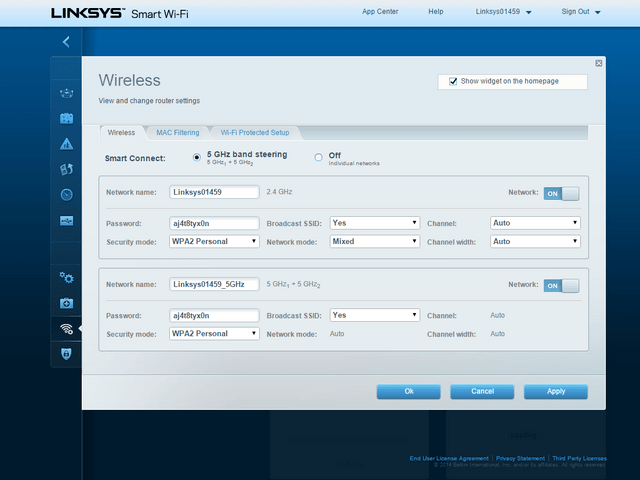
Firmware Update for Linksys EA9200: A Step-by-Step Guide
updating the firmware of your network devices is crucial for maintaining optimal performance, security, and resolving any issues or bugs that may arise. In this article, we will guide you through the process of updating the firmware of your Linksys EA9200 router.
Why Upgrade your Linksys EA9200 Firmware?
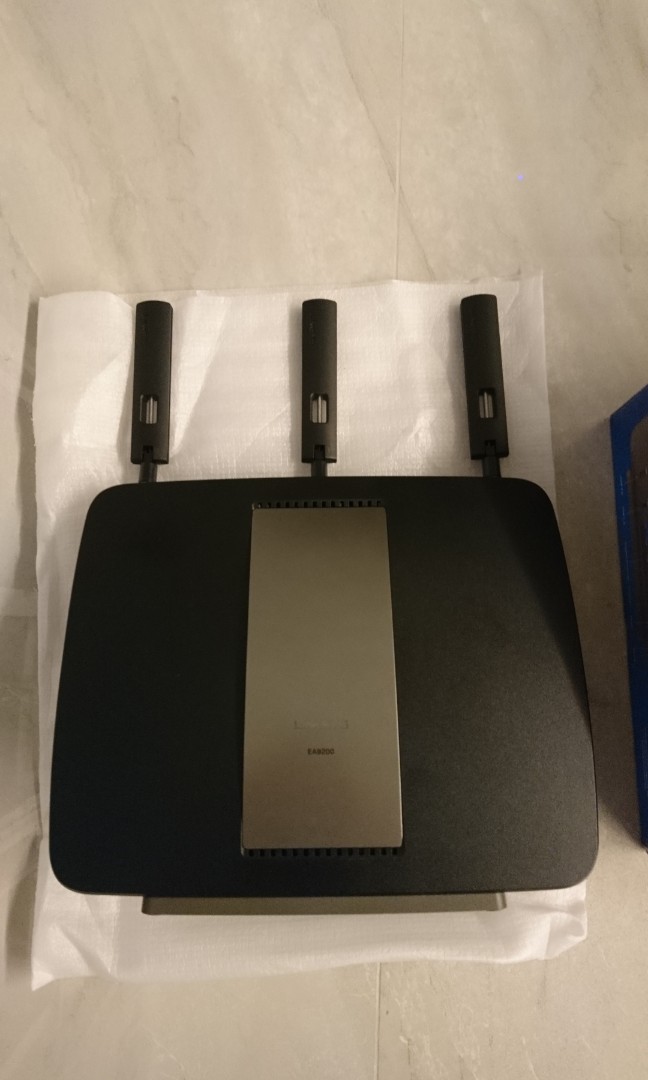
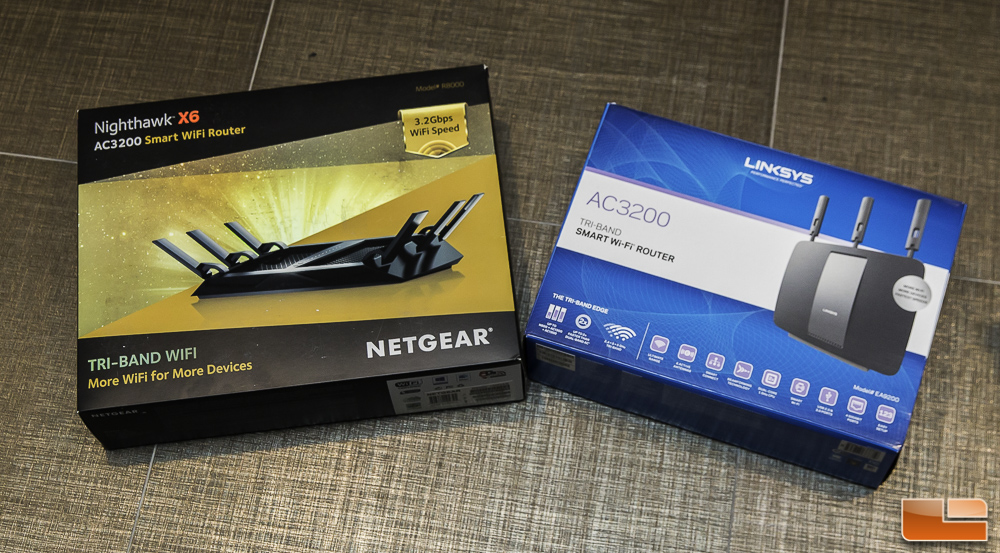
The Linksys EA9200 is a tri-band router that provides fast wireless speeds of up to 3.2 Gbps, making it an ideal choice for heavy internet users. Regular firmware updates are essential to ensure that your device remains secure and has the latest features and bug fixes. Keeping your firmware up-to-date ensures that your router can perform optimally, and any issues or bugs are resolved promptly.
Checking the Firmware Version of your Linksys EA9200 Router
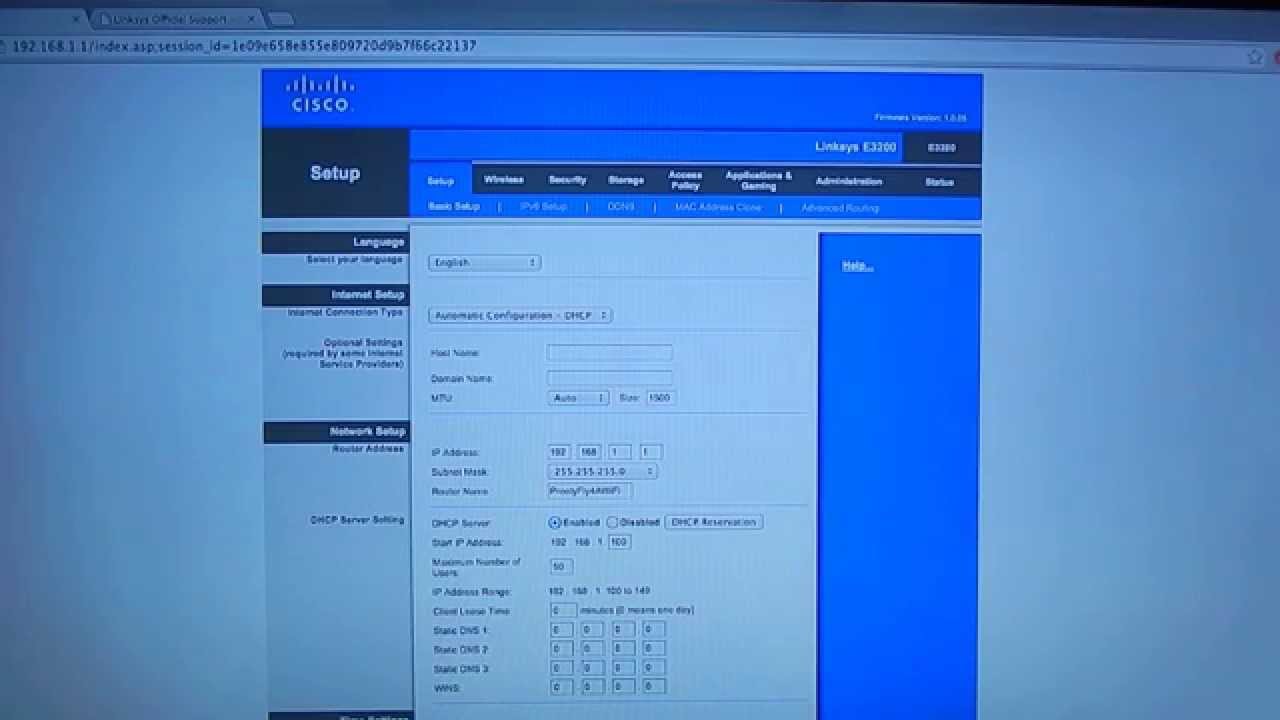
To update the firmware, you first need to check the current version of your device. You can do this by accessing your Linksys cloud account. Follow the steps below:
- Access your Linksys cloud account.
- Click on "Connectivity."
- Locate the "Firmware Updates" section under the Connectivity tab.
- Check the current firmware version of your router.
How to Update Firmware on a Linksys EA9200 Router
Updating the firmware on your Linksys EA9200 router is a straightforward process.